3-7 VNA Key Functions - Marker Menu Chapter 3 — Vector Network Analyzer
3-38 MS20xxA VNA Master UG 10580-00166 Rev. C
Marker Menu
To access the functions under the Marker menu, select the Marker function hard key.
Marker 1 2 3 4 5 6
Use this soft key to select the active marker. The underlined marker number is the
active marker. Each press of the soft key moves the underline to the next marker
number.
On/Off
This soft key makes the active marker, selected by the
Marker soft key above, active for
editing. If the associated Delta marker is on and active for editing, pressing this button
will toggle so that the Reference marker becomes active for editing. It does this without
changing the value of the associated Delta marker. However, if the marker (or
Reference marker) is currently active for editing, pressing the
On/Off key causes the
selected marker and the associated Delta marker to be turned off.
Delta On/Off
If the Delta marker is off, or on, but not active for editing, pressing this soft key makes
the Delta marker active for editing. If the delta marker is currently active for editing,
pressing the
On/Off key causes the delta marker to be turned off, and the associated
Reference marker to become active for editing. The Reference marker must be On
before the associated Delta marker can be turned on.
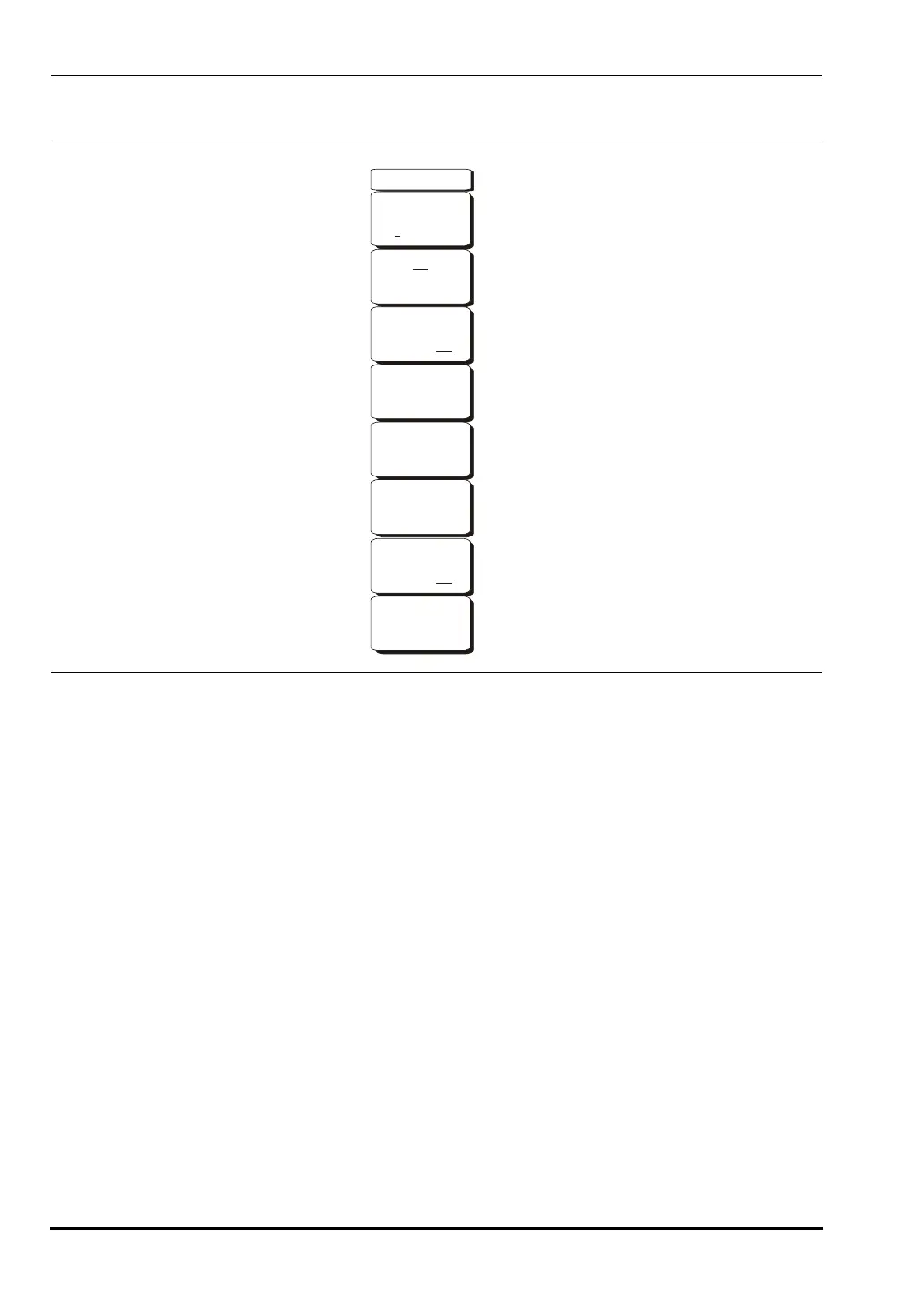
Figure 3-24. Marker Menu
-->
Marker
Marker
2 3 4 5 61
On
Off
Peak Search
Delta
On Off
Valley Search
Marker Table
On Off
All Markers
Off
10580-00166C.book Page 38 Thursday, February 21, 2008 12:52 PM













 To Next Page