Chapter 3 — Vector Network Analyzer 3-7 VNA Key Functions - Measurement Menu (Field Menus)
MS20xxA VNA Master UG 10580-00166 Rev. C 3-45
Measurement Menu (Field Menus)
While the VNA Master is in VNA mode and is set for the Field Measurement application
option, press the
Measurement function hard key or press the Shift key then the Measure (4)
button. The Measurement menu is used to select the measurement format. For details about
setting this option, refer to “System Menu” on page 3-54.
VSWR
Select the
VSWR soft key to view the match in VSWR.
Return Loss
Return Loss is used to characterize RF components and systems. The Return Loss
indicates how well the system is matched by taking the ratio of the reflected signal to
the incident signal and measuring the reflected power in dB.
Cable Loss
The cable loss test verifies the signal attenuation level of the cable.
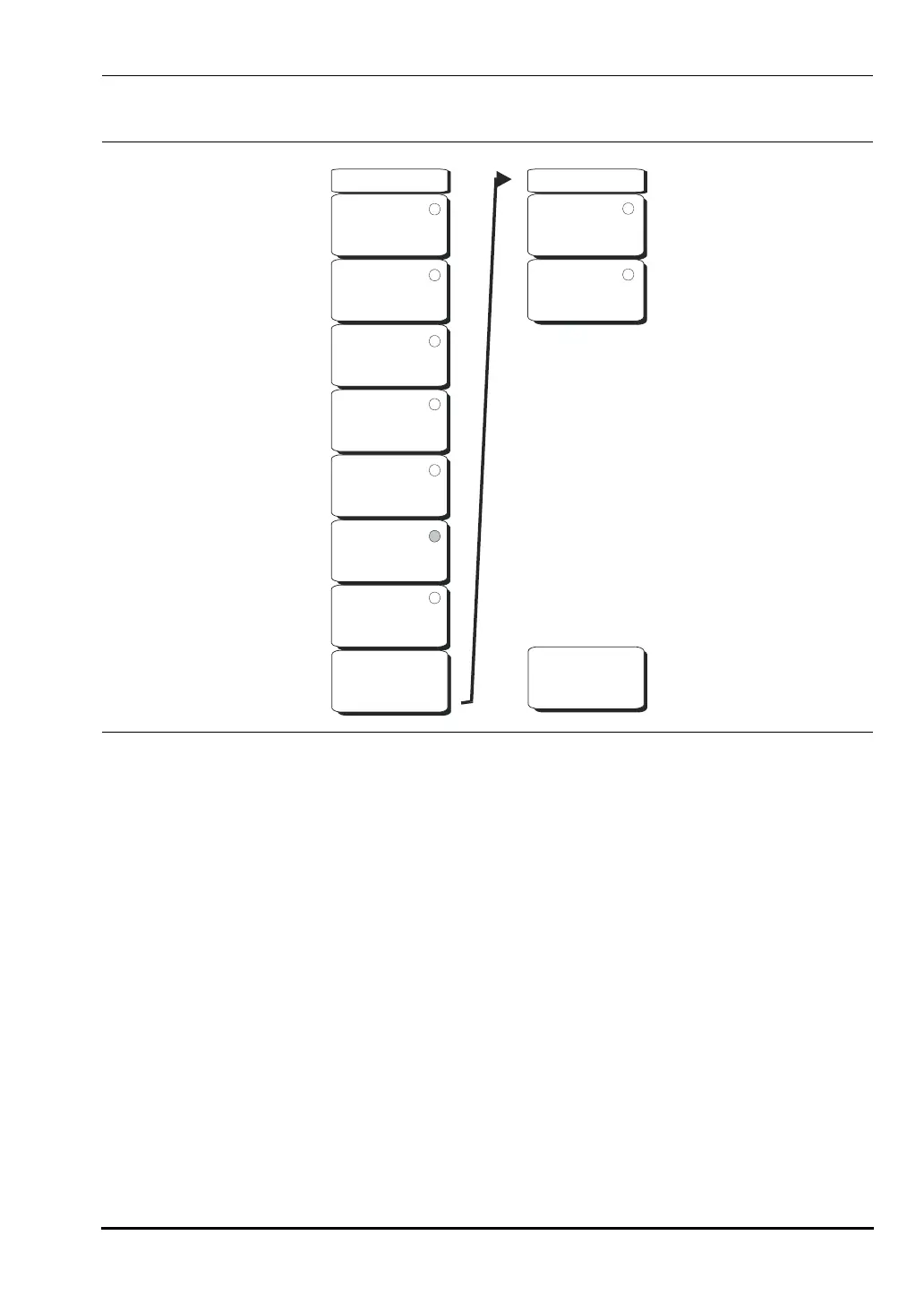
Figure 3-26. Field Measurement Menu
Measurement
VSWR
Return Loss
Cable Loss
DTF
Return Loss
DTF VSWR
2-Port Gain
Smith Chart
Next
-->
Back
-->
1-Port Phase
2-Port Phase
Measurement
10580-00166C.book Page 45 Thursday, February 21, 2008 12:52 PM













 To Next Page