12-3 GPS Menu Chapter 12 — GPS Receiver, Option 31
12-2 MS20xxA VNA Master UG 10580-00166 Rev. C
4. When the GPS receiver has tracked at least three satellites, the GPS icon will change to
GREEN. Latitude and Longitude information is displayed in the white bar on top of the
display. Acquiring satellites may take as long as three minutes.
5. Press the
GPS Info soft key to view the number of tracked satellites, latitude, longitude,
altitude, and UTC timing information, and so forth.
6. Press the
Reset soft key to reset the GPS.
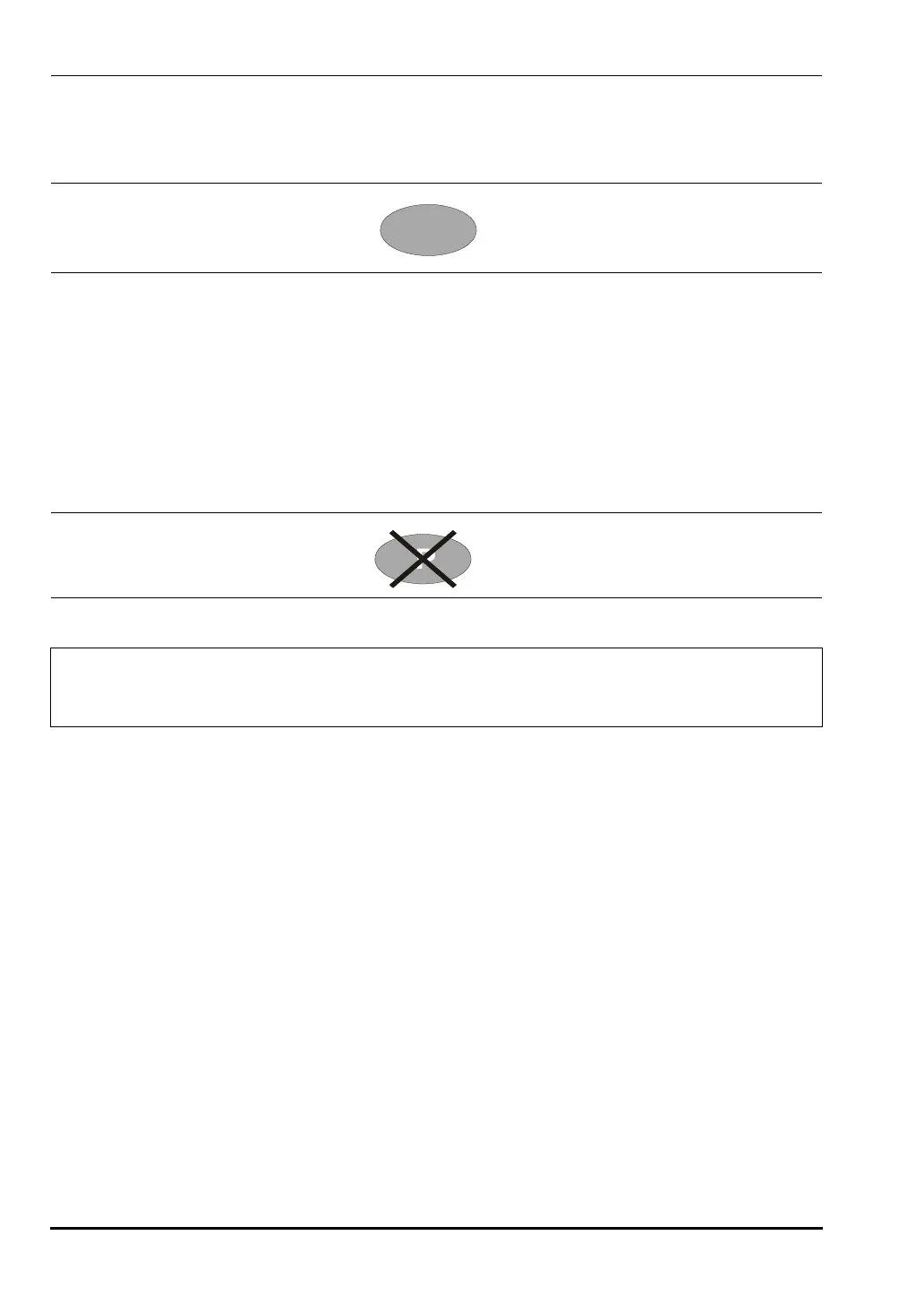
7. The GREEN GPS icon with a RED CROSS through it, as shown below, appears when
GPS satellite tracking is lost (after actively tracking 3 or more satellites). The GPS
longitude and latitude are saved in the instrument memory until the VNA Master is
turned off or until GPS is turned off by using the
GPS On/Off soft key.
12-3 GPS Menu
The GPS soft key menu is shown in Figure 3-30 on page 3-54.
GPS On/Off
This soft key toggles the GPS feature On and Off.
GPS Info
The
GPS Info soft key opens a window with additional GPS information. Press the Esc
key to close the window.
Reset
The
Reset soft key sets the tracked number of satellites to 0 and erases any almanac
data, along with saved coordinates. The process of searching for and reacquiring
satellites will begin again.
Figure 12-2. GPS - Green
Figure 12-3. GPS - Crossed
Note
When the GPS feature is not enabled, the reference source will display either
“Internal Standard Accuracy” or a user-selected external reference frequency in
the Status menu on the left side of the screen.
10580-00166C.book Page 2 Thursday, February 21, 2008 12:52 PM













 To Next Page