Chapter 8 — Vector Voltmeter, Option 15 8-7 Vector Voltmeter Mode Menus - Table Menu
MS20xxA VNA Master UG 10580-00166 Rev. C 8-11
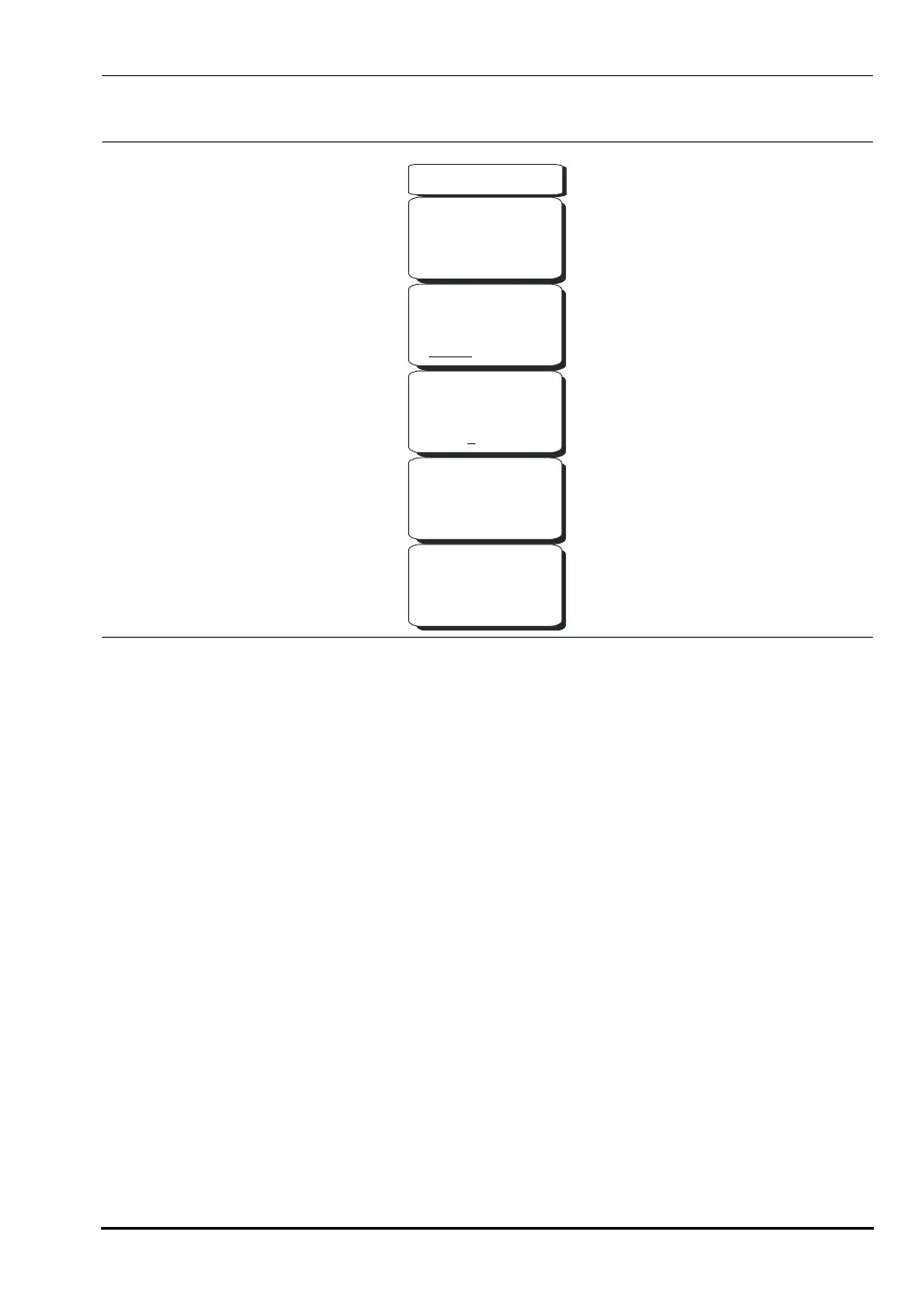
Table Menu
CW Frequency #.### GHz, MHz, kHz, GHz
Press this soft key to set the desired measurement frequency. Enter the desired
frequency using the keypad, the arrow keys, or the rotary knob. If entering a frequency
using the keypad, then the soft key labels change to
GHz, MHz, kHz, and Hz. Select the
appropriate units key. Selecting the
Enter key has the same affect as using the MHz soft
key.
Measurement Type: Return – Insertion
Press the
Measurement Type soft key to toggle between return and insertion.
Select Cable:1 2 3 4 5
One of the five cable numbers is underlined to indicate which cable is selected. Change
to a different cable by pressing the
Select Cable soft key. The data in the selected cable
row is highlighted in the displayed table.
Save New Reference
Press this soft key to save the current measurement as the reference measurement.
Entering a reference puts the Vector Voltmeter in relative measurement mode.
Clear Reference
Pressing this soft key removes the reference measurement from memory, and the
Vector Voltmeter exits the relative measurement mode.
Figure 8-9. Table Menu
Table
CW Frequency
2.710 GHz
Measurement Type
Return Insertion
Select Cable
1 3 4 52
Save
New
Reference
Clear
Reference
10580-00166C.book Page 11 Thursday, February 21, 2008 12:52 PM













 To Next Page