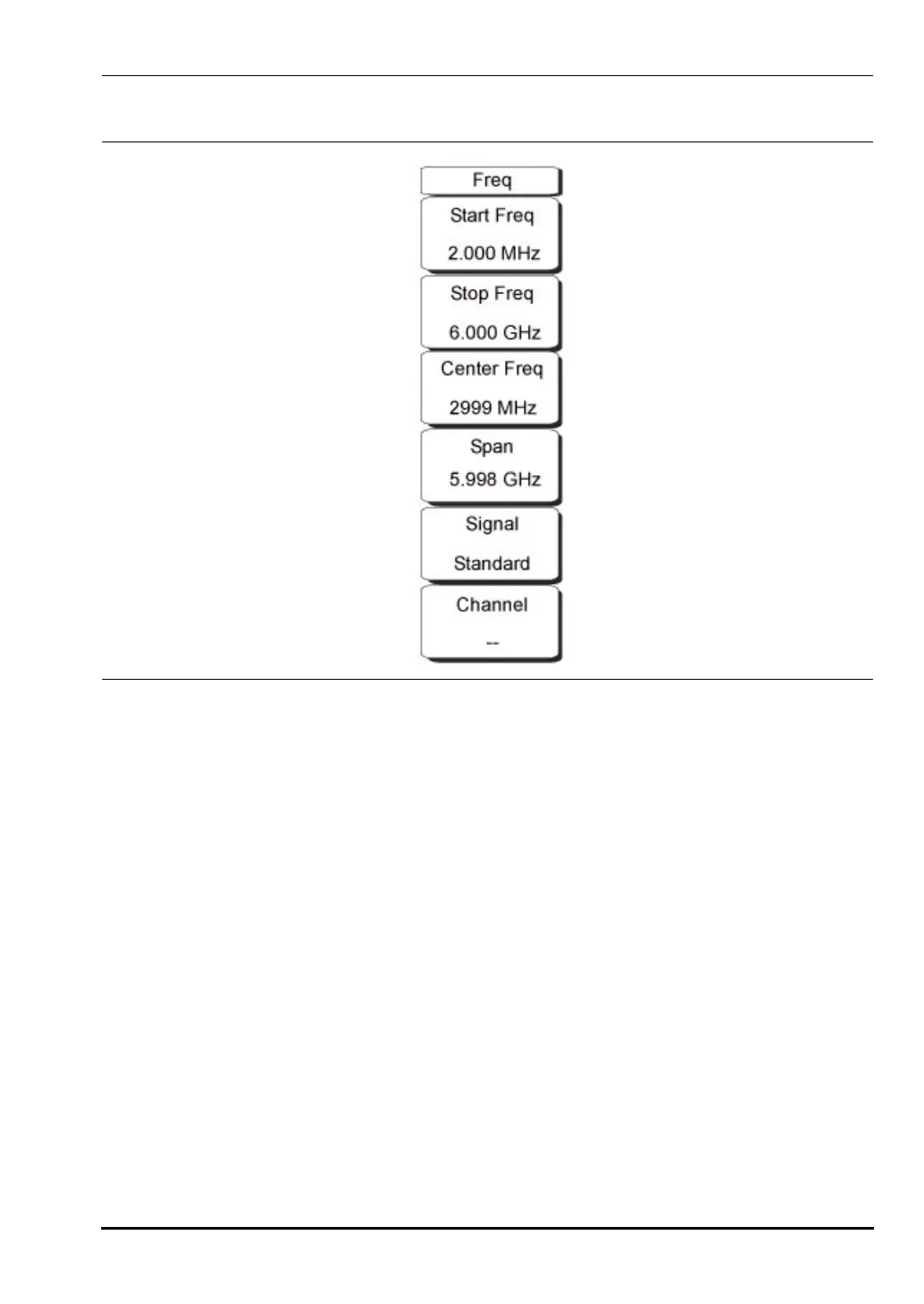
Chapter 3 — Vector Network Analyzer 3-7 VNA Key Functions - Freq/Dist Menu
MS20xxA VNA Master UG 10580-00166 Rev. C 3-33
Freq/Dist Menu
The tuning frequency range for the VNA Master can be entered in several different ways
depending upon what makes the most sense for the user or for the application. The center
frequency and span can be specified, the start and stop frequencies can be entered, or a signal
standard and channel number can be selected from the built-in list.
Start Frequency
Press the
Freq key followed by the Start Freq soft key and enter the desired frequency
using the keypad, the arrow keys, or the rotary knob. If a start frequency that is higher
than the current stop frequency is entered, then the start frequency is set the same as
the stop frequency. For a higher frequency range, set the
Stop Freq to the desired
frequency, then enter the
Start Freq.
Stop Frequency
Press the
Freq key followed by the Stop Freq soft key and enter the desired frequency
using the keypad, the arrow keys, or the rotary knob. If a stop frequency lower than the
current start frequency is entered, then the stop frequency is set the same as the start
frequency. For a lower frequency range, set the
Start Freq to the desired frequency, then
enter the
Stop Freq.
Figure 3-22. Freq/Dist Menu
10580-00166C.book Page 33 Thursday, February 21, 2008 12:52 PM













 To Next Page