4-31 Sweep Chapter 4 — Spectrum Analyzer
4-54 MS20xxA VNA Master UG 10580-00166 Rev. C
4-31 Sweep
To access the functions under the Sweep menu, select the Shift key, then the Sweep (3) key.
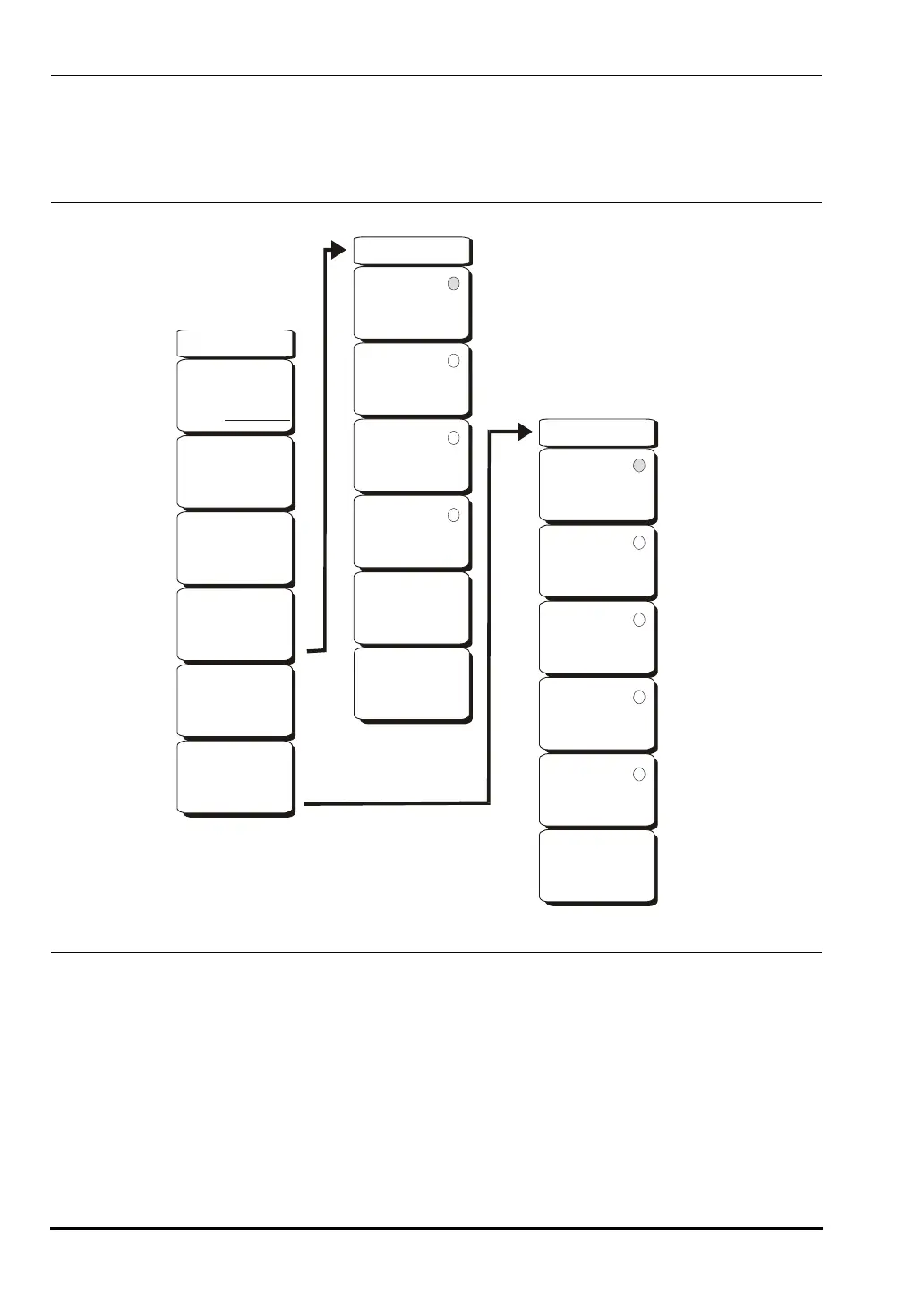
The Sweep menu soft keys are shown in Figure 4-20.
Sweep Single/Continuous
This soft key toggles between continuous sweep and single sweep. In single sweep
mode, the results of a sweep are displayed on the screen while the instrument awaits a
trigger event to start a new sweep.
Manual Trigger
Pressing this soft key causes the instrument to make a single sweep when the
instrument is in single sweep mode. This key has no function when the instrument is in
continuous sweep mode.
Figure 4-20. Sweep Menu Soft Keys
Sweep
Sweep
Single Continuous
Manual
Trigger
Reset
Sweep
Detection
Min Sweep Time
50 us
Trigger
Type
-->
-->
Free
Run
External
Video
Change
Trigger
Position
Manual
Trigger
-->
Detection
Peak
RMS
Negative
Sample
Quasi-peak
Back
-->
10580-00166C.book Page 54 Thursday, February 21, 2008 12:52 PM













 To Next Page