Chapter 3 — Vector Network Analyzer 3-7 VNA Key Functions
MS20xxA VNA Master UG 10580-00166 Rev. C 3-57
Trace Menu
To access the Trace Menu, press the Shift key, then the Trace (5) key.
Recall Trace
This function brings up a selection box that allows recall of a previously stored
measurement trace. Use the rotary knob or the Up/Down arrow keys to highlight the
saved measurement trace, and press
Enter, the rotary knob, or the Recall soft key to
select. Press the
Esc key to cancel the recall.
If the setup of the recalled trace is functionally the same as the current sweep setup,
then the recalled trace is displayed as a green trace. The active sweep is then displayed
in yellow.
If the setup of the recalled trace is different from the current sweep setup, then the
recalled trace is displayed alone, this time in yellow, along with the message
Press ESC
to clear Recall Trace
. Upon pressing the Esc key, a dialog box appears with the message
Press Escape to keep old settings, or Enter to use Recalled Values. If the Esc key is pressed,
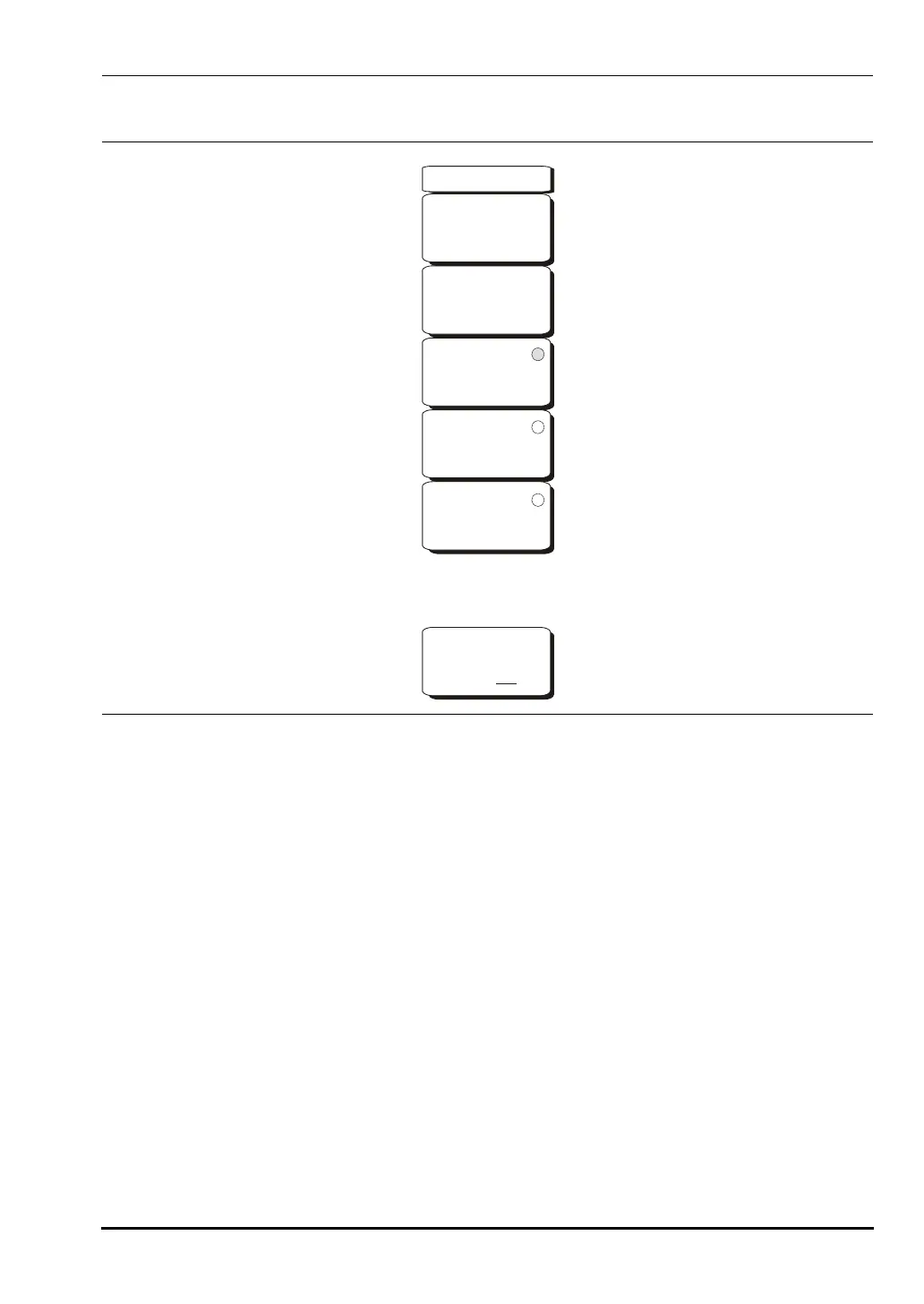
Figure 3-31. Trace Menu
-->
Trace
Recall
Trace
Copy Trace
To Display
Memory
Trace
Plus
Memory
No
Trace
Math
Trace
Minus
Memory
Show Memory
On Off
10580-00166C.book Page 57 Thursday, February 21, 2008 12:52 PM













 To Next Page