5-2 Procedure Chapter 5 — Power Meter
5-2 MS20xxA VNA Master UG 10580-00166 Rev. C
Set the Limit Lines
Maximum and minimum limits can be set. The following is the procedure for setting the
limits.
1. On the VNA Master, select the
Limit function hard key, or select the Shift key, then the
Limit (6) key.
2. Press the
Upper Limit soft key and use the directional arrow keys, key pad or the rotary
knob set the desired upper limit, then press
Enter.
3. Press the
Lower Limit soft key and use the directional arrow keys, key pad or the rotary
knob set the desired lower limit, then press
Enter.
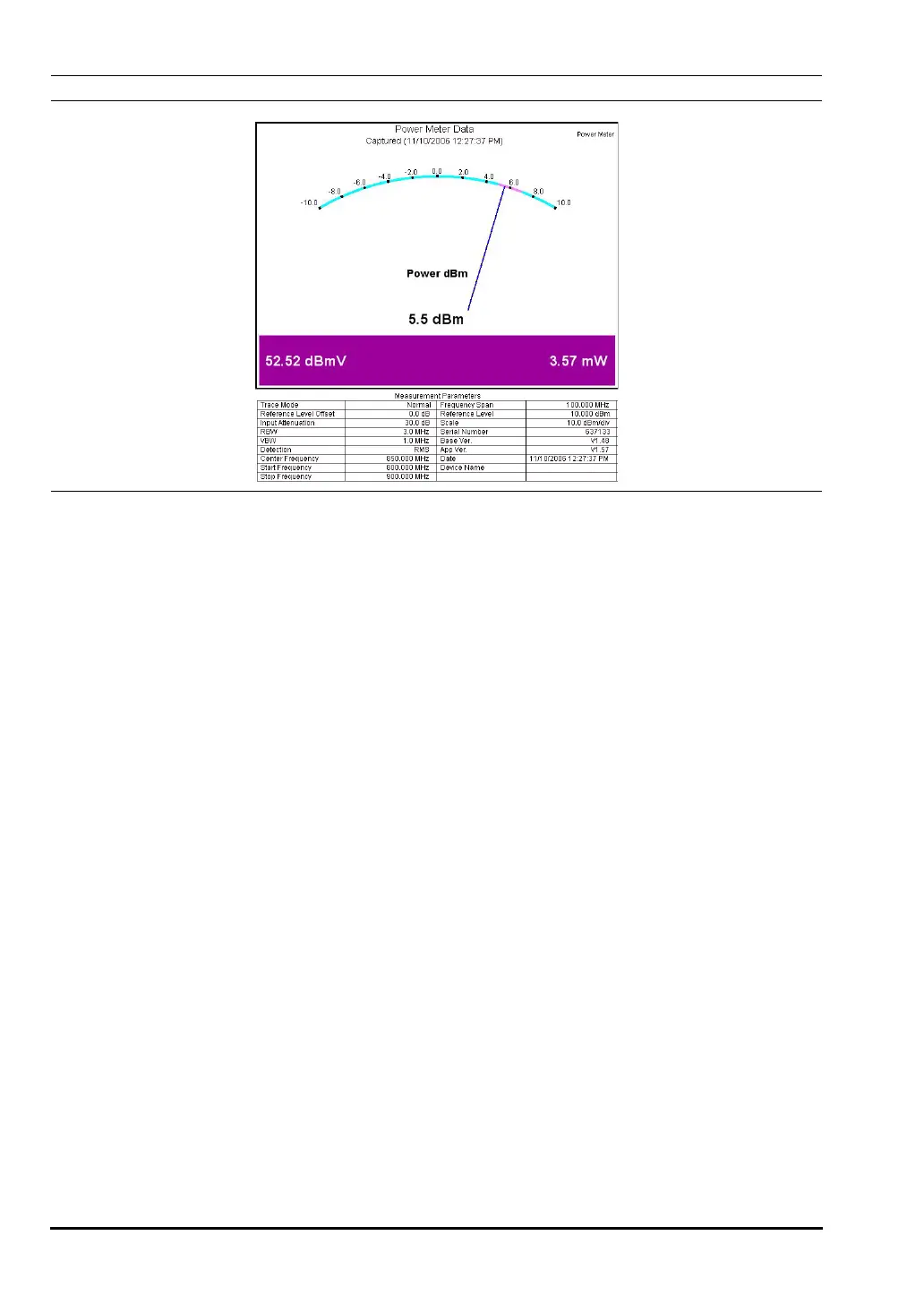
Figure 5-1. Sample Power Meter Display
10580-00166C.book Page 2 Thursday, February 21, 2008 12:52 PM













 To Next Page