Chapter 9 — Interference Analyzer, Option 25 9-12 RSSI (Received Signal Strength Indicator) Menu
MS20xxA VNA Master UG 10580-00166 Rev. C 9-25
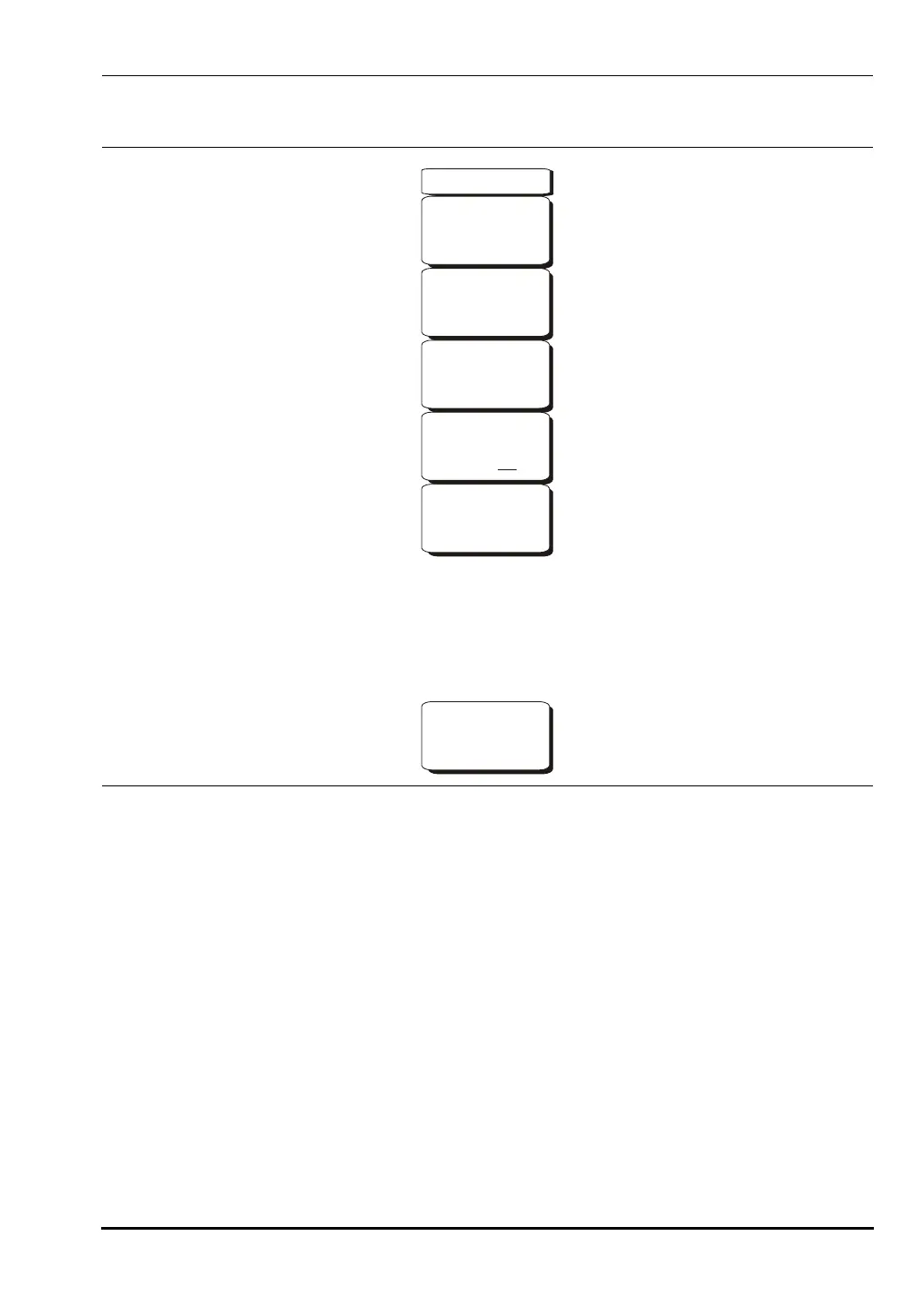
9-12 RSSI (Received Signal Strength Indicator) Menu
Time Interval
Press the
Time Interval soft key to set the time between adjacent measurement points.
This time may be set from 70 ms to 1 minute.
Time Span
Press the
Time Span soft key to set the overall time span for the RSSI measurement.
This time can be set from zero, to give manual control of the time span, to a maximum
of seven days. After the specified time span, the measurement is halted. Depending on
the time interval selected, the data will scroll to the left once the trace fills the screen.
Auto Scale
Press the
Auto Scale soft key to automatically set the reference level and scale factor to
place the trace on the screen.
Figure 9-11. Interference Analyzer Mode RSSI Menu
-->
RSSI
Auto Scale
Time Interval
70 ms
Auto Save
On Off
Time Span
Auto
Reset/
Restart
Measurement
10580-00166C.book Page 25 Thursday, February 21, 2008 12:52 PM













 To Next Page