2-6 Front Panel Keys Chapter 2 — Quick Start Guide
2-6 MS20xxA VNA Master UG 10580-00166 Rev. C
Enter Key
Press this key to finalize data input. Pressing the rotary knob performs this same function.
Arrow Keys
The four arrow keys (between the rotary knob and the Esc key) are used to scroll up, down,
left, or right. The arrow keys can often be used to change a value or to change a selection from
a list. This function is similar to the function of the rotary knob. The arrow keys are also used
to move markers.
Shift Key
Pressing the Shift key and then a number key executes the function that is indicated in blue
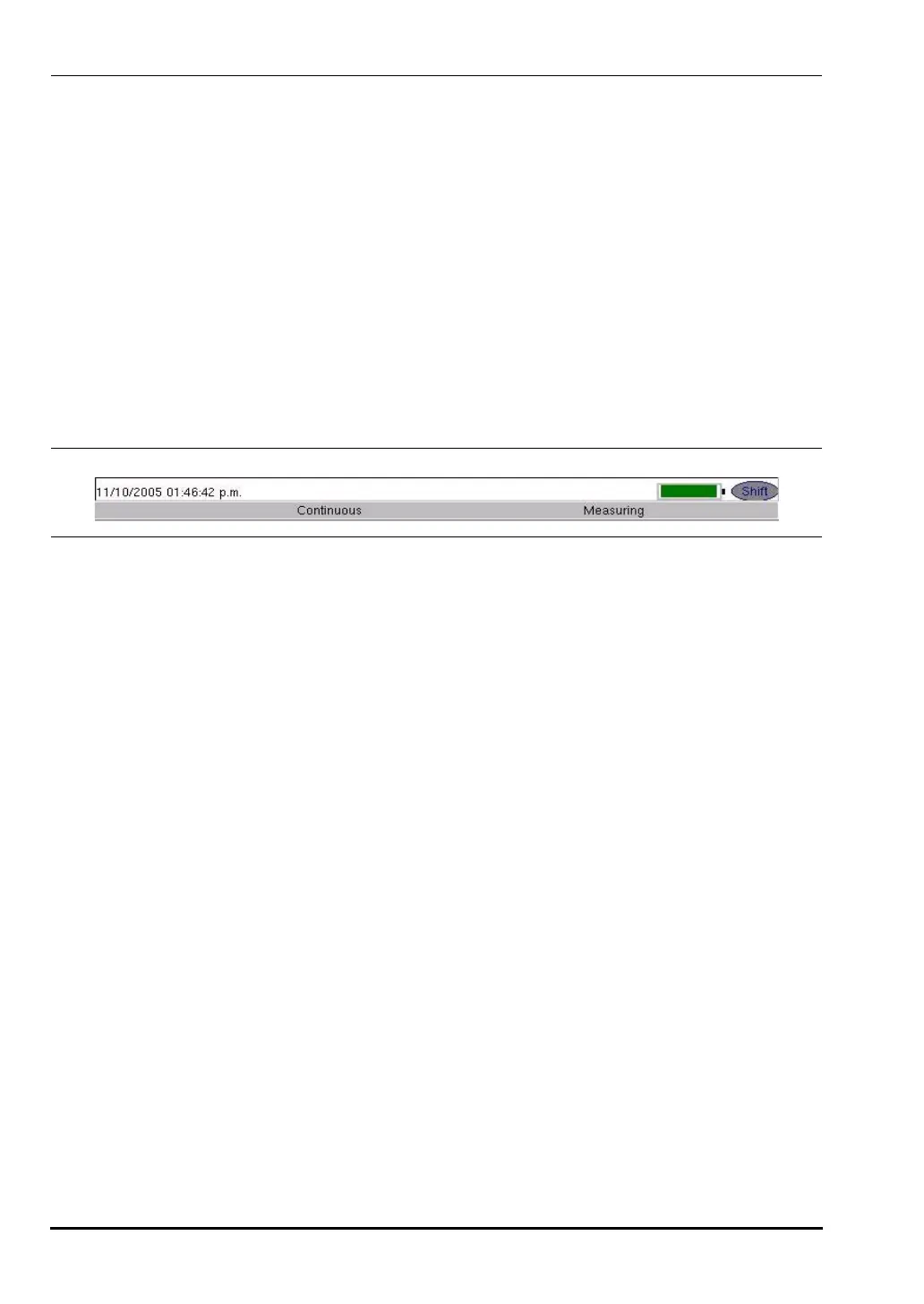
text above the number key. When the
Shift key is active, its icon is displayed in the upper
right corner of the measurement display area between the battery charge indicator and the
soft key menu label.
Back Key
Press this key to delete only one character, one number, or the range that is specified by the
cursor.
Code (+/-) Key
Press this key to change the sign of numbers that are entered with the number keys.
Number Keypad
These keys are used to directly input numbers.
Rotary Knob
Turning the rotary knob changes numerical values, scrolls through selectable items from a
list, and moves markers. Values or items may be within a dialog box or an edit window.
Pressing this knob finalizes the input function in the same manner as pressing the
Enter key.
Function Hard Keys
These five function keys are horizontally arranged adjacent to the measurement display
screen along the lower edge. These buttons have no labels. As with the soft keys, they are
positioned to accompany virtual key labels that are displayed to match instrument modes and
functions. These function hard key labels change to match specific instrument Mode settings.
Each Mode has a specific set of Function Hard Keys. For details about the Mode settings,
refer to the section “Mode Menu” on page 3-47 in Chapter 3, “Vector Network Analyzer”.
Figure 2-5. Shift Key Icon
10580-00166C.book Page 6 Thursday, February 21, 2008 12:52 PM













 To Next Page