Chapter 4 — Spectrum Analyzer 4-26 Marker
MS20xxA VNA Master UG 10580-00166 Rev. C 4-43
4-26 Marker
Press the Marker function hard key to open the Marker menu. The Spectrum Analyzer is
equipped with six markers. Any or all markers can be employed simultaneously. The Marker
hard key is located below the display. The Marker menu soft keys are:
Marker 1 2 3 4 5 6
Use this soft key to select the active marker. The underlined marker number is the
active marker. Each press of the soft key moves the underline to the next marker
number. Pressing the Shift button causes subsequent button presses to move from
higher marker numbers to lower numbers. Press the Shift button again to change back
to the original direction.
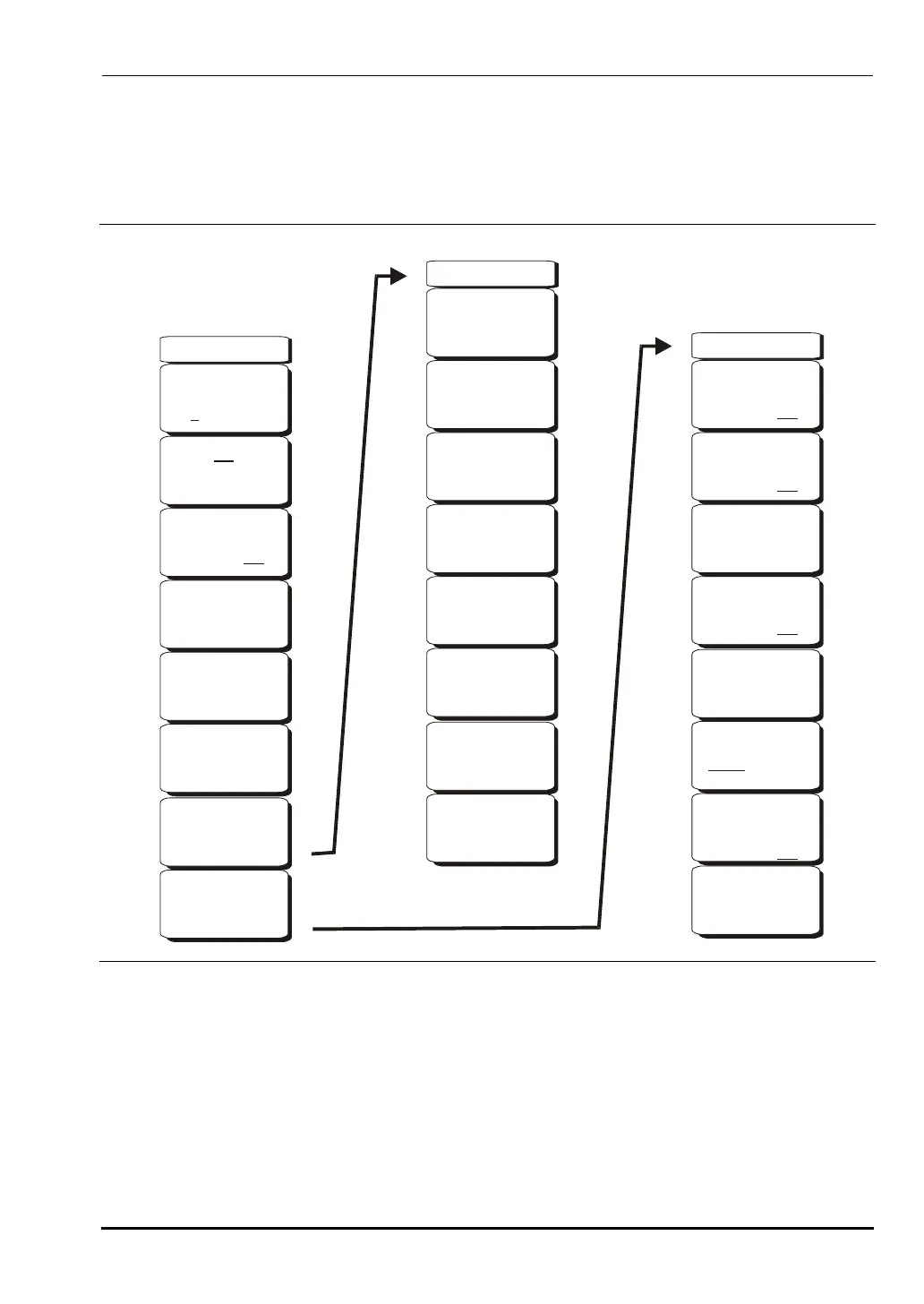
Figure 4-15. Marker Menu Soft Keys
Marker(1/2)
Marker
2 3 4 5 61
On
Off
Peak Search
Delta
On Off
Marker
to
Ref Lvl
Marker Freq
to
Center
More
Peak
Options
More
-->
-->
Recall
Copy All
to
External Card
Delete
Save
Screen
as JPEG
Copy All
from
External Card
-->
Marker & Peak
Peak Search
Next Peak
Left
Delta Marker
to
Span
Next Peak
Right
10.00%
Back
-->
Marker
to
Ref Lvl
Marker Freq
to
Center
Marker Noise
On Off
Marker Table
On Off
Counter Marker
On Off
10580-00166C.book Page 43 Thursday, February 21, 2008 12:52 PM













 To Next Page