Chapter 4 — Spectrum Analyzer 4-25 Limit
MS20xxA VNA Master UG 10580-00166 Rev. C 4-41
.
Limit Advanced
The advanced limit line section offers several useful functions. In this section, you can
create either an absolute limit line (which is one based upon the frequencies that are
entered for each inflection point) or a relative limit line (which is based upon the delta
frequencies between the center frequency and the inflection points). Both types of limit
lines can be saved and recalled.
Press this soft key to open the Limit Advanced soft key menu.
Move Limit to Current Center Freq
Pressing this soft key moves the center of the existing limit line to the center
frequency of the measurement. The span of the existing limit line is not changed
by doing this. Use this soft key as an easy way to get an existing limit line on
screen. If no limit line is turned on, a new, flat default limit line is turned on and
is located 2.5 divisions (2.5 graticule lines) from the top of the screen for the
upper limit line or 2.5 divisions from the bottom of the screen for the lower limit
line.
Move Limit, ## dB
or
Move Limit, ## dBm
If the limit line is flat, then use this soft key to move the limit line to an absolute
power point in dBm. If the limit line is not flat, then use this soft key to move the
limit line up or down by the selected number of dB. Use the keyboard to enter the
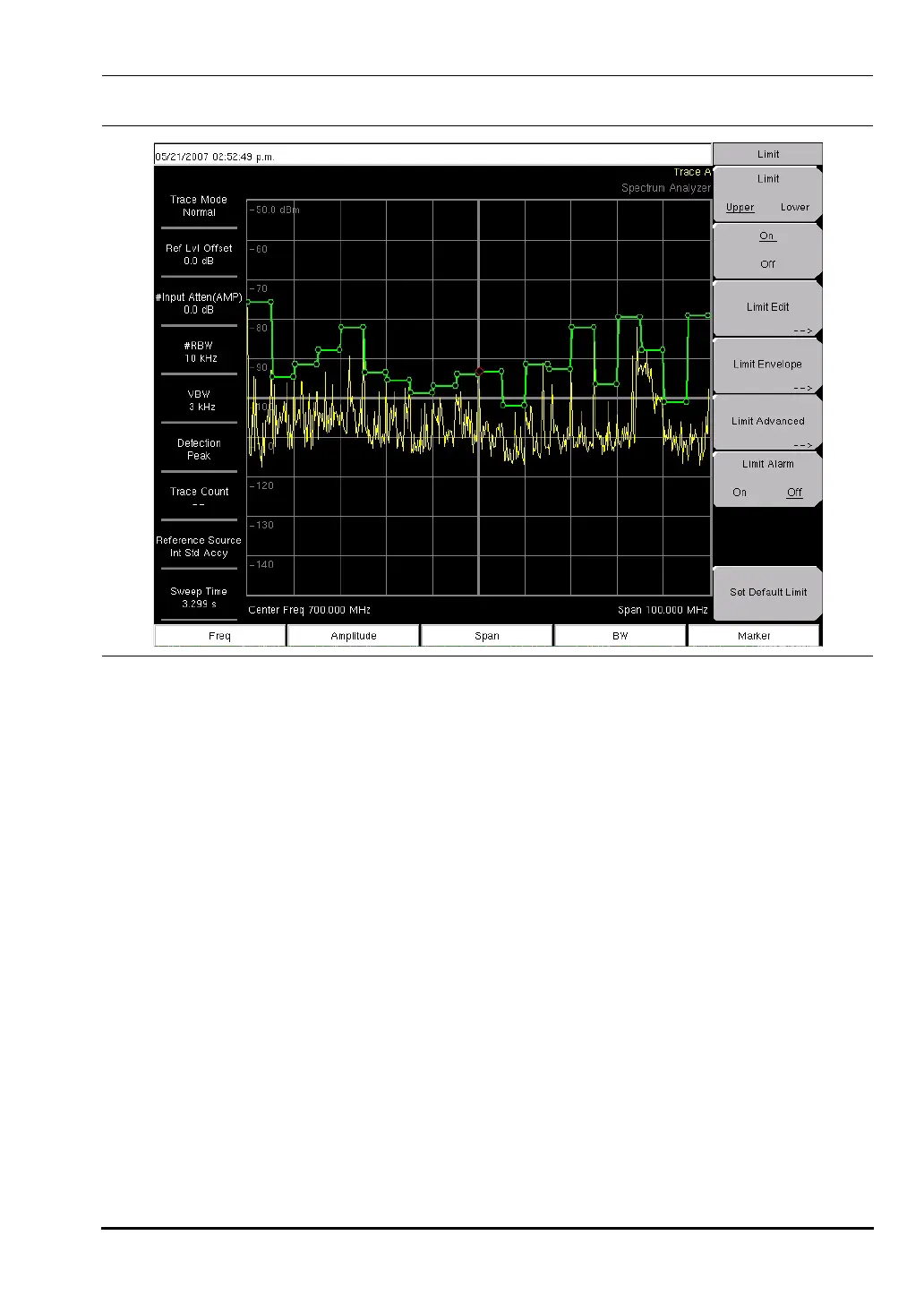
Figure 4-14. Example Limit Envelope, Square
10580-00166C.book Page 41 Thursday, February 21, 2008 12:52 PM













 To Next Page