W-CDMA/HSPA+ Signal Analyzer 3-12 Measurements Menu
3GPP MG PN: 10580-00234 Rev. T 3-39
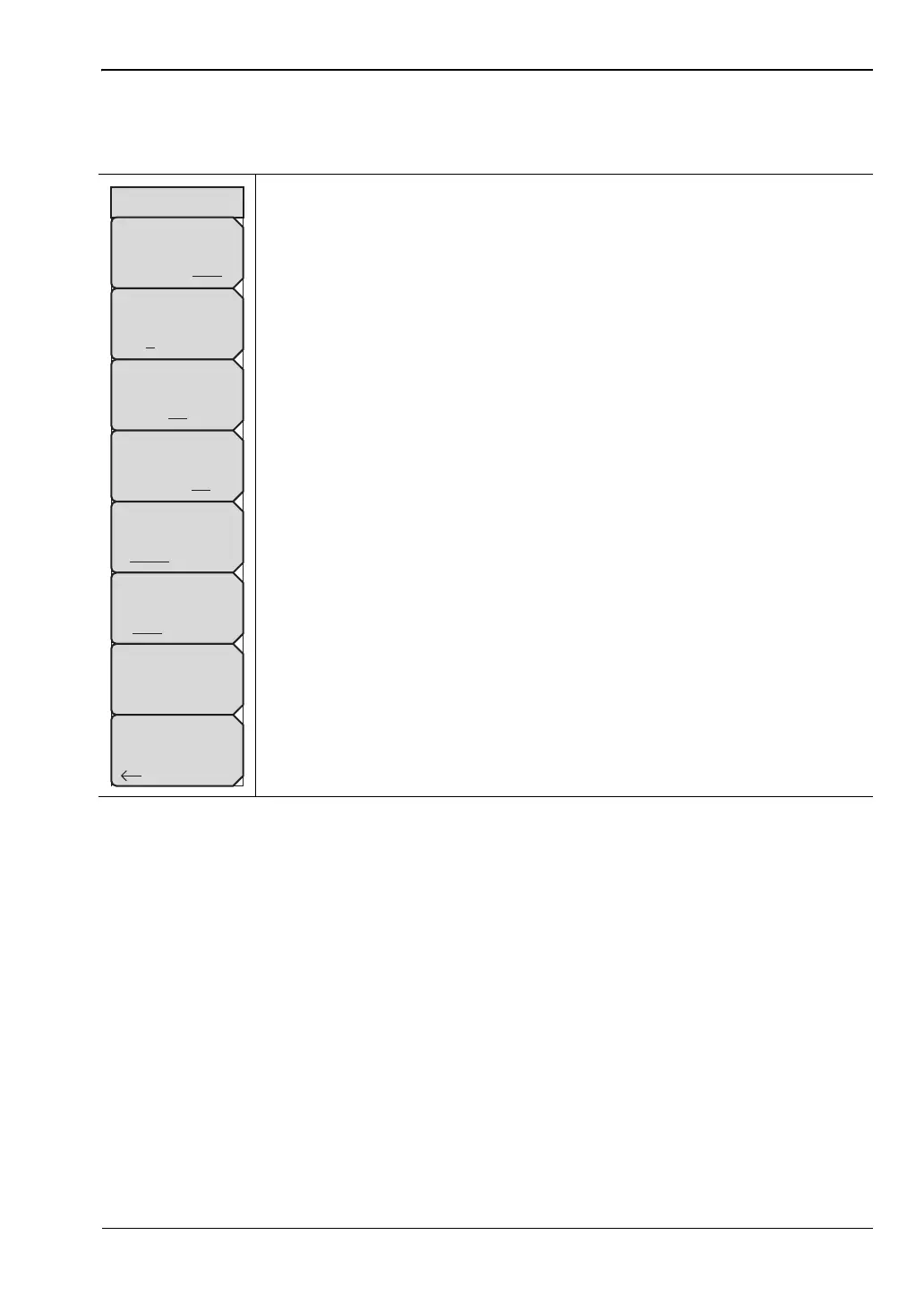
OTA Setup Menu
Key Sequence: Measurements > OTA > Scrambling Code
Scrambling Code: Set the scrambling codes to manual or auto.
Manual Code: Select the scrambling code manually.
On/Off: Switch On/Off the manually selected scrambling code.
Code Lock: Lock the measured codes.
Display Unit: Display the codes by CPICH or Ec/Io.
Sort By: Sort the measured codes by code numbers or power.
Code Lock Reset: Reset the measurement screen.
Back: Returns to the “Over-The-Air Menu” on page 3-38.
Figure 3-30. W-CDMA/HSPA+ Over-The-Air (OTA) Setup Menu
OTA Setup
Scrambling Code
Manual Auto
Manual Code
1 2 3 4 5 6
On
Off
Code Lock
On Off
Display Unit
CPICH EC/Io
Sort By
Code Power
Code Lock Reset
Back














 To Next Page