W-CDMA/HSPA+ Signal Analyzer 3-12 Measurements Menu
3GPP MG PN: 10580-00234 Rev. T 3-41
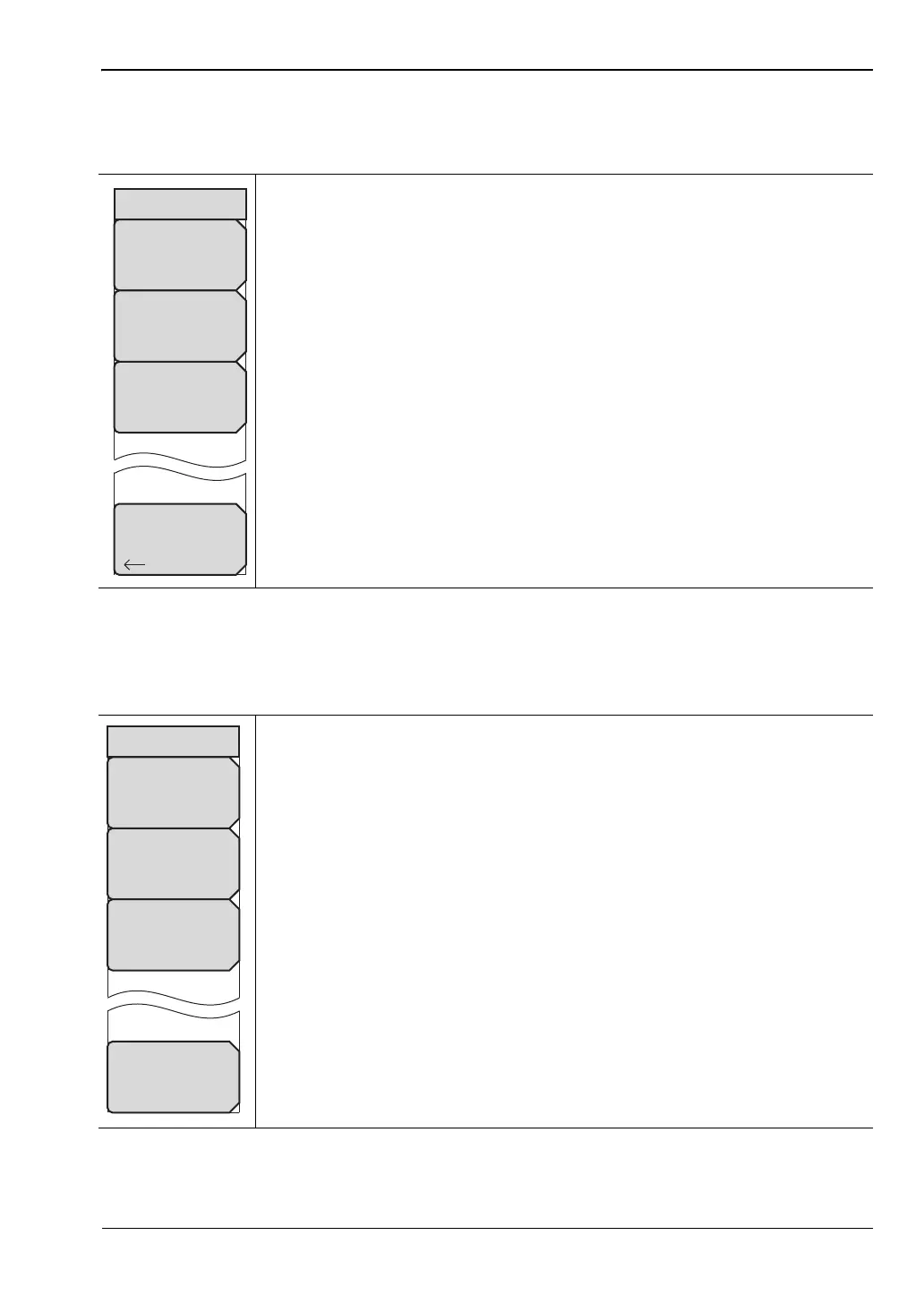
Pass/Fail Mode Menu
Key Sequence: Measurements > Pass/Fail Mode
ScriptMaster Menu
Key Sequence: Measurements > Pass/Fail Menu > ScriptMaster
Select Pass/Fail Test: Select the parameters file from the list.
Reset: Restart the measurement.
ScriptMaster: Opens the “ScriptMaster Menu” on page 3-41.
Back: Returns to the “Measurements Menu” on page 3-30.
Figure 3-32. W-CDMA/HSPA+ Pass/Fail Mode Menu
Opens the Select File by Scrolling window and also lists Recall and Back
submenu keys. Recall a Script file, created in Master Software Tools, from
the window. The ScripMaster instructions are loaded into the instrument and
the ScriptMaster menu is listed.
Start Test: Begins the running the instructions listed in ScriptMaster.
Change File Header: Opens the Pass Fail Test File Header entry window
and lists the Text Entry menu to name the saved file after the ScriptMaster
measurement process is complete.
Skip: Skips over a ScripMaster instruction.
Exit: Ends the ScriptMaster measurement process. Returns the instrument
to the previous measurement setup.
Figure 3-33. W-CDMA/HSPA+ ScriptMaster Menu
Pass/Fail Mode
ScriptMaster
Select
Pass/Fail
Test
Back
Reset
ScriptMaster
Change File Header
Test_Seq_1
Start Test
Exit
Skip














 To Next Page