4-10 Setup Menu TD-SCDMA/HSPA+ Signal Analyzer
4-18 PN: 10580-00234 Rev. T 3GPP MG
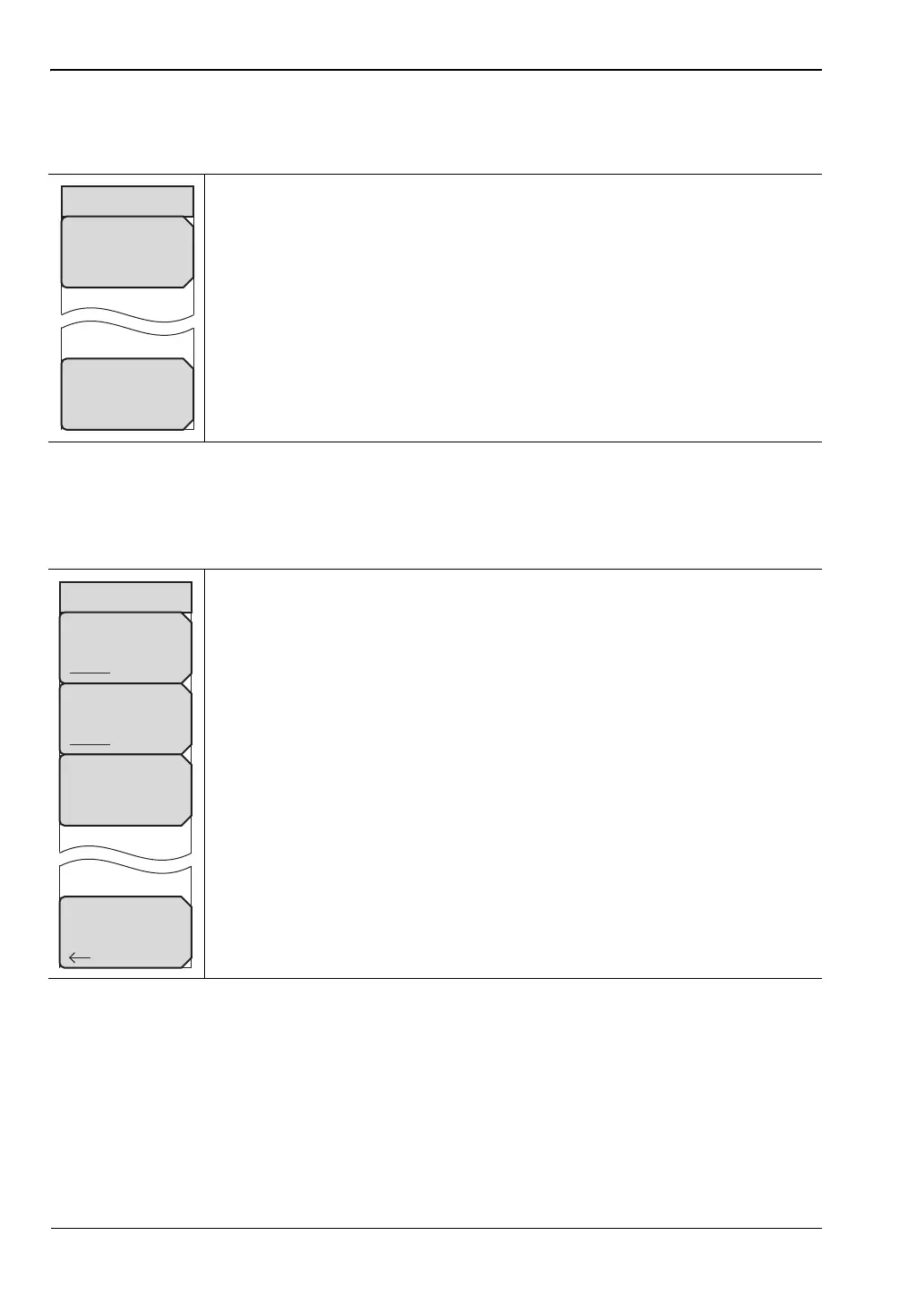
Slot Selection Menu
Key Sequence: Setup > Slot Selection
Trigger Menu
Key Sequence: Setup > Trigger
Auto: Automatically looks for an active downlink slot. Auto in the Slot
Selection window and the Auto submenu key have the same function. The
Auto submenu key provides a one-touch method of selecting the Auto
setting.
Cancel: Disregards any entry and returns to “Setup Menu” on page 4-17.
Figure 4-13. TD-SCDMA/HSPA+ Slot Selection Menu
Trigger Type: Select a trigger type by pressing this submenu key to toggle
among No Trig, GPS, or Ext. The active state is underlined on the face of the
submenu key.
Ext Trigger Polarity: Press this submenu key to toggle either Rising or
Falling polarity of external trigger.
Tau Offset: Press this submenu key to add an offset (5 sec is the maximum
offset that can be entered) to the current Tau value.
Back: Press this submenu key to return to “Setup Menu” on page 4-17.
Figure 4-14. TD-SCDMA/HSPA+ Trigger Menu
Back
Trigger
Trigger Type
No Trig GPS Ext
Ext Trigger Polarity
Rising Falling
Tau Offset
0 ms














 To Next Page