TD-SCDMA/HSPA+ Signal Analyzer 4-10 Setup Menu
3GPP MG PN: 10580-00234 Rev. T 4-19
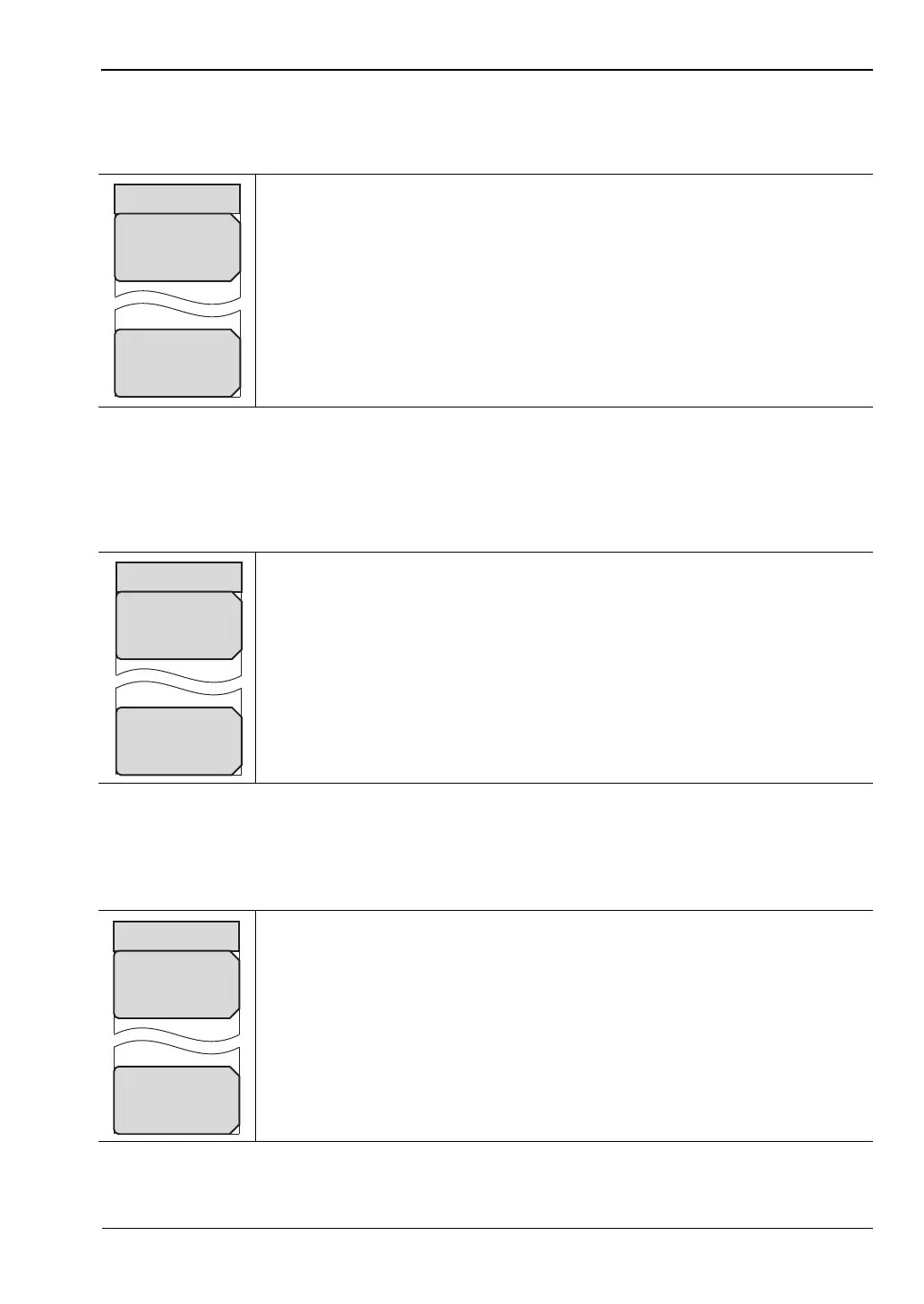
SYNC-DL Code Menu
Key Sequence: Setup > SYNC-DL Code
Scrambling Code Menu
Key Sequence: Setup > Scrambling Midamble Code
Max Users Menu
Key Sequence: Setup > Max Users
Auto: Automatically seeks the active SYNC-DL code. Auto in the SYNC-DL
Code selection window and the Auto submenu key have the same function.
The Auto submenu key provides a one-touch method of selecting the Auto
setting.
Cancel: Disregards any entry and returns to “Setup Menu” on page 4-17.
Figure 4-15. TD-SCDMA/HSPA+ Trigger Menu
Auto: Automatically looks for the Scrambling/Midamble code. Auto in the
Scrambling/Midamble Code selection window and the Auto submenu key
have the same function. The Auto submenu key provides a one-touch
method of selecting the Auto setting.
Cancel: Disregards any entry and returns to “Setup Menu” on page 4-17.
Figure 4-16. TD-SCDMA/HSPA+ Scrambling Midamble Code Menu
Auto: Automatically looks for the maximum number of users. Auto in the
Maximum Users selection window and the Auto submenu key have the
same function. The Auto submenu key provides a one-touch method of
selecting the Auto setting.
Cancel: Disregards any entry and returns to “Setup Menu” on page 4-17.
Figure 4-17. TD-SCDMA/HSPA+ Max Users Menu
Cancel
Scrambling Code
Auto














 To Next Page