4-10 Setup Menu TD-SCDMA/HSPA+ Signal Analyzer
4-20 PN: 10580-00234 Rev. T 3GPP MG
Advanced Settings Menu
Key Sequence: Setup > More
Number of Carriers: Press this submenu key to select the number of
carriers present in the signal. The setting toggles between 1 and 3.
Spreading Factor: Select the desired spreading factor, Auto, 16 or 1.
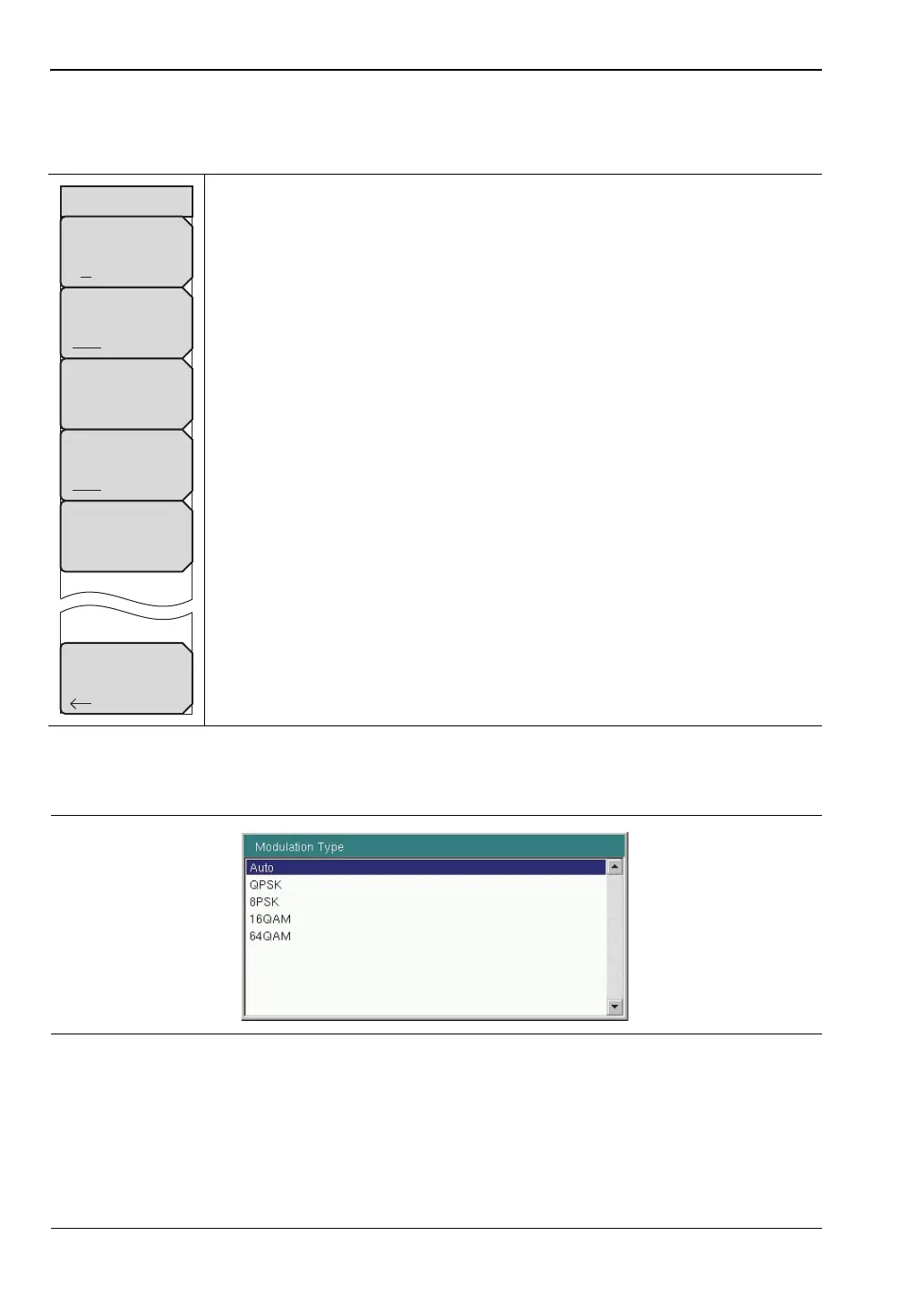
Modulation Type: Press this submenu key to display the Demodulation
Types menu and open the Modulation Type selection window (see
Figure 4-19). Use the rotary knob or press the touch screen to highlight the
desired type, then press Enter. Select Auto if you are unsure.
DwPTS: If the channel in use has a known DwPTS signal, select On. If the
channel in use does not have a DwPTS signal, then select Off. If the
presence of the DwPTS is unknown, select Auto.
Tau Offset: Press this submenu key to add an offset to the current Tau
value. Use the rotary knob or the arrow keys to change the value. You can
also enter a value using the numeric keypad, in which case you need to
press the appropriate Units key (µs, ms, or s). 5 sec is the maximum offset
that may be entered.
Back: Press this submenu key to return to “Setup Menu” on page 4-17.
Figure 4-18. TD-SCDMA/HSPA+ Advanced Settings Menu
Figure 4-19. Modulation Type Window
Back
Advanced Settings
Number of Carriers
1 3
Tau Offset
0 ms
Spreading Factor
Auto 16 1
Modulation Type
Auto
DwPTS
Auto On Off














 To Next Page