TD-SCDMA/HSPA+ Signal Analyzer 4-10 Setup Menu
3GPP MG PN: 10580-00234 Rev. T 4-17
4-10 Setup Menu
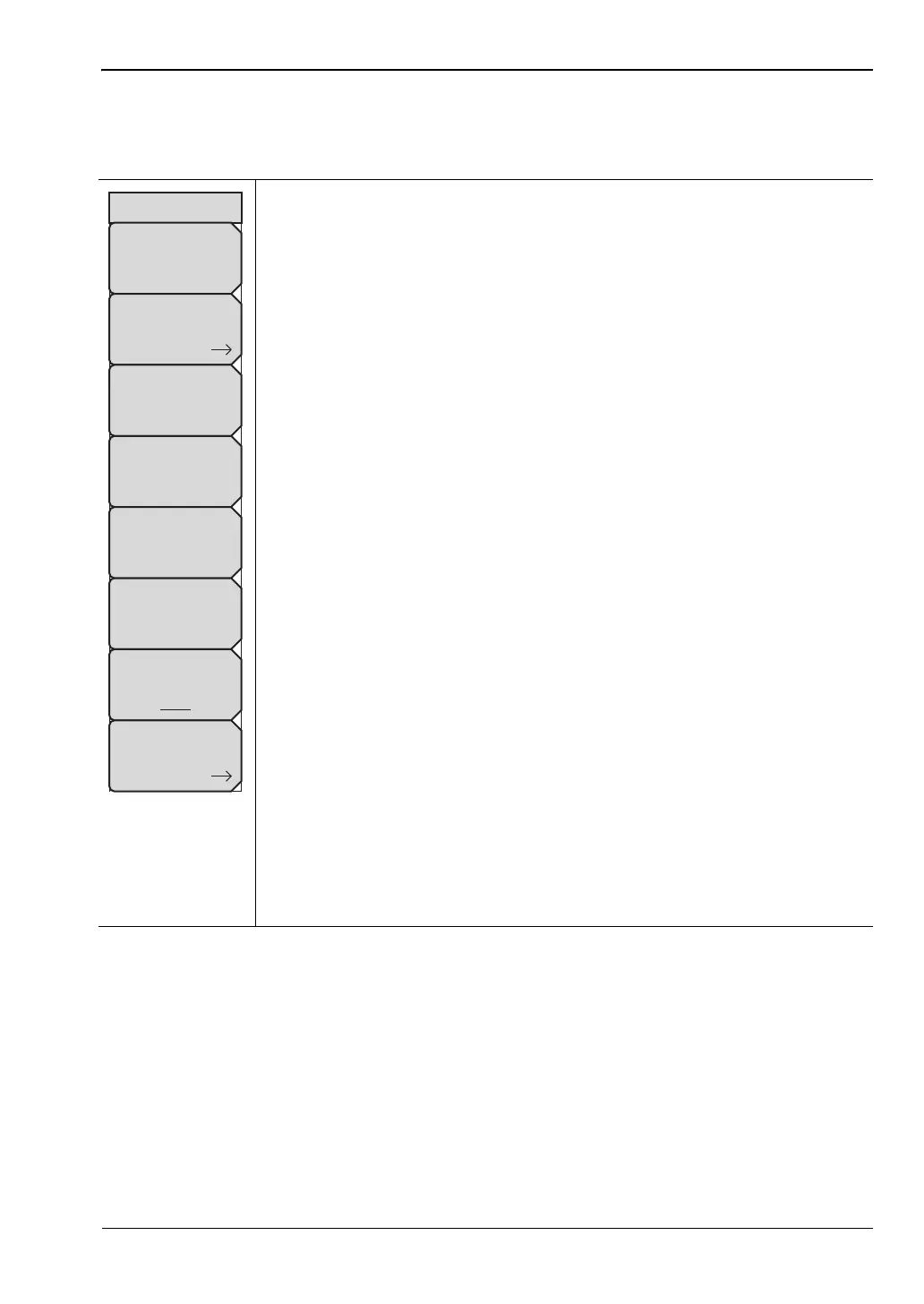
Key Sequence: Setup
Slot Selection: Press this submenu key to display the “Slot Selection Menu”
on page 4-18 and open the Slot Selection window. Use the rotary knob or
press the touch screen to highlight the desired slot (0 to 6), then press Enter.
If Auto is selected, the active slot is automatically detected.
Trigger: Opens the “Trigger Menu” on page 4-18. Press this submenu key to
list the Trigger menu, to set up the trigger parameters, and to set up the Tau
Offset.
Uplink Switch Point: Press this submenu key to set an uplink switch point.
This is the slot number of the last uplink timeslot. Slots from the next timeslot
to the end of the sub-frame are considered downlink. Use the rotary knob or
the arrow keys to change the value, which ranges from 0 through 6, where 0
is no uplink. The default value is 3.
SYNC-DL Code: Press this submenu key to display the “SYNC-DL Code
Menu” on page 4-19 and open the SYNC-DL Code selection window. Use
the rotary knob or press the touch screen to highlight the desired code (0
through 31), then press Enter. If Auto is selected, the active SYNC-DL code
is applied.
Scrambling Midamble Code: Press this submenu key to display the
“Scrambling Code Menu” on page 4-19 and open the Scrambling/Midamble
Code selection window. Use the rotary knob or press the touch screen to
highlight the desired code (0 through 127), then press Enter. If Auto is
selected, the active Scrambling/Midamble code is applied.
Max Users: Press this submenu key to display the “Max Users Menu” on
page 4-19 and open the Maximum Users selection window. Use the rotary
knob or press the touch screen to highlight the desired number of users (2
through 16), then press Enter. If Auto is selected, the maximum number of
users is listed.
Meas Speed: Press this submenu key to select the desired scan speed:
Fast, Normal, or Slow. The active state is underlined on the face of the
submenu key.
More: Opens the “Advanced Settings Menu” on page 4-20.
Figure 4-12. TD-SCDMA/HSPA+ Setup Menu
Setup
Slot Selection
Trigger
Uplink Switch Point
3
SYNC-DL Code
Scrambling
Midamble
Code
Max Users
Meas Speed
Fast Norm Slow
More














 To Next Page