6-3 TD-LTE RF Measurements TD-LTE Signal Analyzer
6-4 PN: 10580-00234 Rev. T 3GPP MG
RF Measurement Setups
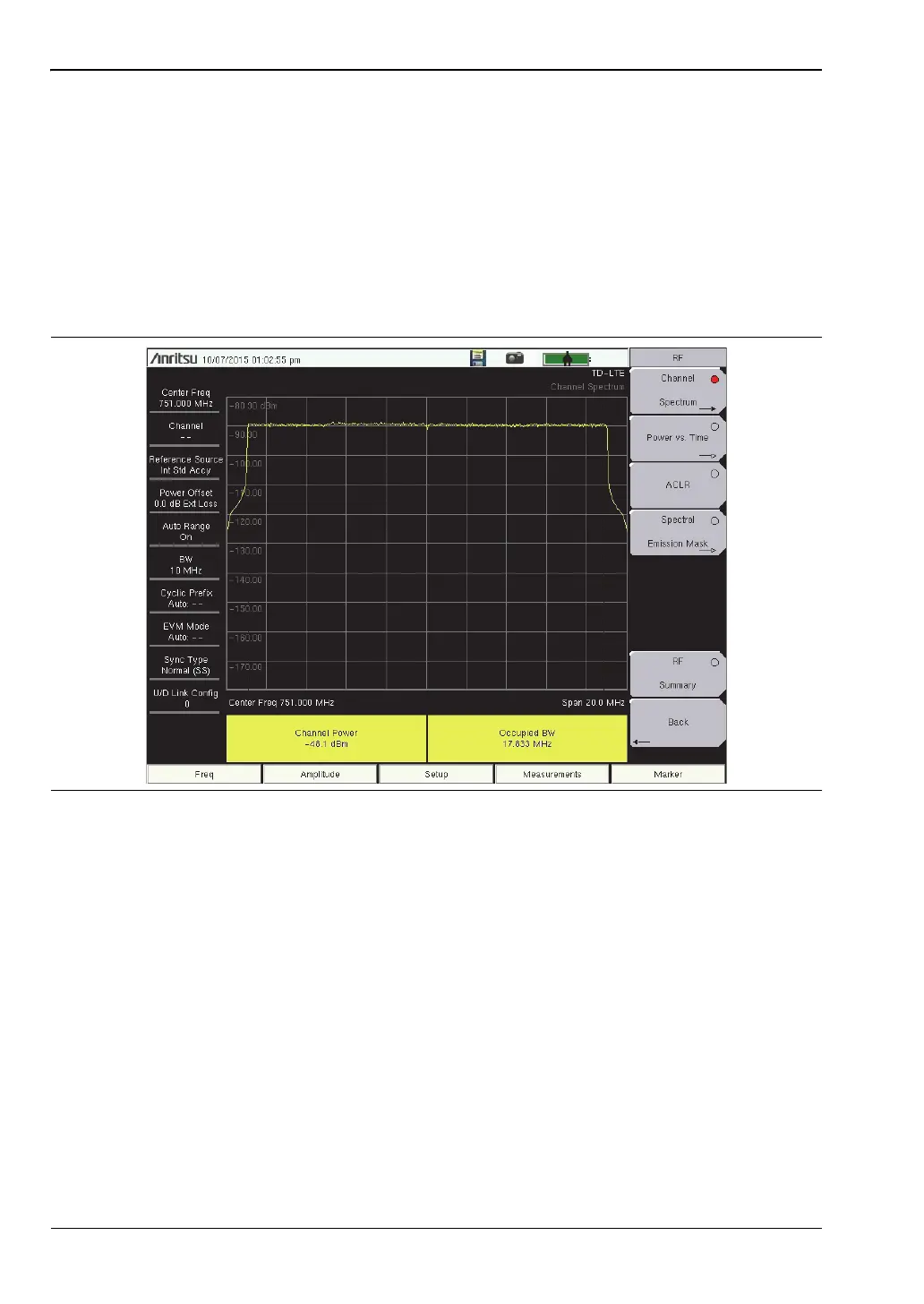
Channel Spectrum
1. Press the Measurements main menu key.
2. Press the RF submenu key.
3. Press the Channel Spectrum submenu key to activate this RF measurement view
(Figure 6-2).
4. Press the Channel Spectrum submenu key again to select the Channel Spectrum menu,
where you can adjust the span.
5. Press the Back submenu key to return to the RF menu.
Figure 6-2. Channel Spectrum














 To Next Page