6-12 Measurements Menu TD-LTE Signal Analyzer
6-46 PN: 10580-00234 Rev. T 3GPP MG
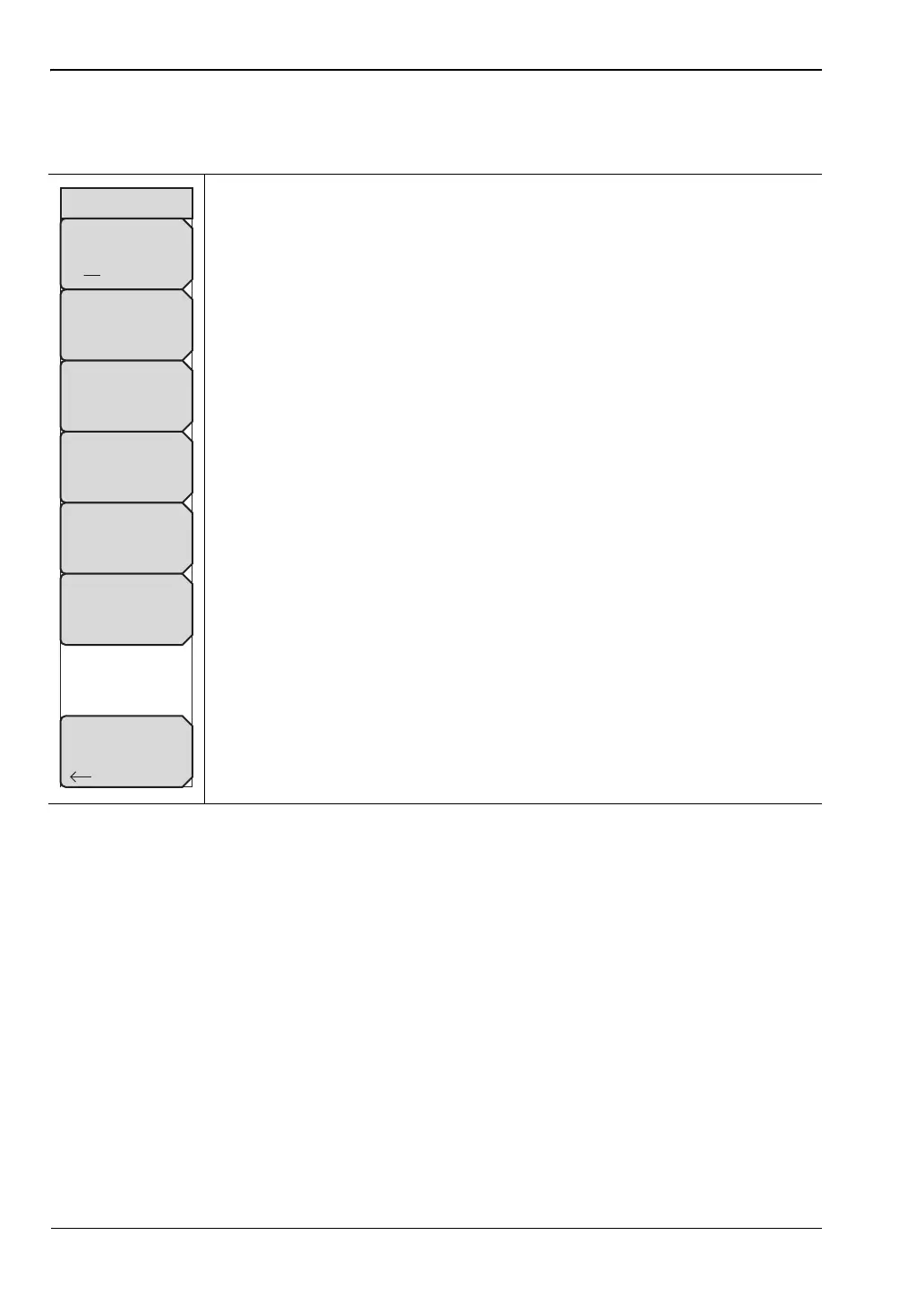
Component Carrier Menu
Key Sequence: Measurements > Over-the-Air > Carrier Aggregation > CC1
EMF Menu
Key Sequence: Measurements > Over-the-Air > EMF
Refer to “LTE/TD-LTE EMF Menu” on page 8-2.
CC1 Off On: Turns On the Component Carrier.
Center Freq: Press this submenu key to set the receiver center frequency.
Enter the frequency using the keypad, arrow keys, or the rotary knob. When
entering a frequency using the keypad, the submenu key labels change to
Units: GHz, MHz, kHz, and Hz. In this case, enter the desired value, then
press the desired unit submenu key or press Enter to select MHz as the
frequency unit.
Signal Standard: Opens the “Standard List Menu” on page 6-29.
Channel: Opens the Channel Editor dialog where you can select a channel
number within the range of the selected signal standard.
Set CF to Closest Channel: Moves the center frequency to the closest
frequency that matches a channel number in the current signal standard.
BW: Displays the Select Bandwidth list, from which you can choose:
1.4 MHz
3 MHz
5 MHz
10 MHz
15 MHz
20 MHz
Back: Returns to the previous menu.
Figure 6-40. Component Carrier Menu
Center Freq
1.000 GHz
Channel
- -
Set CF
To Closest
Channel
CC1
Back
CC1
Off On
Signal Standard
BW
10 MHz














 To Next Page