7-5 Coverage Mapping Menu LTE and TD-LTE Coverage Mapping
7-14 PN: 10580-00234 Rev. T 3GPP MG
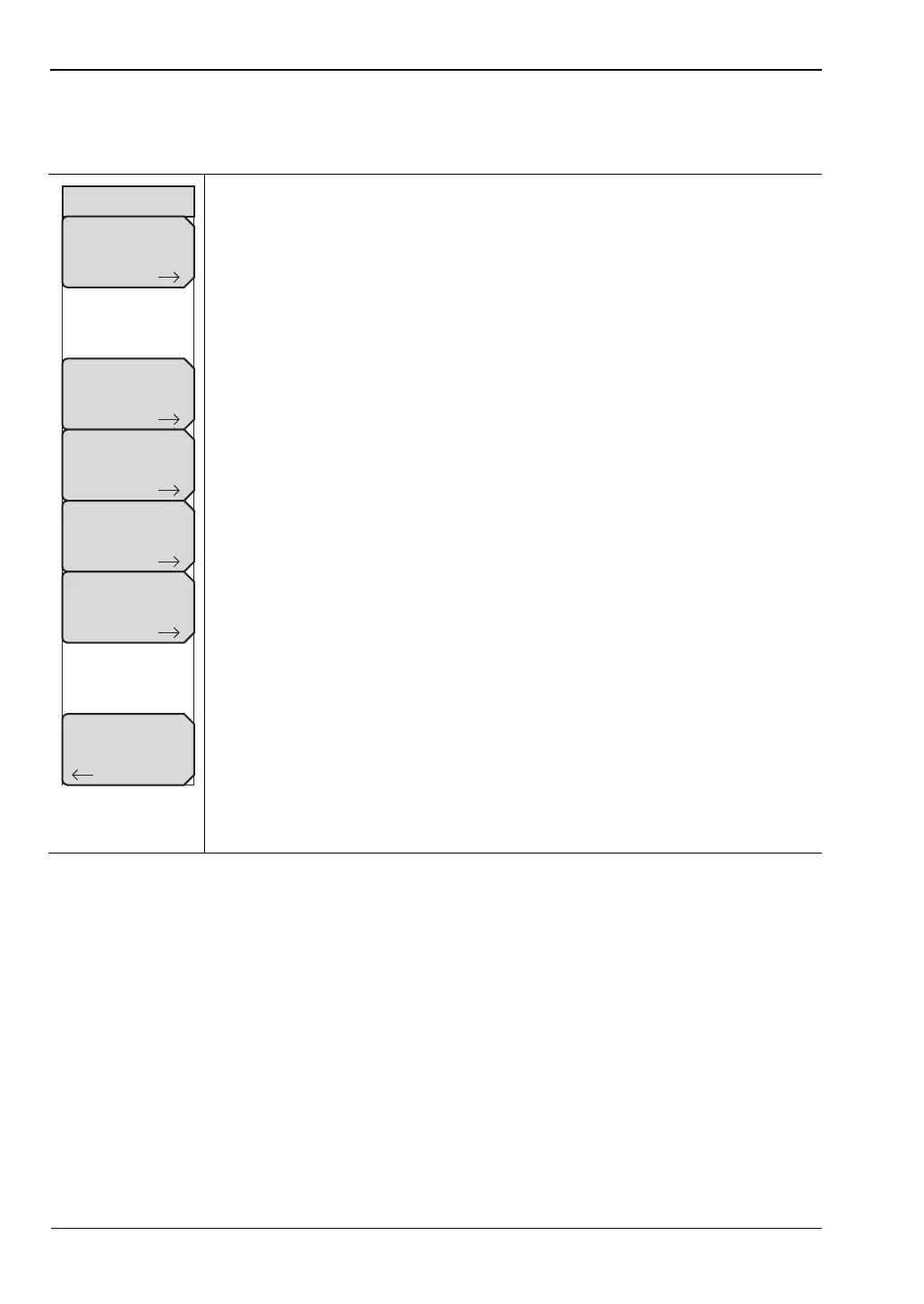
Measurement Setup Menu
Key Sequence: Measurements > Over-the-Air > Mapping > Measurement Setup
Measurement: Press and select which measurement to map on the screen:
S-SS Power, RSRP, RSRQ or SINR. All measurements are stored as part of
the saved file:
S-SS Thresholds: Opens the SS Power menu for setting threshold levels.
SS-Power: Set the SS Power threshold levels as desired. Press the
desired threshold level. Use the arrows, knob, or numeric keypad to
change its value. Press Enter. Press Back to return to the
Measurement Setup Menu.
RSRP Thresholds: Opens the RSRP Levels menu for setting threshold
levels.
RSRP Levels: Set the RSRP threshold levels as desired. Press the
desired threshold level. Use the arrows, knob, or numeric keypad to
change its value. Press Enter. Press Back to return to the
Measurement Setup Menu.
RSRQ Thresholds: Opens the RSRQ Levels menu for setting threshold
levels.
RSRQ Levels: Set the RSRQ threshold levels as desired. Press the
desired threshold level. Use the arrows, knob, or numeric keypad to
change its value. Press Enter. Press Back to return to the
Measurement Setup Menu.
SINR Thresholds: Opens the SINR Levels menu for setting threshold
levels.
SINR Levels: Set the SINR threshold levels as desired. Press the
desired threshold level. Use the arrows, knob, or numeric keypad to
change its value. Press Enter. Press Back to return to the
Measurement Setup Menu.
Back: Returns to the “Coverage Mapping Menu” on page 7-12.
Figure 7-10. Measurement Setup Menu
Measurement Setup
Measurement
(S-SS Power)
S-SS Thresholds
RSRP Thresholds
RSRQ Thresholds
SINR Thresholds
Back














 To Next Page