LTE and TD-LTE Coverage Mapping 7-5 Coverage Mapping Menu
3GPP MG PN: 10580-00234 Rev. T 7-15
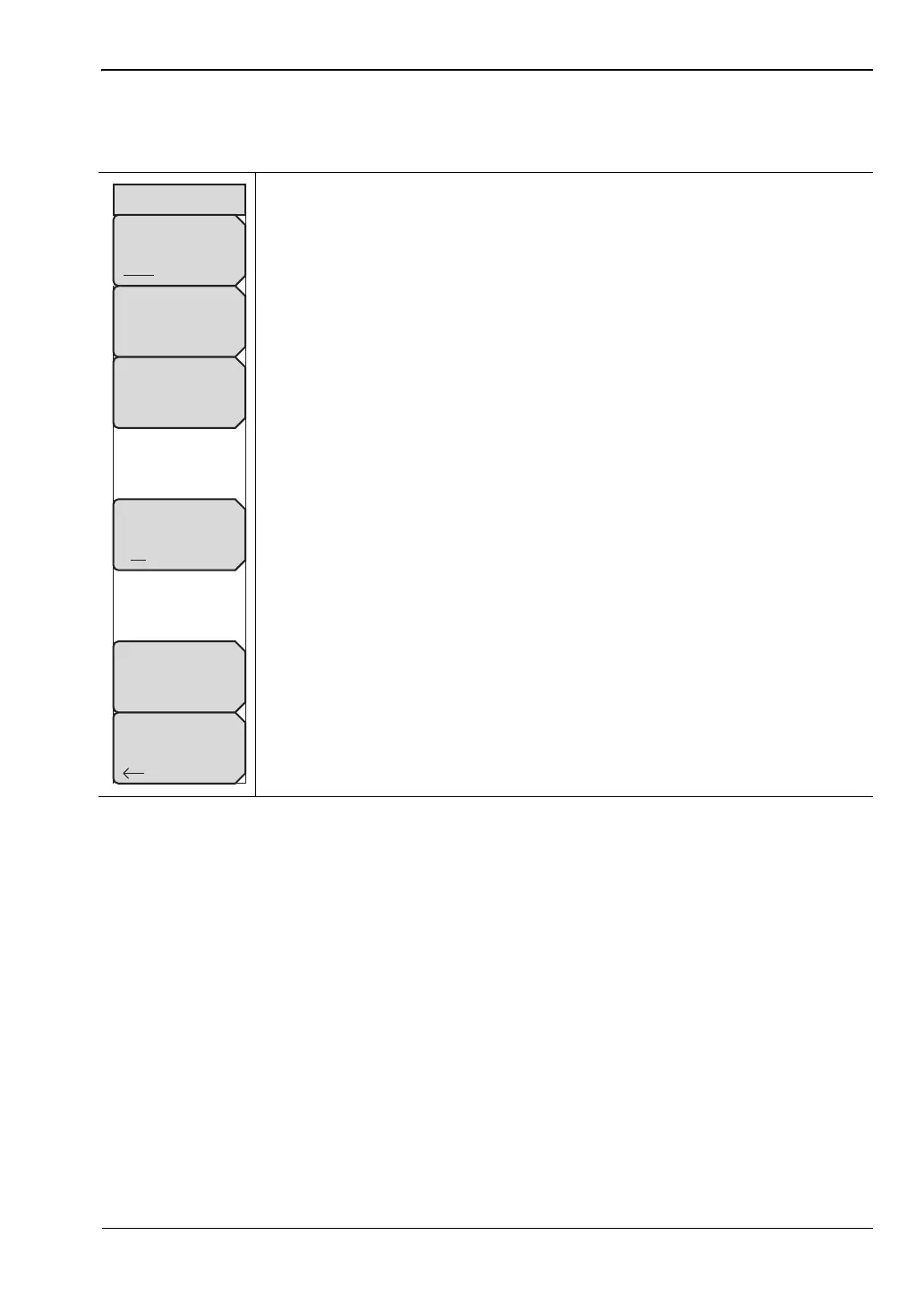
Point Distance/Time Setup Menu
Key Sequence: Measurements > Over-the-Air > Mapping > Point Distance/Time Setup
Repeat Type: Toggles between using a Time or Distance interval for
capturing data. Refer to “Measurement Setup” on page 7-6. You may have to
move the instrument around for data collection, and you may need to tap the
touchscreen if indoors.
Repeat Time: When the Repeat Type is Time and GPS is turned On for
outdoor coverage mapping, use this submenu key to set the time interval
between measurements. For indoor mapping (GPS is Off), the instrument
interpolates position measurements in a straight line between each pair of
screen-tap locations.
Repeat Distance: When the Repeat Type is Distance and GPS is turned
On for outdoor mapping, use this submenu key to set the distance interval
between measurements. For indoor mapping (GPS is Off), the instrument
places all new measurements at the next screen-tap location.
Distance Units: Toggles the unit of measure between meters and feet.
Delete ALL Points: Deletes any and all map points.
Back: Returns to the “Coverage Mapping Menu” on page 7-12.
Figure 7-11. Point Distance/Time Setup Menu
Back
Points Distance/Time
Repeat Time
100 ms
Repeat Distance
10.00 m
Delete
ALL
Points
Repeat Type
Time Distance
Distance Units
m ft














 To Next Page