Cable and Antenna Analyzer 2-3 Markers
Cable & Antenna Analyzer MG PN: 10580-00241 Rev. B 2-9
2-3 Markers
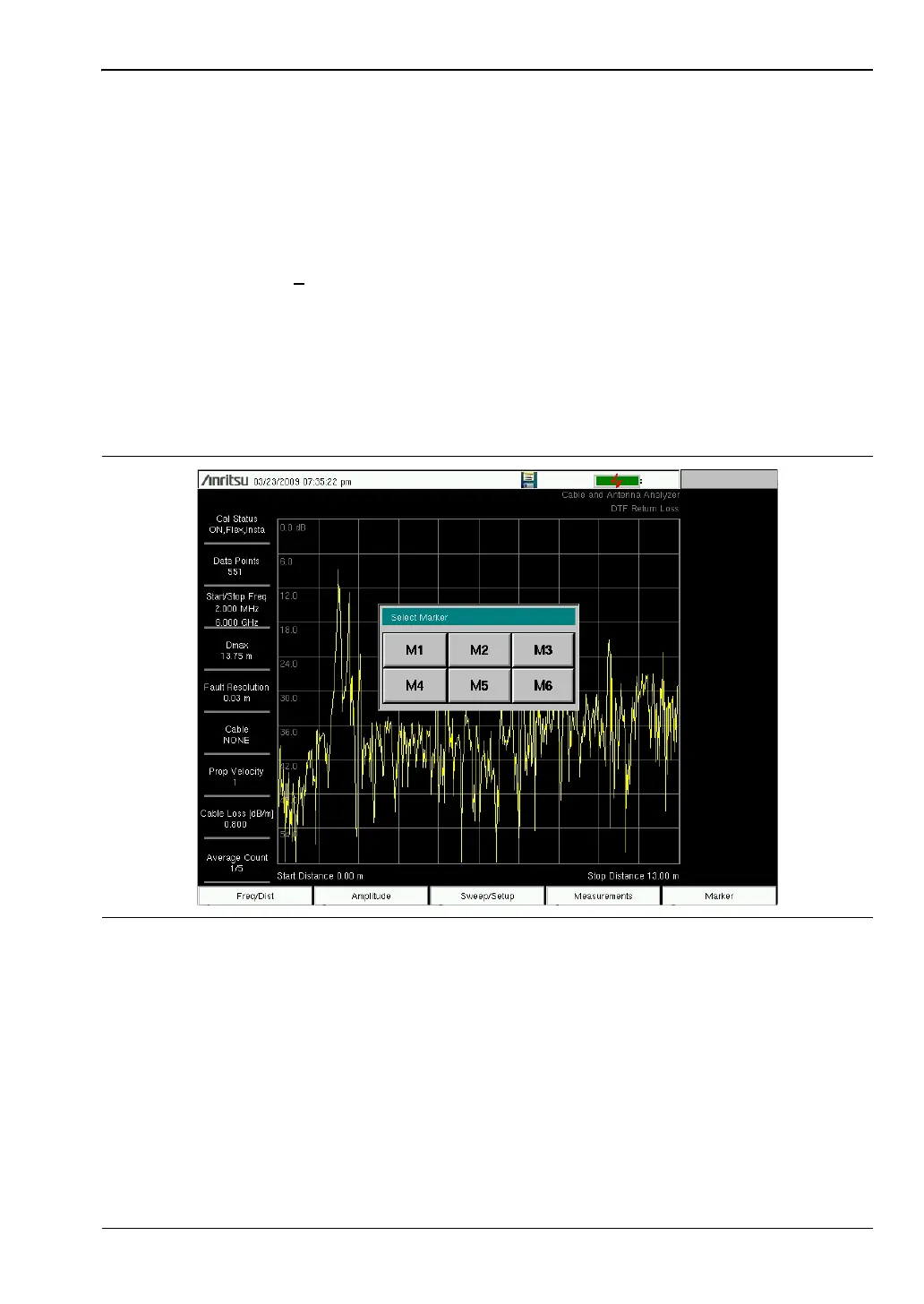
Pressing the Marker main menu key will bring up the Marker menu. Markers can be applied
to active or recalled measurements. The instrument supports six reference and six delta
markers. Markers can be stored in the setups and recalled with the setup file at a later time.
Select, Activate, and Place a Marker / Delta Marker
1. Press the Marker main menu key.
2. Press the Marker 1
2 3 4 5 6 key to select Marker number 1. The underlined number
indicates the active marker.
3. Use the arrow keys, the keypad, or the rotary knob to move the marker. The current
value for the selected marker is shown above the upper-left corner of the graph. It is
also possible to drag the marker using the touch screen.
4. The Delta Markers are available for each of the six reference markers. For the selected
marker, Toggle Delta On/Off to turn on the Delta marker.
Marker To Peak and Marker To Valley
All the cable and antenna measurements include Marker To Peak and Marker To Valley
selections that sets the peak and valley markers automatically.
1. Press the Marker main menu key and select a marker.
2. Toggle the On/Off key to activate the marker.
3. Press Marker To Peak to set the marker to the peak of the measurement.
4. Press Marker To Valley to set the marker to valley of the measurement.
Figure 2-5. Selecting Markers














 To Next Page