2-3 Markers Cable and Antenna Analyzer
2-10 PN: 10580-00241 Rev. B Cable & Antenna Analyzer MG
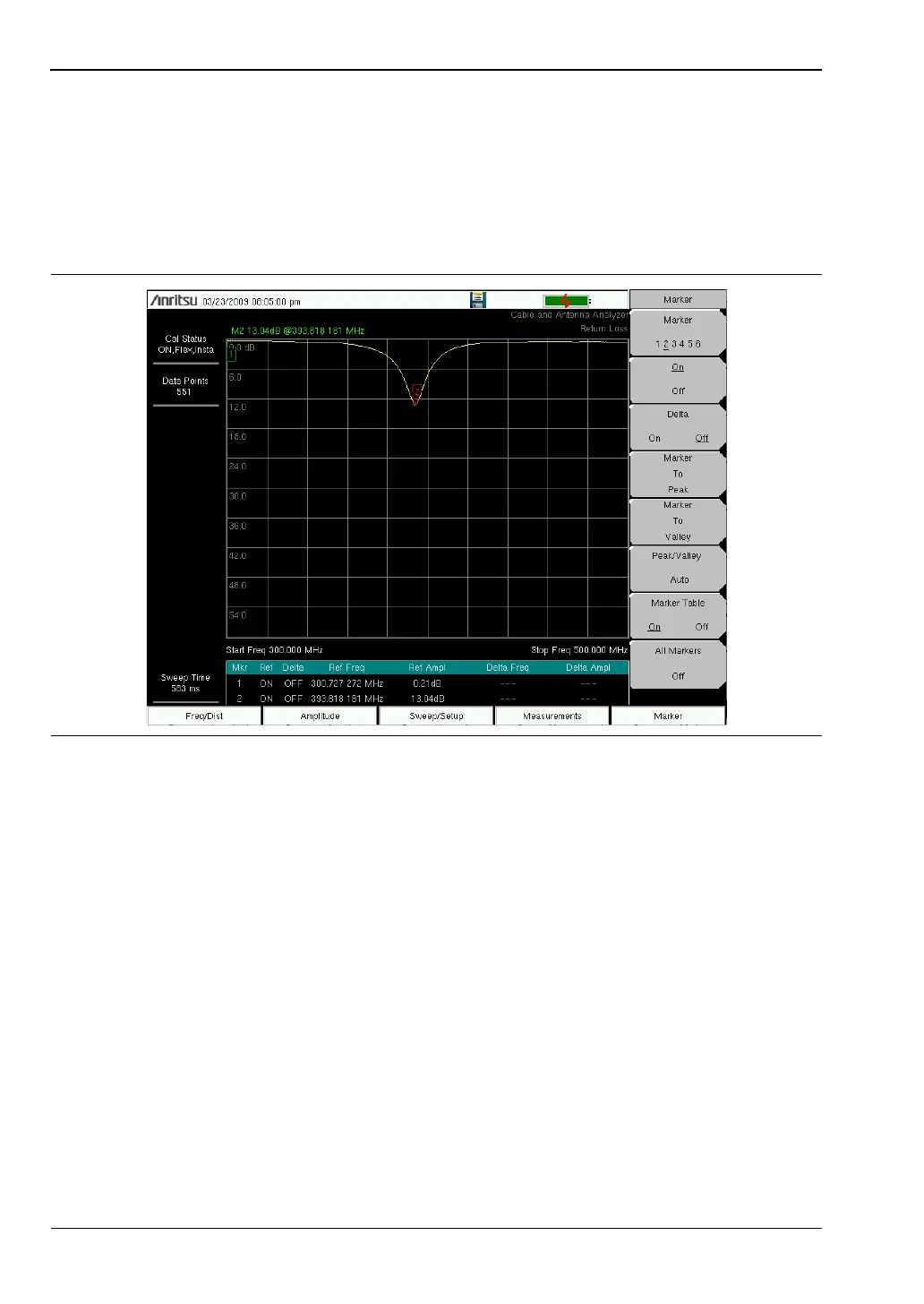
Peak/Valley Auto
When making Return Loss and VSWR measurements, the Peak / Valley Auto feature can be
used to automatically turn on Marker 1 to peak, Marker 2 to valley, and display M1 & M2 in
the Marker Table. This feature is not available for DTF measurements.
1. Press the Marker main menu key.
2. Press the Peak/Valley Auto key.
Figure 2-6. Using Peak/Valley Auto to Place M1 & M2 on Peak/Valley














 To Next Page