Cable and Antenna Analyzer 2-3 Markers
Cable & Antenna Analyzer MG PN: 10580-00241 Rev. B 2-11
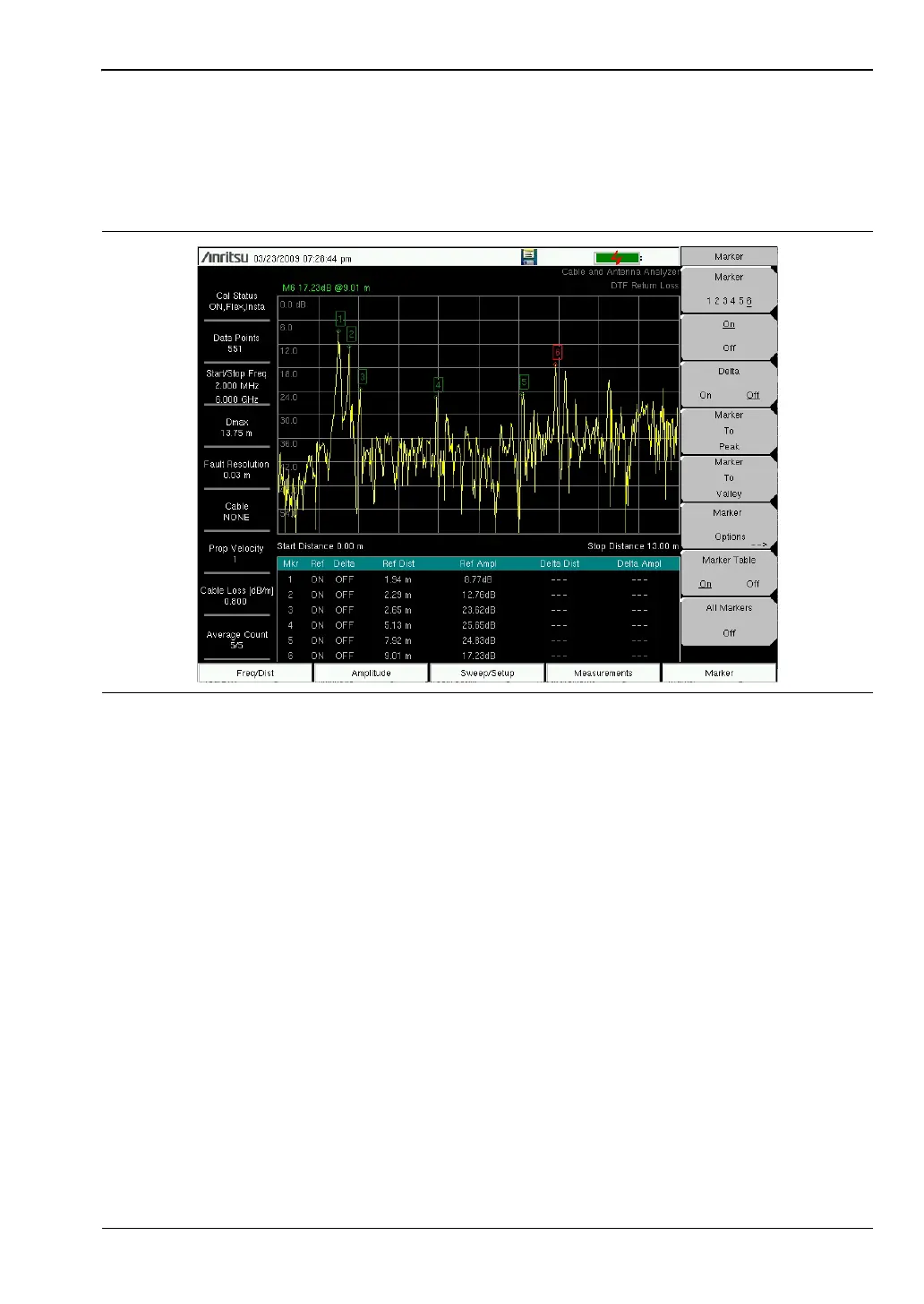
Marker Table
The Marker Table allows for viewing of up to six reference markers and six delta markers.
1. Press the Marker main menu key.
2. Press the Marker Table On/Off submenu key.
Peak Between M1 & M2 and Valley Between M1 & M2
When Marker 5 is selected, pressing the Marker Option key will bring up two more peak
options. Peak Between M1 & M2 and Valley between M1 & M2 are displayed.
1. Press the Marker main menu key.
2. Select Marker & 5.
3. Press Marker Options and select Peak between M1 & M2 or Valley Between M1 & M2.
Peak Between M3 & M4 and Valley Between M3 & M4
When Marker 6 is selected, pressing the Marker Option key will bring up two more peak
options. Peak Between M3 & M4 and Valley between M3 & M4 are displayed.
1. Press the Marker main menu key.
2. Select Marker & 6.
3. Press Marker Options and select Peak Between M3 & M4 or Valley Between M3 & M4.
Refer to “Marker Menu” on page 2-34 for additional information.
Figure 2-7. Marker Table Displays Six Markers














 To Next Page