2-4 Trace Cable and Antenna Analyzer
2-12 PN: 10580-00241 Rev. B Cable & Antenna Analyzer MG
2-4 Trace
Pressing the Shift key and the Trace (5) key brings up the Trace main menu. The trace math
menu inside the cable and antenna analyzer supports Trace Overlay features to allow
viewing a two traces at the same time. This is useful when comparing a stored trace to a live
trace. Trace Math operations include Trace – Memory and Trace + Memory. It is possible to
copy a trace to display memory directly from the trace math menu. Traces can also be
downloaded from Master Software Tools into the instrument and compared with live traces.
Trace Overlay
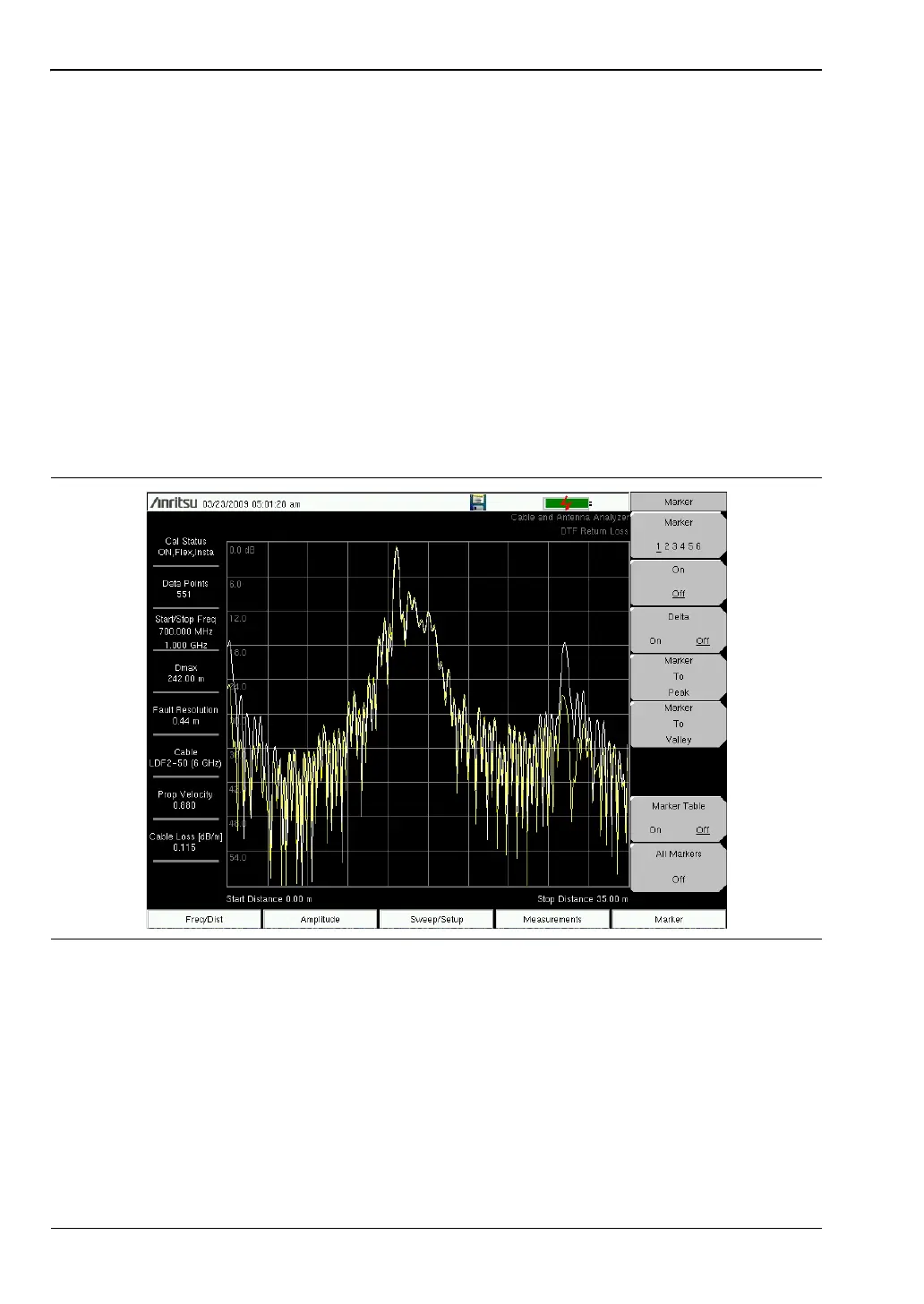
The examples below illustrate how the trace overlay feature can be used to compare a trace
stored in memory with a live trace.
1. Press Shift and Trace (5) to enter the Trace Menu
2. Press Recall Trace and locate the appropriate trace from the recall menu.
3. Press the Trace Overlay On/Off key to turn it on. The white trace is the recalled from
memory trace and current trace is yellow.
Figure 2-8. Trace Overlay of Two DTF Traces














 To Next Page