Cable and Antenna Analyzer 2-4 Trace
Cable & Antenna Analyzer MG PN: 10580-00241 Rev. B 2-13
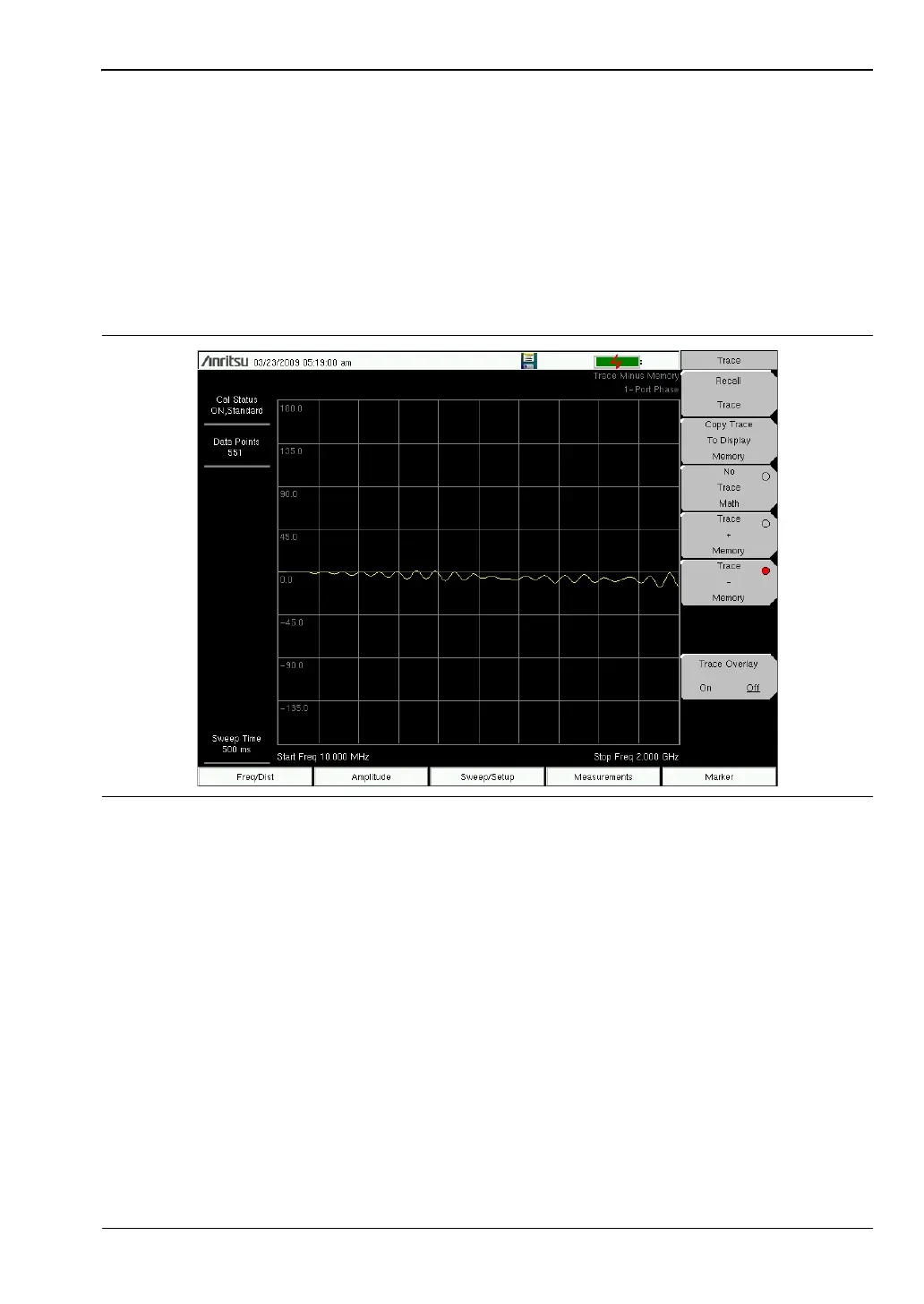
Trace Math Example
The example below illustrates how the Trace – Memory feature can be used to compare the
phase of two cables.
1. Press Shift and Trace (5) to enter the Trace menu.
2. Connect the device under test (Cable A) and press the Copy Trace To Display Memory
key.
3. Remove the first device and connect the second device under test (Cable B).
4. Press the Trace – Memory key to view the difference between Cable A and Cable B.
Refer to “Trace Menu” on page 2-35 for additional information.
Figure 2-9. Trace-Memory Used to Compare the Phase of Two Cables














 To Next Page