Cable and Antenna Analyzer 2-6 Line Sweep Measurements
Cable & Antenna Analyzer MG PN: 10580-00241 Rev. B 2-17
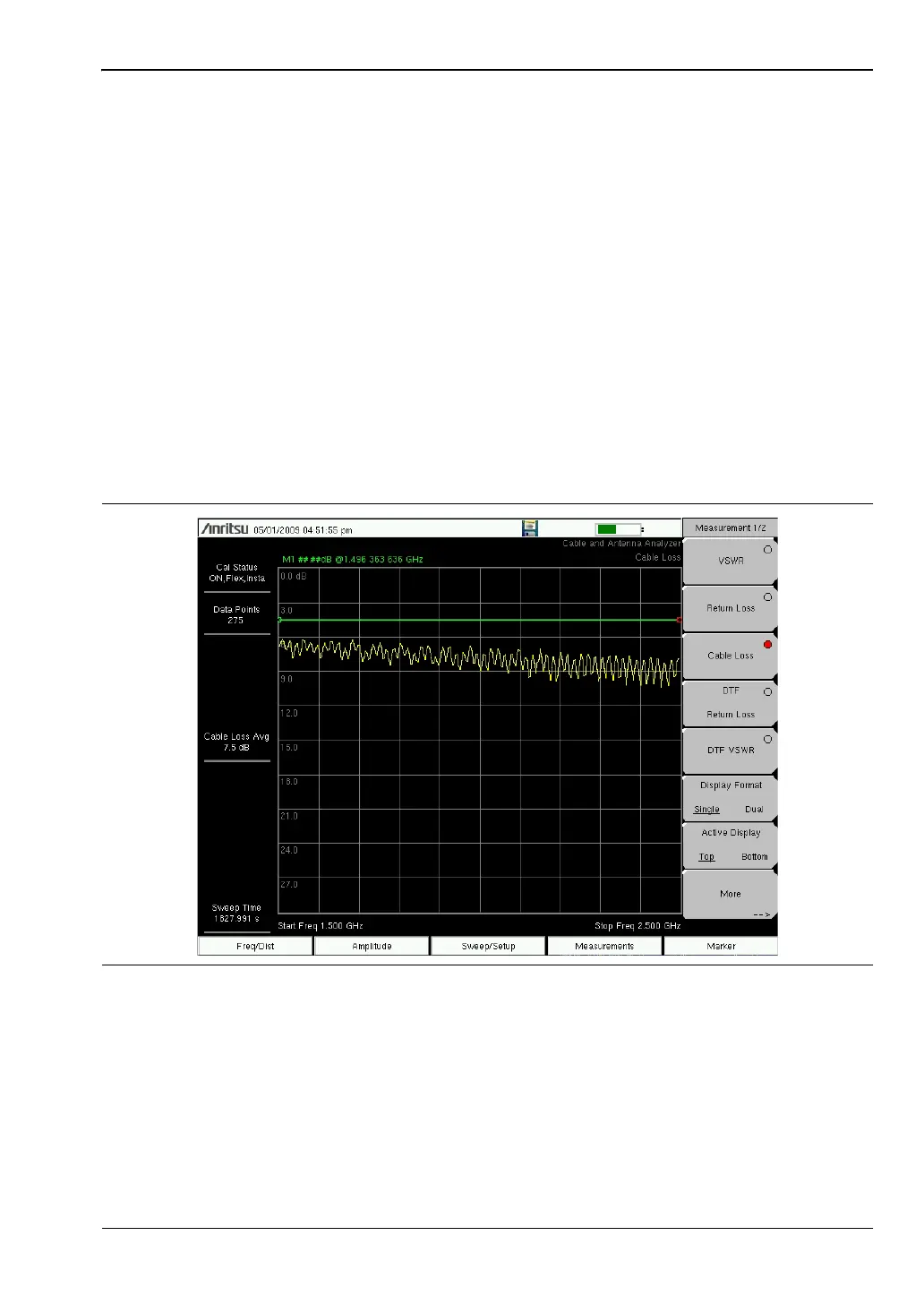
Cable Loss Measurement
The transmission feed line insertion loss test verifies the signal attenuation level of the cable
system in reference to the specification. The average cable loss of the frequency range is
displayed in the status display window.
Device Under Test: Transmission Feedline with Short
1. Press the Measurements main menu key and select Cable Loss.
2. Press the Freq/Dist main menu key and enter start and stop frequencies.
3. Press the Amplitude main menu key and enter top and bottom values for the display.
4. Press Shift and Calibrate (2) to calibrate the instrument. See Chapter 3, “Calibration”
for details.
5. Connect the Device Under Test.
6. Press Shift and Limit (6) to enter and set the limits as described in “Limit Lines”
on page 2-7.
7. Press Shift and File (7) to save the measurement. See the User Guide for details.
Figure 2-12. Cable Loss Measurement














 To Next Page