2-9 Freq Menu Cable and Antenna Analyzer
2-28 PN: 10580-00241 Rev. B Cable & Antenna Analyzer MG
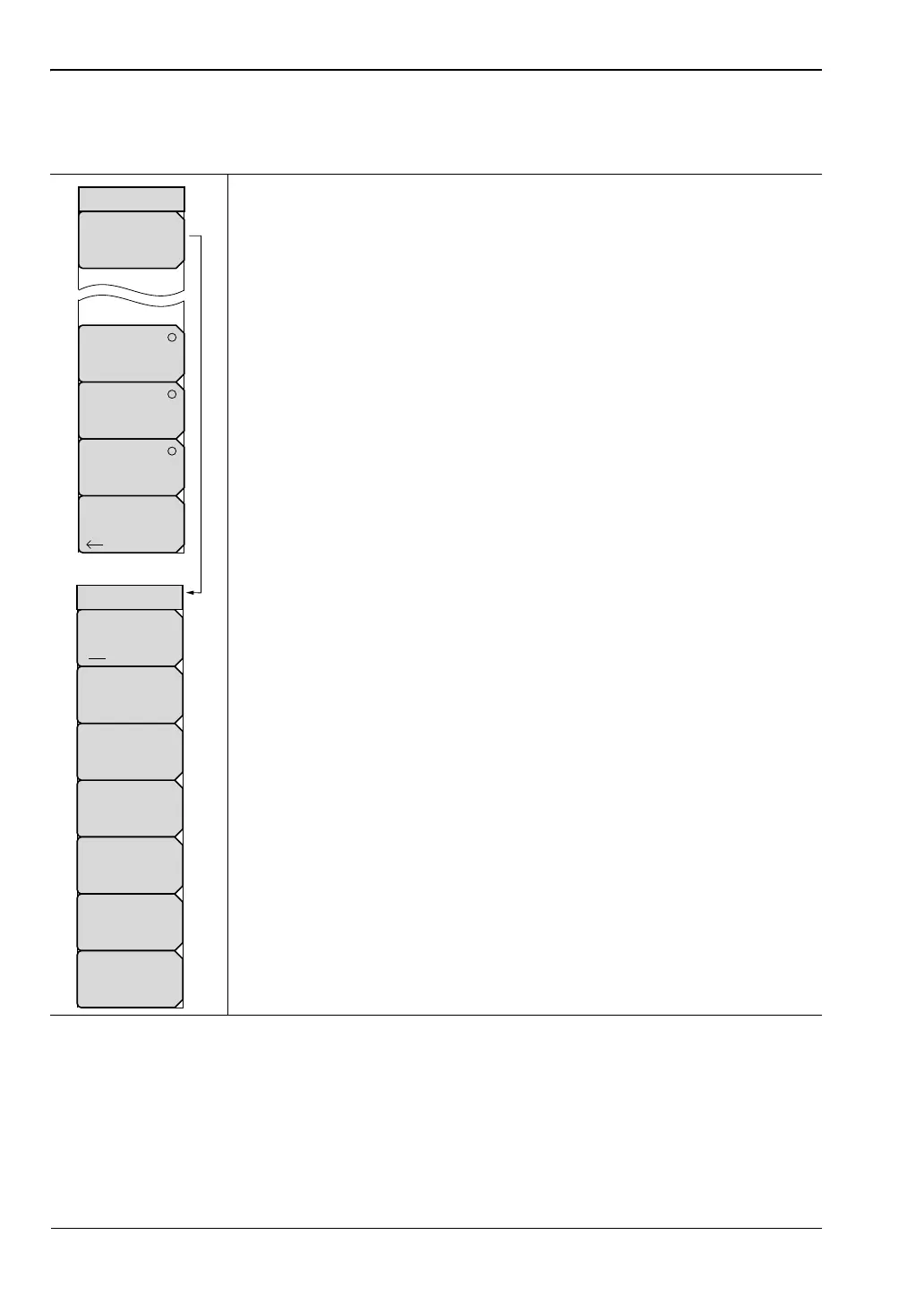
Signal Standard Menu
Key Sequence: Freq/Dist > Signal Standard
Select Standard: Opens the Signal Standards dialog box. Select the
signal standard using the arrow keys, the rotary knob, or the touch
screen. When a signal standard is selected, the start and stop frequency
is automatically set. Other settings, such as channel spacing and
integration bandwidth, are also automatically entered.
Display All/Fav: Toggles between showing all signal standards
based on the UpLink, Downlink, or UpLink plus DownLink selection
or displaying the signal standard selected as favorites.
Select/Deselect Favorite: Selects the signal standard is the
dialog box. Signal names selected as favorites have an “*” in the
Fav column of the dialog box. Press Enter or Save Favorites to
save.
Save Favorites: Saves the signal selected to the favorites list.
Top of List: Moves the selection to the first signal standard in the
list.
Page Up: Moves up one page view from the current signal name.
Display: Moves down one page view from the current signal
name.
Bottom of List: Moves the selection to the last signal standard in
the list.
Press Esc to return to the Signal Standard menu.
Uplink: Press to display only uplink frequencies.
Downlink: Press to display only downlink frequencies.
UpLink plus Downlink: Press to display both uplink and downlink
frequencies.
After pressing one of the above three keys, press Select Standard to see
the results reflected in the Signal Standard dialog box.
Back: Returns to the “Freq Menu” on page 2-27.
Figure 2-22. Signal Standard Menu
Uplink
DownLink
UpLink
plus
Downlink
Select
Standard
Signal Standard
Back
Top
of
List
Save Favorites
Display
All Fav
Select/Deselect
Favorite
Page
Up
Page
Down
Bottom
of
List
Standard List














 To Next Page