Cable and Antenna Analyzer 2-10 Freq/Dist Menu
Cable & Antenna Analyzer MG PN: 10580-00241 Rev. B 2-29
2-10 Freq/Dist Menu
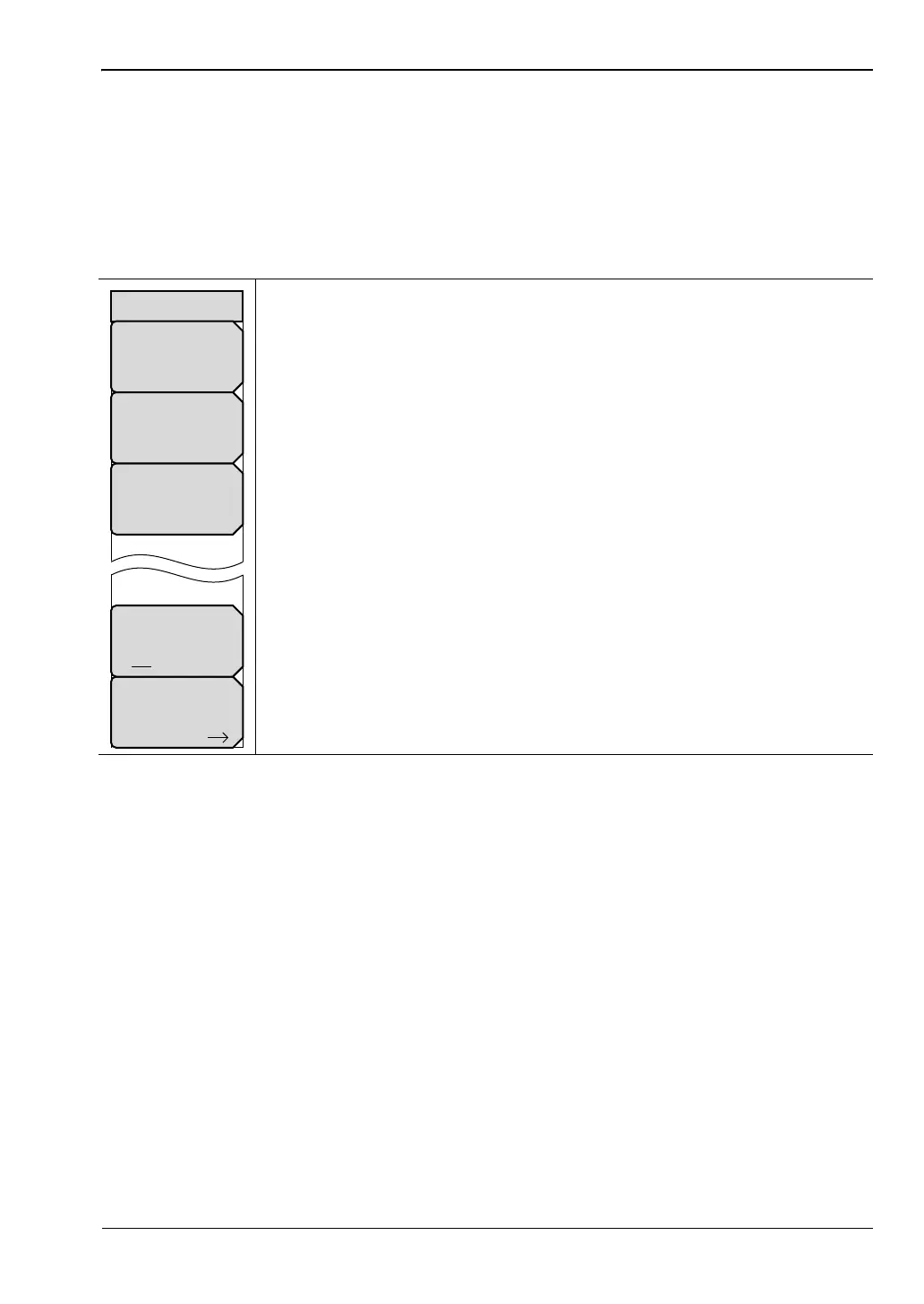
The Freq/Dist main menu key opens the Freq menu, or the Freq/Dist menu, depending upon
the type of measurement selected with the “Measurement Menu” on page 2-33.
Pressing the Freq/Dist main menu key after selection of VSWR, Return Loss, or Cable Loss on
the Measurement main menu will open the “Freq Menu” on page 2-27.
Key Sequence: Freq/Dist
Start Dist: Press the Start Dist submenu key and enter the desired start
distance using the keypad, the arrow keys, or the rotary knob.
Stop Dist: Press the Stop Dist submenu key and enter the desired stop
distance using the keypad, the arrow keys, or the rotary knob.
DTF Aid: Opens the DTF Aid dialog box (Figure 2-14) for entering
parameters.
Units: Toggles between meters and feet.
More: Opens the “DTF Setup Menu” on page 2-30.
Figure 2-23. Freq/Dist Menu
More
Units
m ft
DTF Aid
Freq/Dist
Start Dist
0.00 m
Stop Dist
8.22 m














 To Next Page