2-10 Freq/Dist Menu Cable and Antenna Analyzer
2-30 PN: 10580-00241 Rev. B Cable & Antenna Analyzer MG
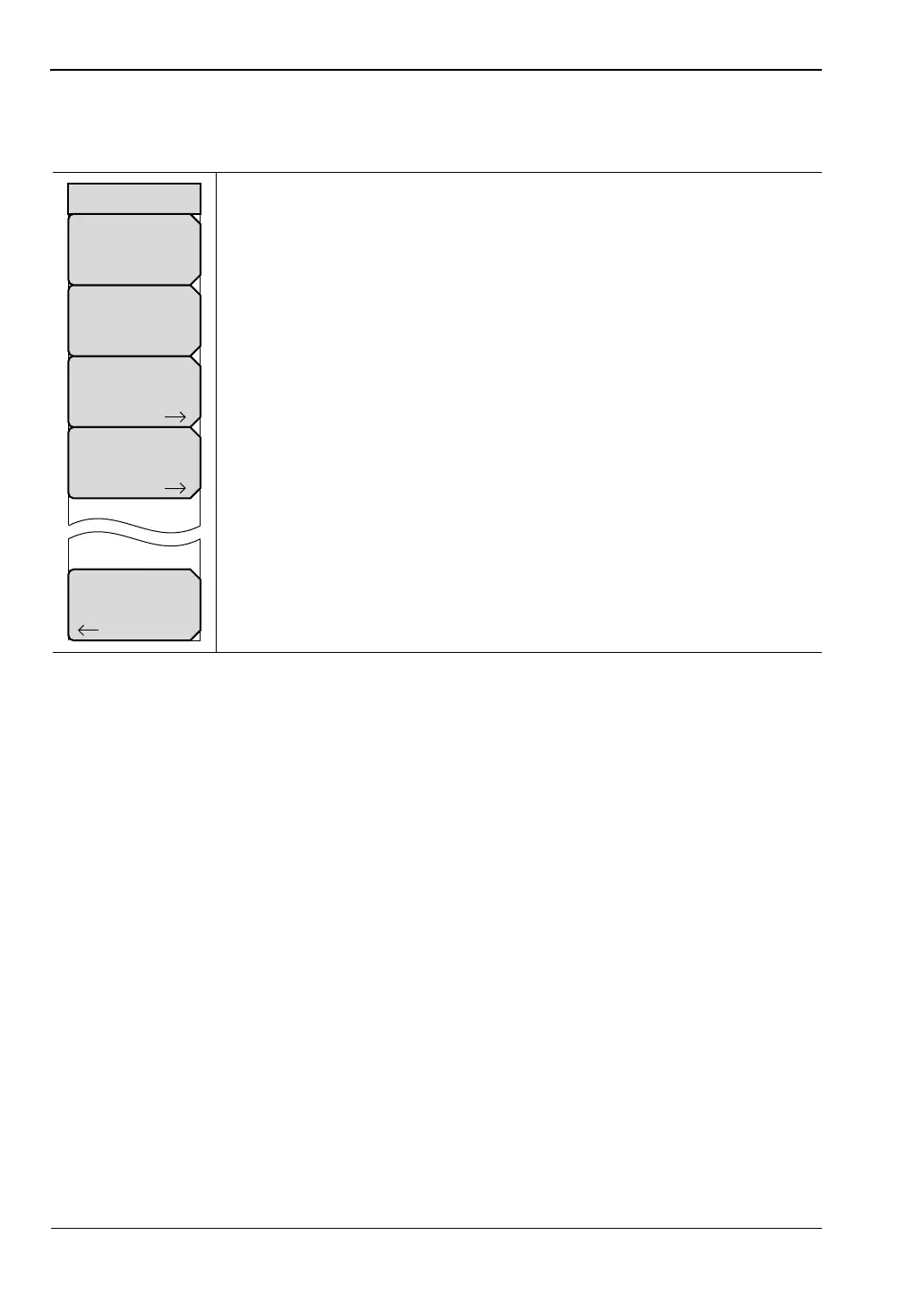
DTF Setup Menu
Key Sequence: Freq/Dist > More
Cable Loss: Press the Cable Loss submenu key and enter the loss in
dB/ft or dB/m for the selected cable using the keypad, the arrow keys, or
the rotary knob and press Enter.
Prop Velocity: Press the Prop Velocity submenu key and enter the
applicable propagation velocity for the selected cable using the keypad, the
arrow keys, or the rotary knob and press Enter.
Cable: The Cable submenu key opens a list of available cable
specifications (see Figure 2-13). Using the arrow keys, the rotary knob, or
the touch screen, select the desired cable and press Enter.
Note: When a cable is selected from this list, propagation velocity and
cable loss are automatically set by the unit.
Windowing: Opens the Windowing menu. Options are:
• Rectangular
• Nominal Side Lobe
• Low Side Lobe
• Minimum Side Lobe
Refer to Appendix A for more information on windowing.
Back: Returns to “Freq/Dist Menu” on page 2-29.
Figure 2-24. DTF Setup Menu
Cable
Windowing
Prop Velocity
0.800
DTF Setup
Back
Cable Loss
0.011














 To Next Page