ANSER CODING INC. 90 Appendix
Printhead Upgrade
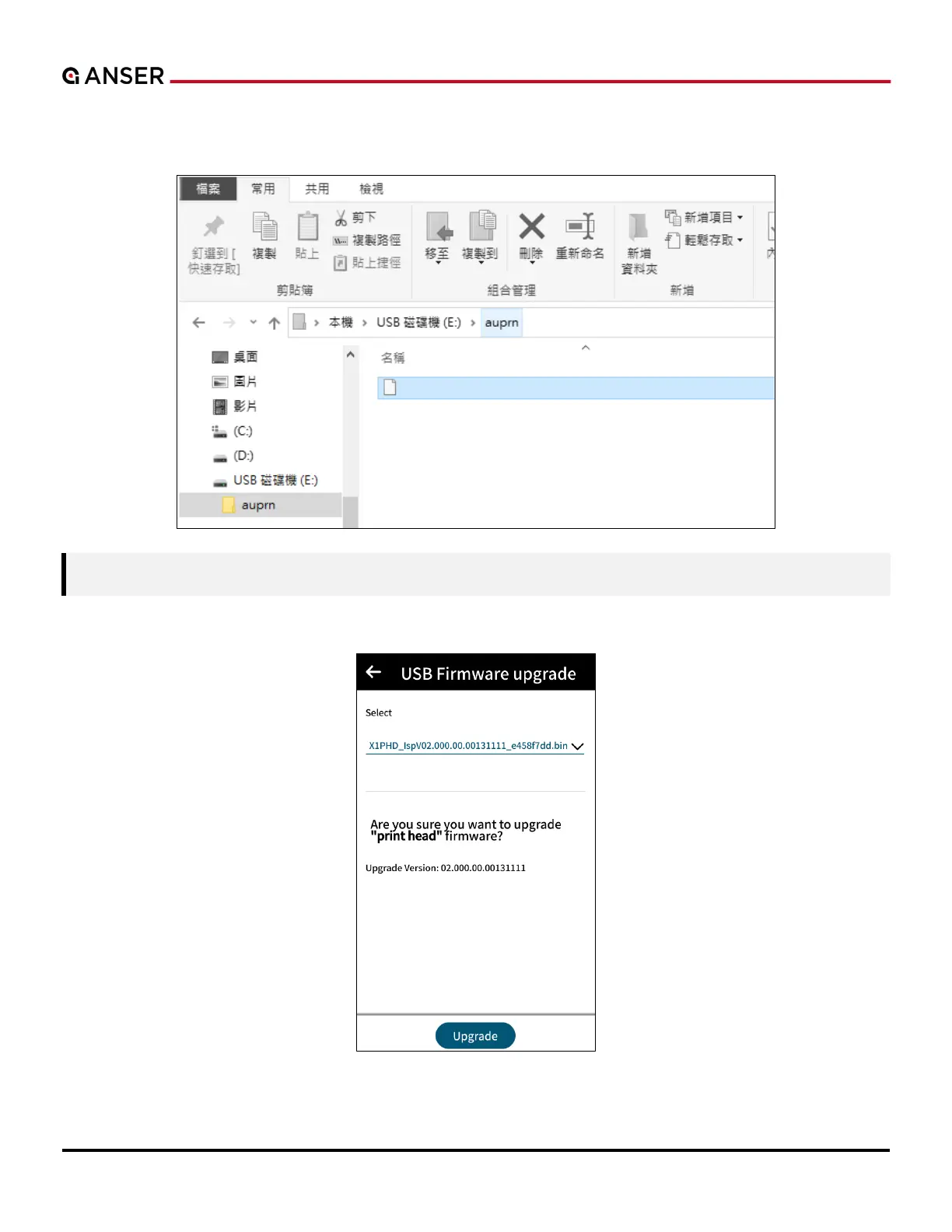
STEP 1: Copy the printhead upgrade file into the auprn directory, and make sure only this file is in the directory.
Note: Please remove ink cartridge(s) before A1 printhead upgrade.
STEP 2: Insert the USB to the printer, and wait to confirm the prompt window.
A1PHD_IspV02.000.00.0131111_e458f7dd.bin



 To Next Page