CPS100 SERIES OPERATION MANUAL
SECTION 9:
USB Driver Installation
Entire Contents Copyright 2018 by Adaptive Power Systems, Inc. (APS) • All Rights Reserved • No reproduction without written authorization from APS.
APS CPS100 Series Power Source Operation Manual Page 188 of 231
9 USB Driver Installation
Overview
USB driver support for USB is available under Windows 10. The USB NI-VISA device driver
can be downloaded from the Adaptive Power Systems website ( www.adaptivepower.com
)
under Technical Resources.
The following are the driver installation steps.
USB Driver Installation
Before installing the USB driver, make sure the AC power source is on and found by the PC
or laptop connected to it using a USB device cable. This will confirm that the connection is
correct.
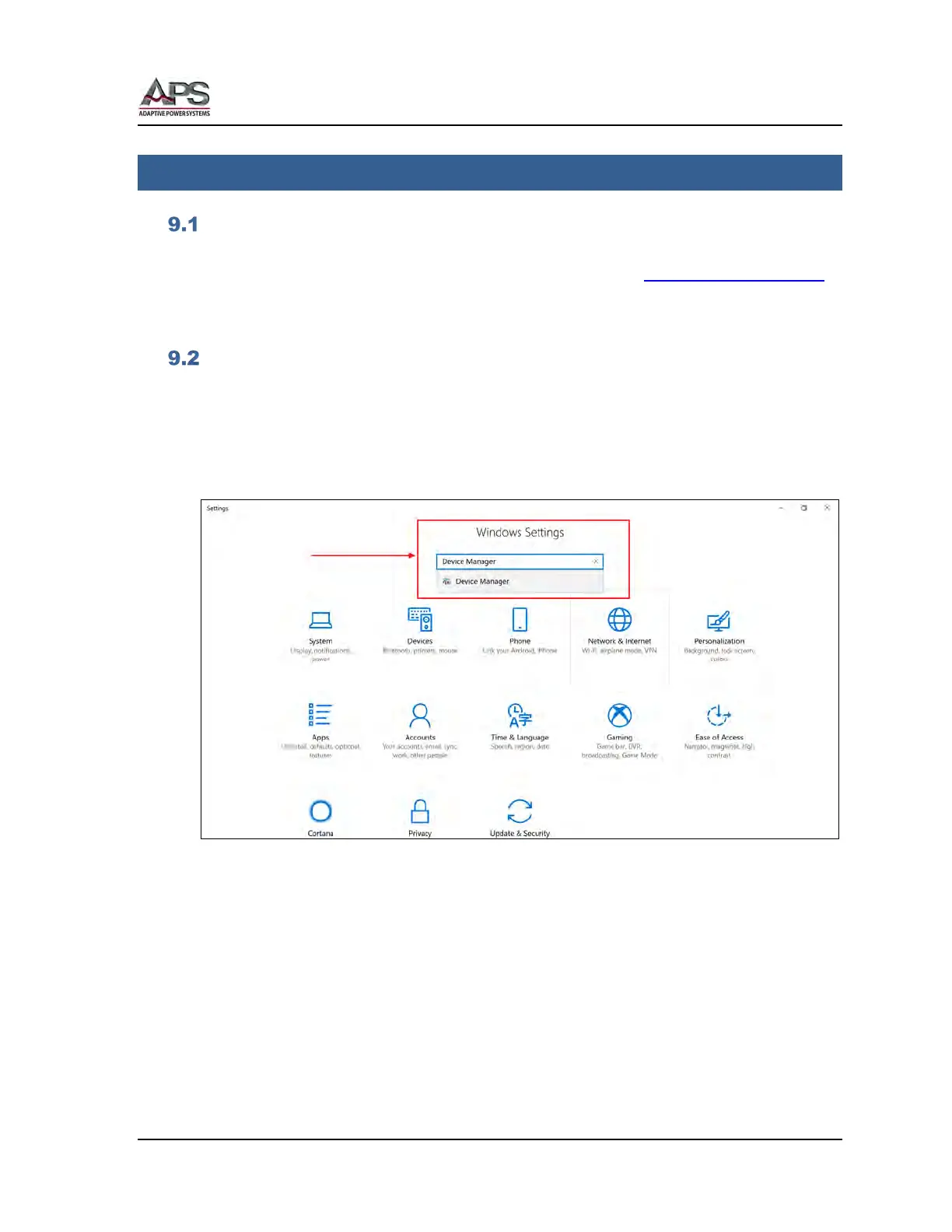
To open the Device manager, open Windows, Settings and use the search box to locate
“Device Manager”.
Open the device manager as shown below. Locate the “APM (R) SP USB2.0 Device” under
the “Other Devices” category. See Figure 9-1 below.



 To Next Page