CPS100 SERIES OPERATION MANUAL
SECTION 13:
Error Messages & Troubleshooting
Entire Contents Copyright 2018 by Adaptive Power Systems, Inc. (APS) • All Rights Reserved • No reproduction without written authorization from APS.
APS CPS100 Series Power Source Operation Manual Page 214 of 231 PN 160953-10
Saving Calibration Coefficients
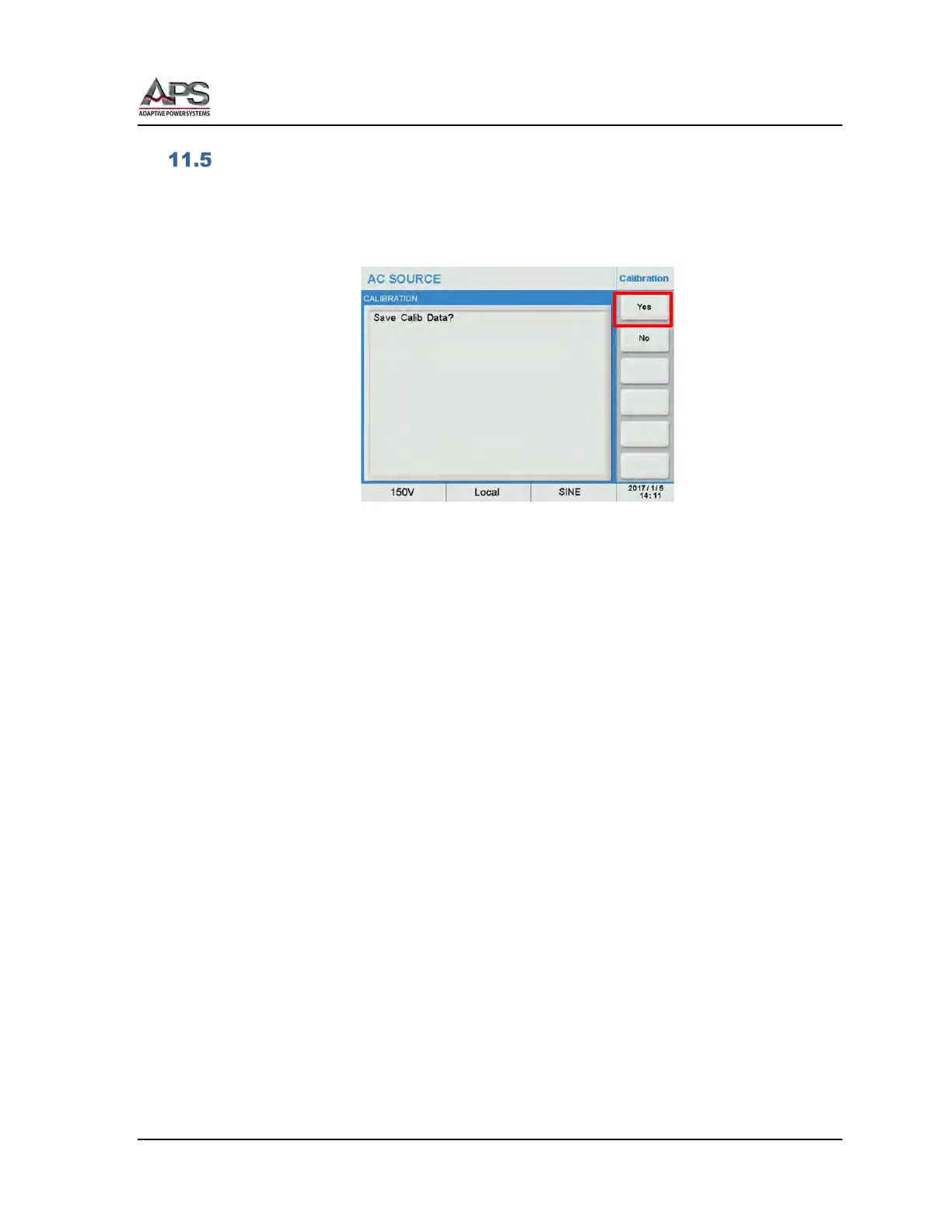
Once all calibration steps are completed, the user is asked to “Save Calib Data?
Press the Yes soft key to save the new coefficient values.
Note: Pressing No means the old calibration coefficient will be retained.



 To Next Page