CHAPTER 6, EMERGENCY AND ABNORMAL PROCEDURES
EFD1000 PFD Pilot’s Guide
Page 6-2 A-01-184-00 REV B
EFD1000 PFD Pilot’s Guide
EFD1000 PFD Pilot’s Guide
Reset the AHRS
1. Maintain straight and level ight.
2. Push the MENU key. The Menu displays on the Navigation Display.
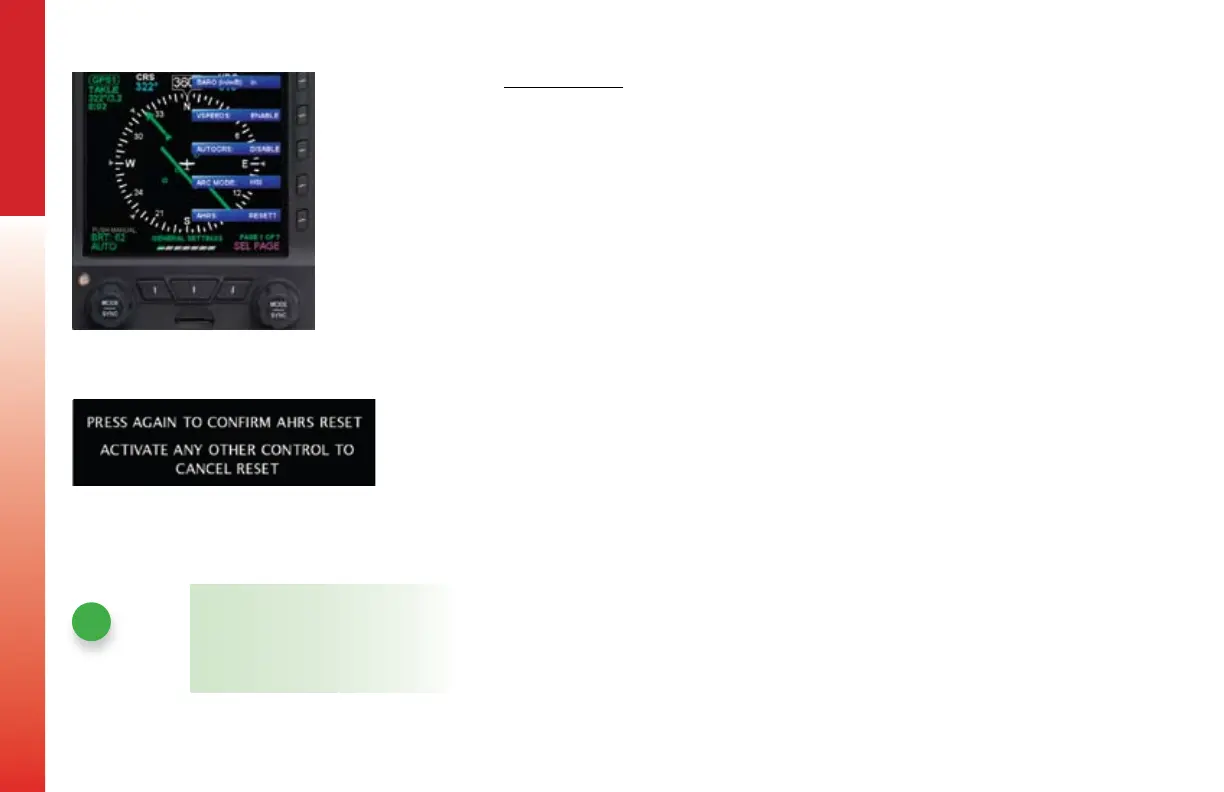
3. Rotate the Right Knob counterclockwise until Page 1 of the Menu displays
(Figure 6-3).
4. Push the AHRS Menu Key (Key 5). A conrmation message displays,
prompting the user to conrm the reset request (Figure 6-4).
5. Push the AHRS Menu Key (Key 5) again to conrm the AHRS reset. The AHRS
reset is performed and the conrmation messages clears.
6. Push the MENU key to exit the Menu.
NOTE
Pushing any other key, button, or knob
cancels the AHRS reset and clears the
conrmation message.
Figure 6-3 Menu, GENERAL SETTINGS,
Page 1 of 7
Figure 6-4 AHRS Reset Conrmation
Message



 To Next Page