CHAPTER 2, CONTROLS AND DISPLAY
EFD1000 PFD Pilot’s Guide
Page 2-26 A-01-184-00 REV B
EFD1000 PFD Pilot’s Guide
EFD1000 PFD Pilot’s Guide
2.3.2. Data Bar
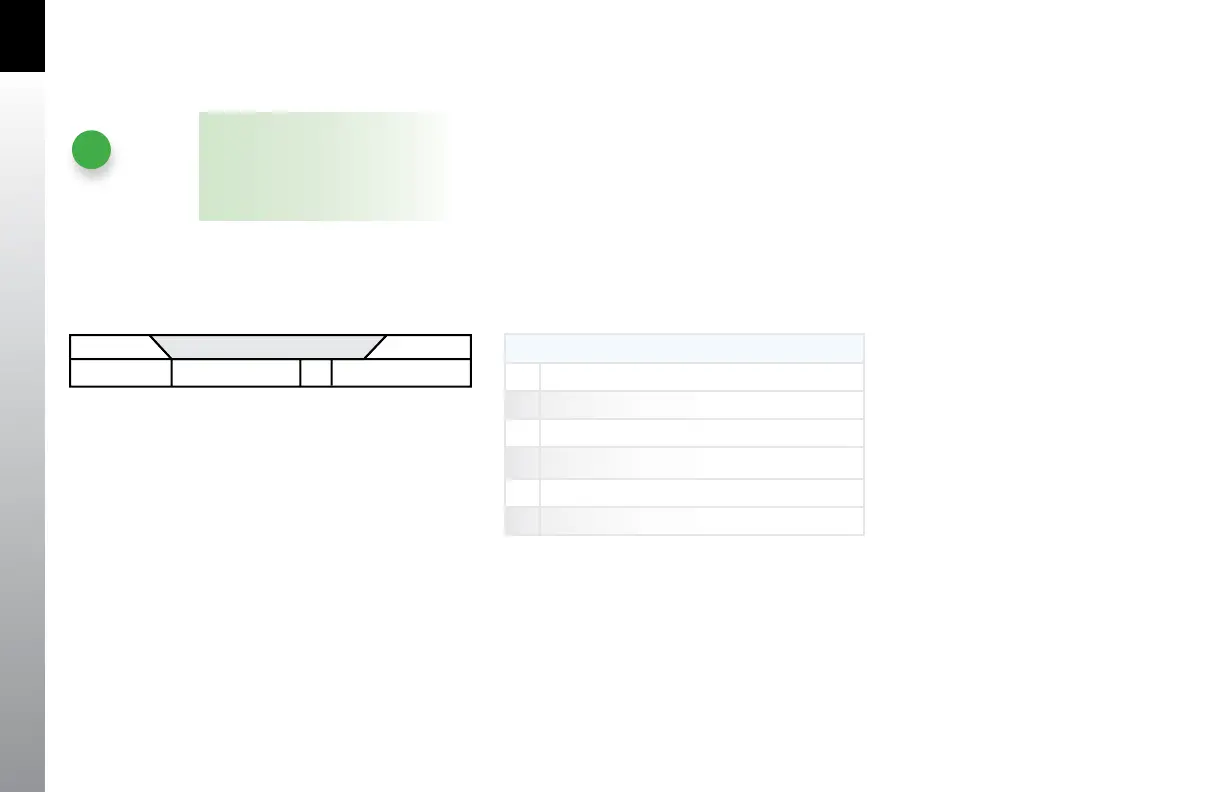
The Data Bar visually separates the upper and lower halves of the PFD display. When
available, True Airspeed (TAS), GPS Ground Speed (GS), Outside Air Temperature (OAT),
Wind Vector arrow, Wind Direction and Speed, and Barometric Pressure Setting data are
presented in the data bar (Table 2-7 and Figure 2-34).
When any of these values is unavailable or invalid, the corresponding data eld is
dashed. A GPS navigator must be connected and providing valid ground speed and
track data to display GS and winds aloft data.
The Data Bar is discussed in detail in Section 4.2.
DATABAR
36 True Airspeed
37 Barometric Pressure Setting Field
38 Wind Direction and Speed
39 Wind Direction Arrow
40 Outside Air Temperature
41 Ground Speed
Table 2-7 Databar Components
Figure 2-34
Databar Components
NOTE
When the winds aloft are less than
10 knots, the wind data is dashed.



 To Next Page