EFD1000 PFD Pilot’s Guide
CHAPTER 2, CONTROLS AND DISPLAY
EFD1000 PFD Pilot’s Guide
EFD1000 PFD Pilot’s Guide Page 2-17A-01-184-00 REV B
2.2.5. Map Range Key
When the MAP is enabled, the RNG (Range) key is used to zoom in or out in scale to
display more or less of the map. Range can be adjusted from 2.5 to 200 nautical miles.
Press the top or (+) part of the RNG key to increase map range. Press the bottom or (–)
part of the RNG key to decrease map range.
2.2.6. REV button
In multi-tube EFD1000 systems, the red REV button activates Reversionary mode,
providing backup should one of the tubes fail. The REV button can also be used to
override automatic power control in abnormal or emergency situations. See Chapter 6
for more details.
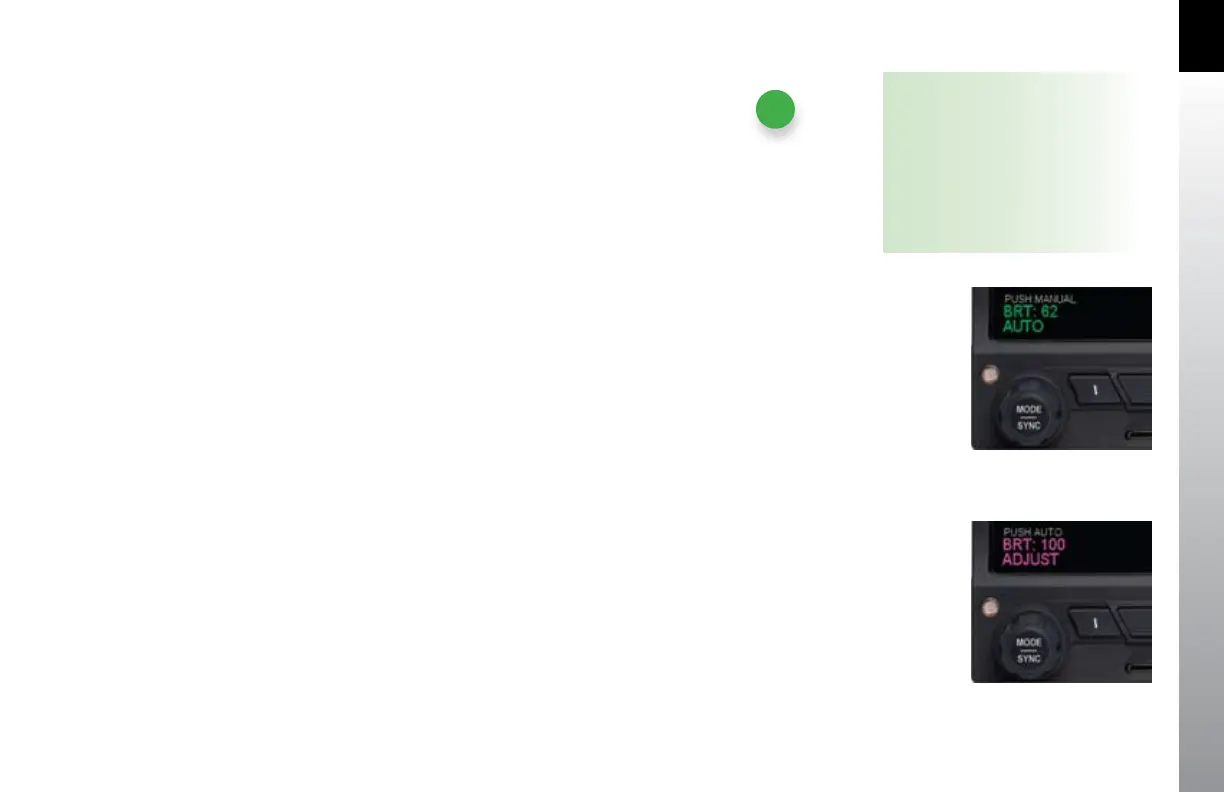
Figure 2-24
Display Brightness in BRT AUTO Mode
Figure 2-25
Display Brightness in BRT ADJUST Mode
NOTE
Pressing the Right Knob returns
to navigation mode and allows
selection of other menu options on
dierent pages. Pressing another
menu key on the current menu
page saves any changes made, and
activates the newly selected option
for editing.



 To Next Page