CHAPTER 2, CONTROLS AND DISPLAY
EFD1000 PFD Pilot’s Guide
Page 2-32 A-01-184-00 REV B
EFD1000 PFD Pilot’s Guide
EFD1000 PFD Pilot’s Guide
Ground Track Indicator
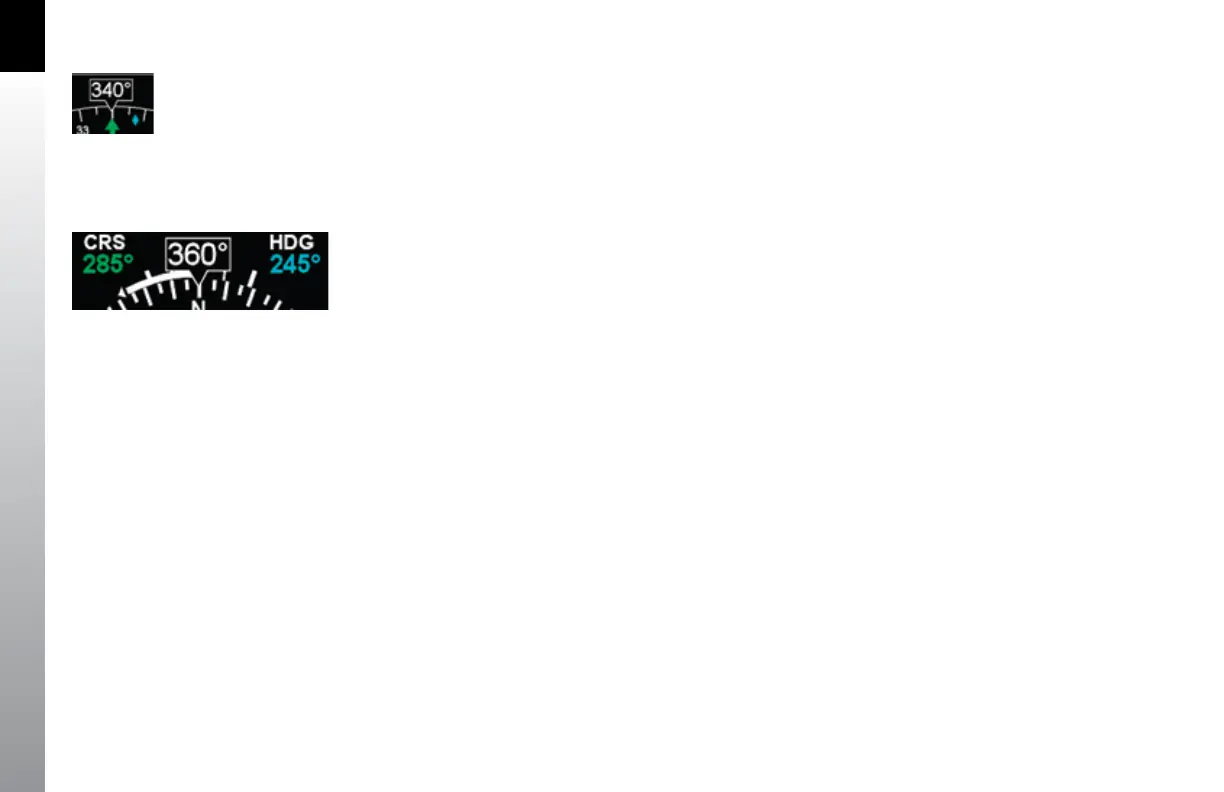
Whenever the EFD1000 is connected to a compatible GPS, a Ground Track Indicator is
displayed. Ground Track is shown as a blue diamond rendered on the compass scale
at the value that corresponds to the current aircraft track (Figure 2-2, No. 47 and
Figure 2-43).
When the blue track diamond is aligned with the Course Pointer, the aircraft is tracking
on or parallel to its desired track. To align the track diamond with the Course Pointer,
turn away from the direction in which the diamond is oset from the Course Pointer
(think of it as “pulling” the track diamond toward the Course Pointer).
2.3.3.2. Rate of Turn Indicator
A rate of turn indicator (Figure 2-2, No. 46) with a range of 0 to 6 degrees per second
is provided for both the 360 and ARC Compass modes. The indicator consists of a
curved white tape originating from the heading index mark and extending in the
direction of the turn along the outer curve of the compass card.
The rate of turn indicator features an outer thick white tick mark for a Standard Rate
turn, and an inner thin white tick mark for Half-Standard Rate turns. A Standard Rate,
two-minute turn equals 3 degrees per second. When the rate of turn exceeds 6 degrees
per second, an arrowhead is added to the end of the tape to show that the rate of turn
has exceeded the limits of the indicator (Figure 2-44).
Figure 2-44
Rate of Turn Indicator, Rate Shown >6º/second
Figure 2-43
Current Heading



 To Next Page