EFD1000 PFD Pilot’s Guide
CHAPTER 4, REFERENCE GUIDE
EFD1000 PFD Pilot’s Guide
EFD1000 PFD Pilot’s Guide Page 4-17A-01-184-00 REV B
4.2.4. Wind Speed, Direction, and Arrow
The Wind Speed, Direction, and Direction Arrow are displayed in the lower right portion
of the Data Bar. If the data are out of range or invalid, the values are dashed and the
wind arrow is removed.
The Wind Speed has a range of 10 – 999 knots or mph, using the same unit of
measurement as the Airspeed Indicator.
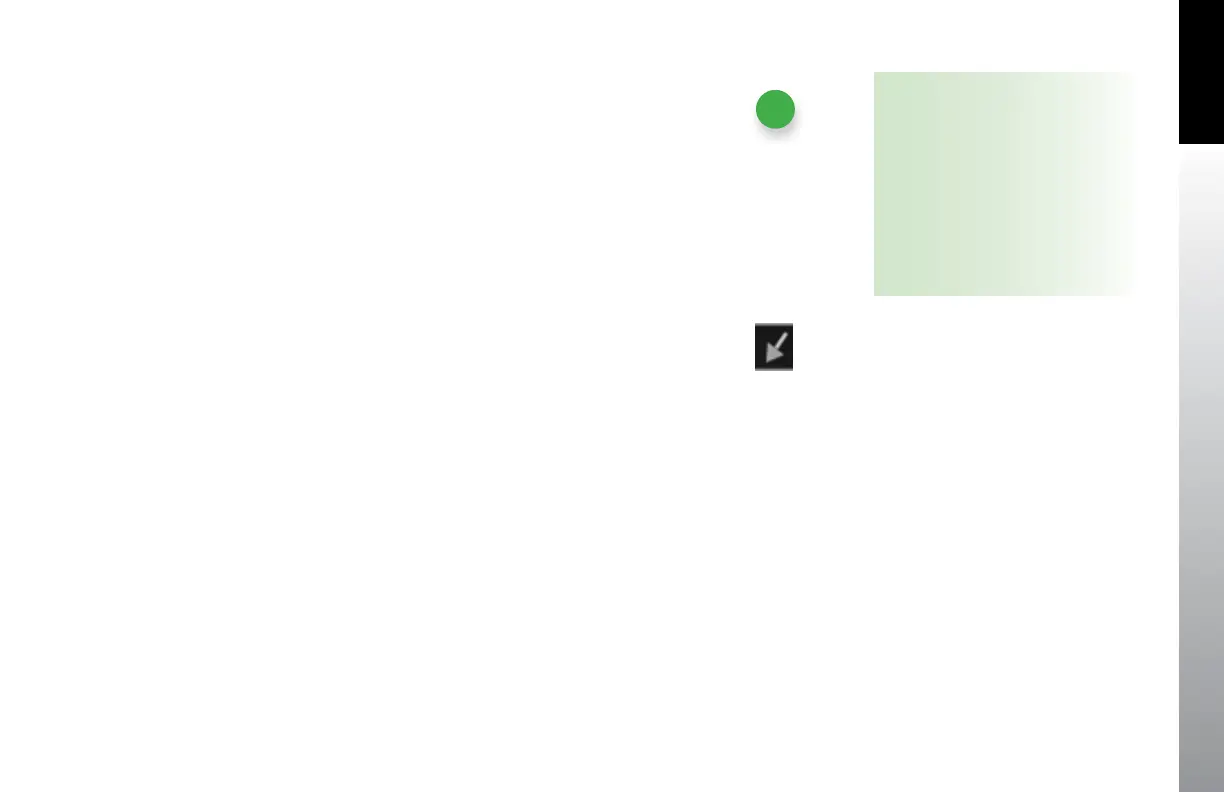
The Wind Direction and Arrow (Figure 4-31) have a range of 001° – 360°, magnetic. The
arrow is displayed relative to the current direction of ight. For example, if the current
direction of ight is 090 and the wind is from 090, the arrow points straight down on
the display.
4.2.5. Barometric Pressure Setting Display
The Barometric Pressure eld is digitally displayed on the upper right corner of the Data
Bar and is pilot-adjustable as discussed in Section 4.1.3.1. When the Altitude Tape is
disabled, the barometric pressure setting eld remains visible. Section 4.1.3.1 provides
complete information and step-by-step instructions for setting the barometric pressure.
NOTE
The wind computations require a GPS-
supplied ground track and ground
speed to compute the wind direction
and speed. If a GPS is not connected
to the EFD1000 PFD or the data are
invalid, the wind direction and speed
are dashed and the wind direction
arrow is removed..
Figure 4-31
Wind Direction Arrow



 To Next Page