MP-20x Telephone Adapter 210 Document #: LTRT-50609
User's Manual
14.1 About the MP-20x
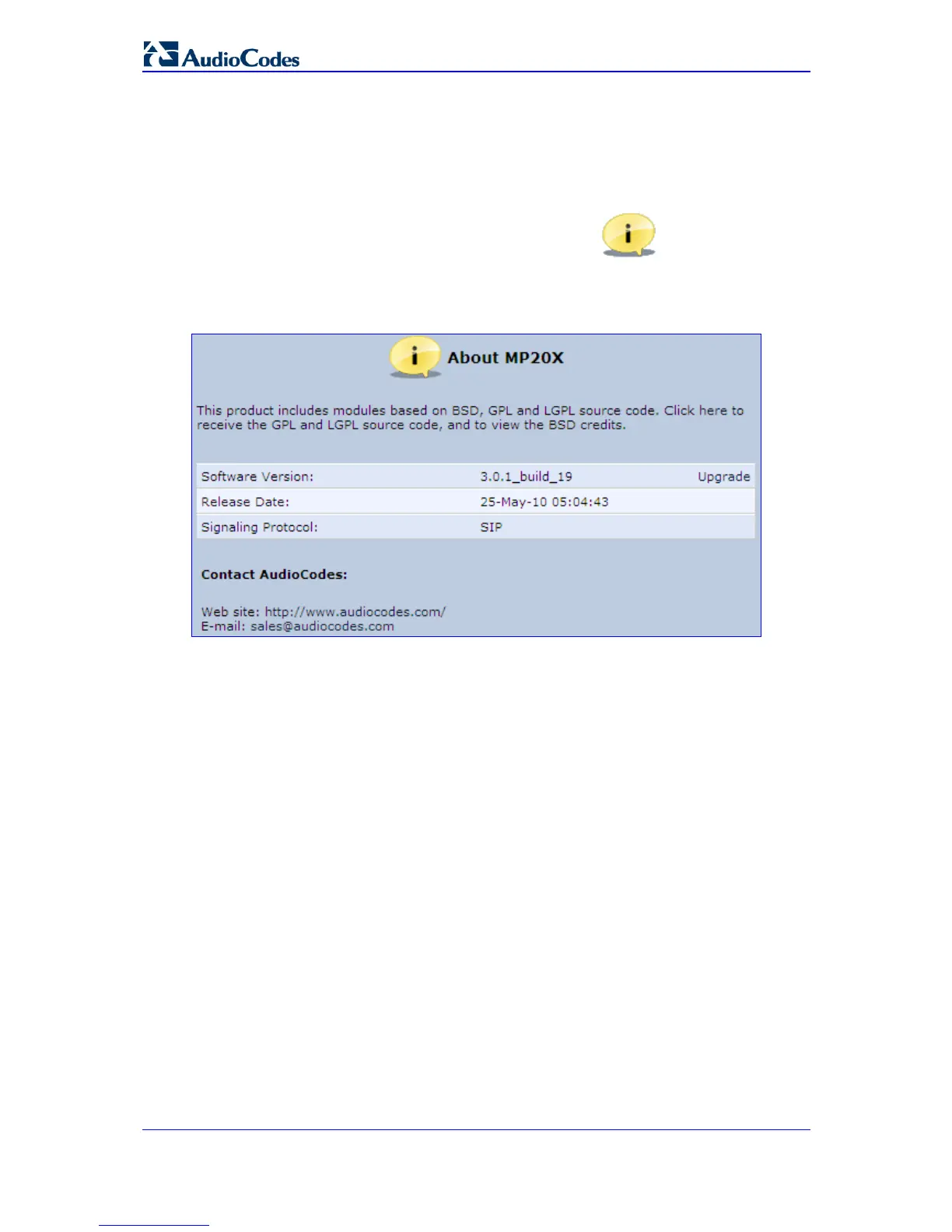
¾ To view technical information regarding MP-20x:
1. In the 'Advanced' screen, click the About the MP-20x icon; the screen 'About
the MP-20x' appears showing the version, the release date and the supported
features.
Figure 14-2: Advanced - About the Gateway
You can upgrade the software running on MP-20x, by clicking the Upgrade link, which
opens the 'MP-20x Firmware Upgrade' screen (refer to 'Firmware Upgrade' on page 226).
14.2 Certificates
When a service provider implements remote provisioning in which a unique configuration
file (per MP-20x) is placed on a server located on the WAN, the service provider can
ensure that only its deployed MP-20x units are able to connect to the HTTP server via
HTTPS. This is performed by using a certification validation process (client-server). There
are two types of certificates:
Self-signed certificates
Certificate Authority (CA) signed certificates


 To Next Page