MP-20x Telephone Adapter 212 Document #: LTRT-50609
User's Manual
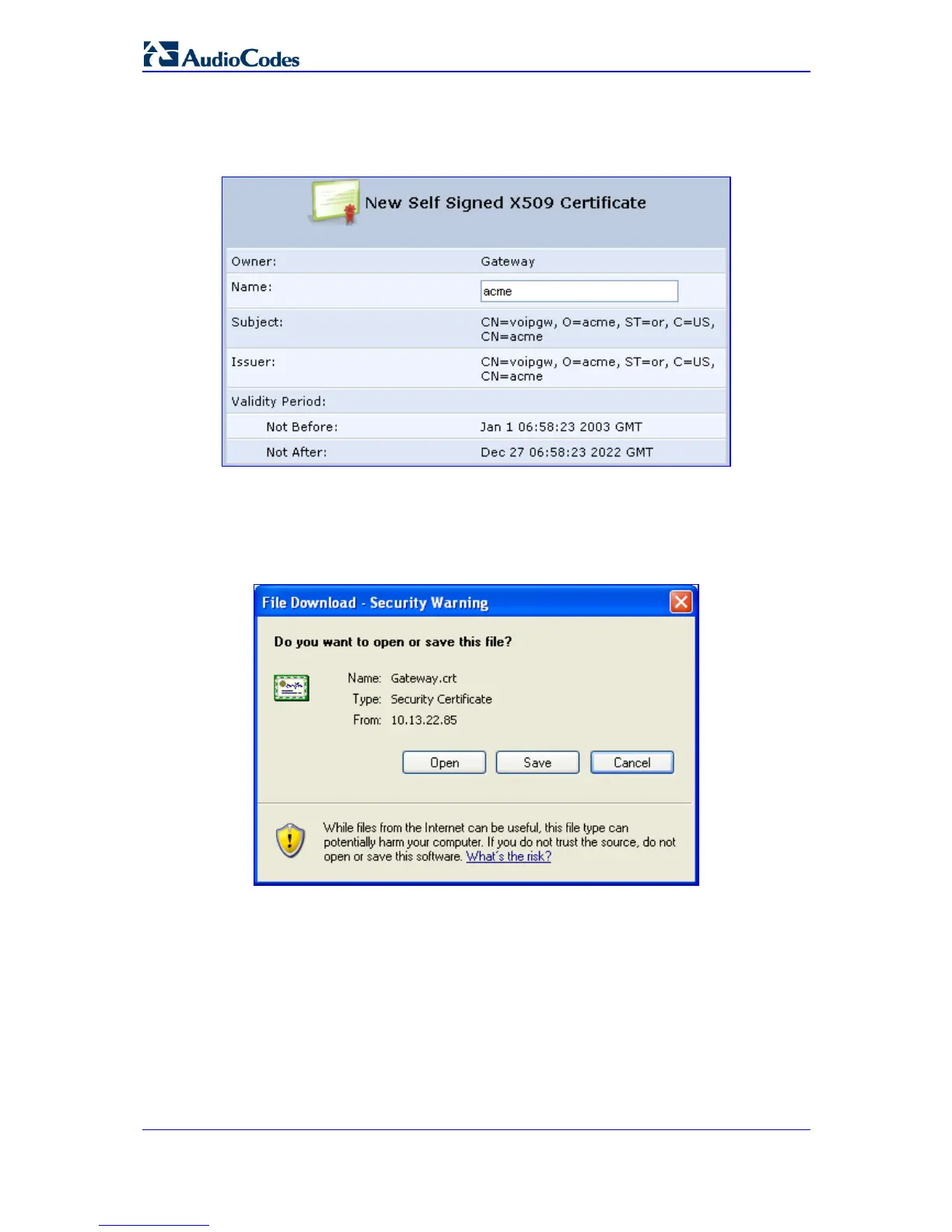
d. After a few moments, click Refresh; the 'New Self Signed X509 Certificate'
screen appears.
Figure 14-5: New Self Signed X509 Certificate Screen
e. Click OK; the new certificate appears listed in the 'Certificates' screen.
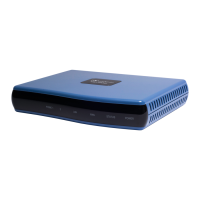
f. In the 'Certificates' screen, click the Download icon corresponding to the new
self-signed certificate that you created; the 'File Download' window appears.
Figure 14-6: File Download Window
g. Click Save, and then browse to the folder to where you want to save the file; the
file is saved as a *.crt file.
3. Configure the Apache server, by configuring the SSLCACertificateFile parameter to
point to the location where the certificate file is located. Since this is a self-signed
certificate, you are also considered the CA.


 To Next Page