www.ayyeka.com | +1 (310) 876-8040 | info@ayyeka.com 33
f. In the Fields Order section, you can change the order in which columns will appear, by dragging and
dropping column titles.
g. Optionally click Save as Default Settings; the settings you defined will become the new default
settings for the Custom Stream History Report.
4. Click Export to CSV. A CSV file is created, showing the history of the selected streams during the
selected time period.
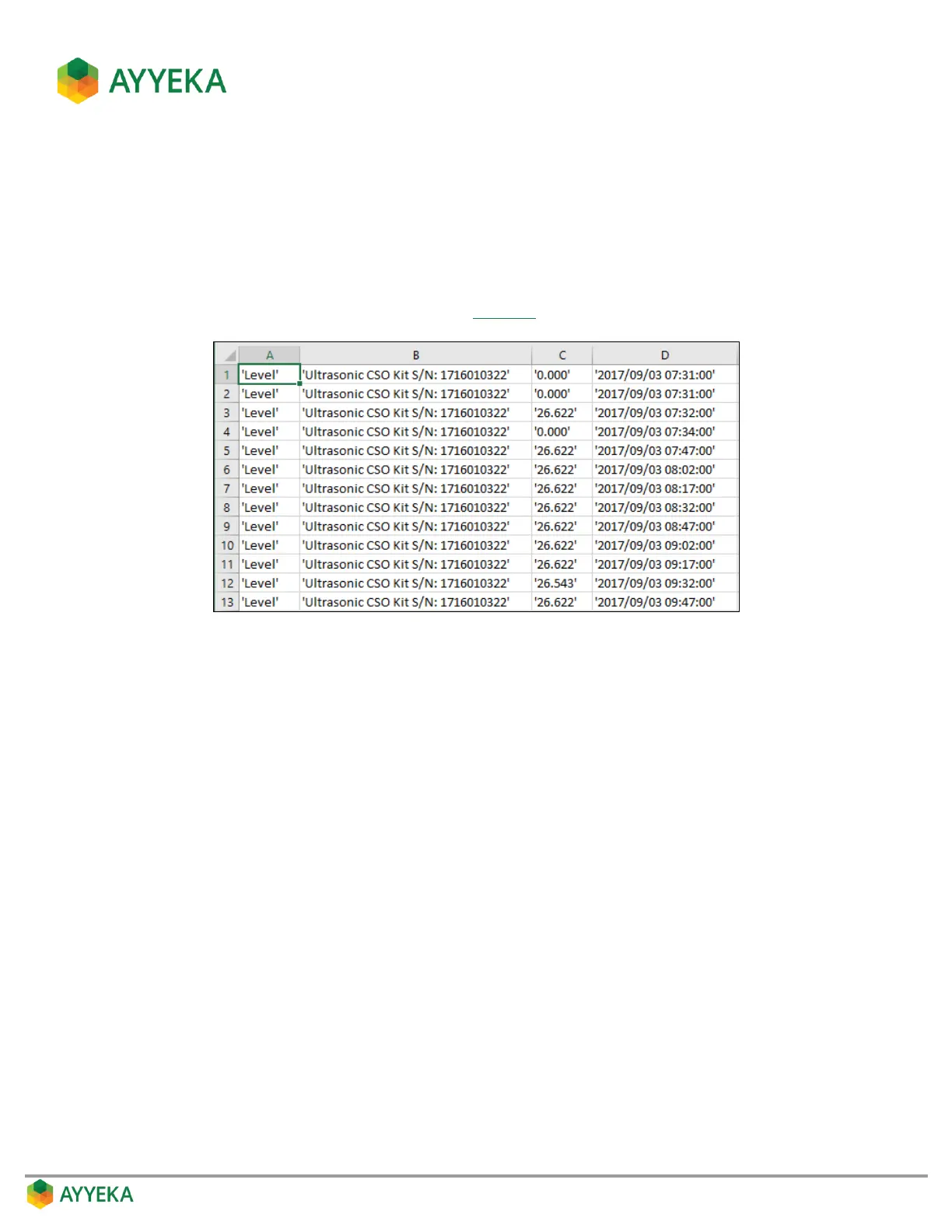
For example, for the report criteria defined in Figure 18, the resultant CSV report file is as follows:
Figure 19: Custom Stream History Report - Example with no header row



 To Next Page