www.ayyeka.com | +1 (310) 876-8040 | info@ayyeka.com 51
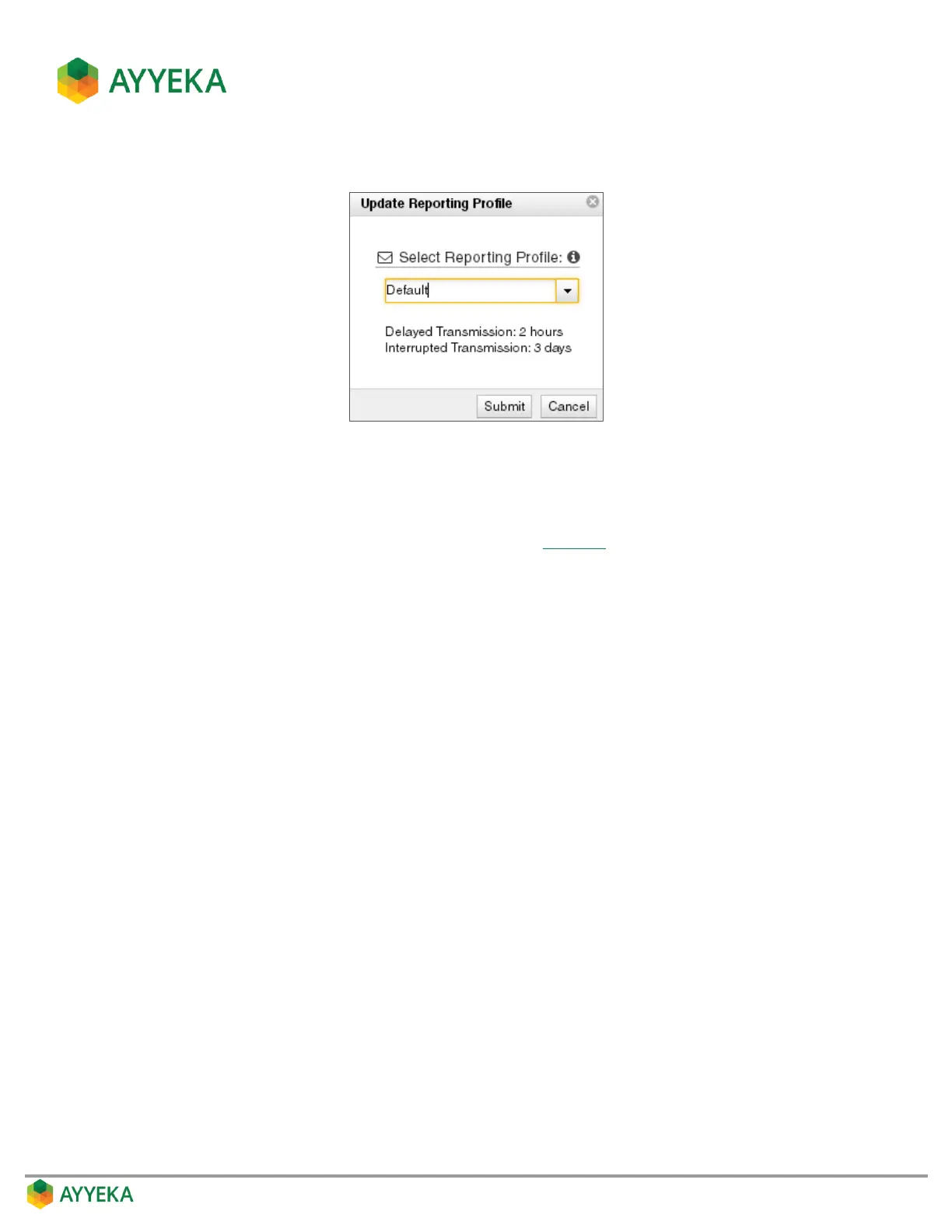
The Update Reporting Profile window appears.
Figure 41: Setting the device reporting profile
4. In the Update Reporting Profile window, select a device Reporting Profile from the drop-down list. Each
profile defines a specific threshold for Delayed Transmission and for Interrupted Transmission.
For example, if you select the Default profile (shown in Figure 41), then if device transmission is delayed
for over 2 hours relative to its expected transmission schedule, a Delayed Transmission alert is sent;
and if the device fails to transmit for over 3 consecutive days relative to its expected transmission
schedule, it is considered to be in an Interrupted Transmission state, and an Interrupted Transmission
alert is sent.



 To Next Page