www.ayyeka.com | +1 (310) 876-8040 | info@ayyeka.com 97
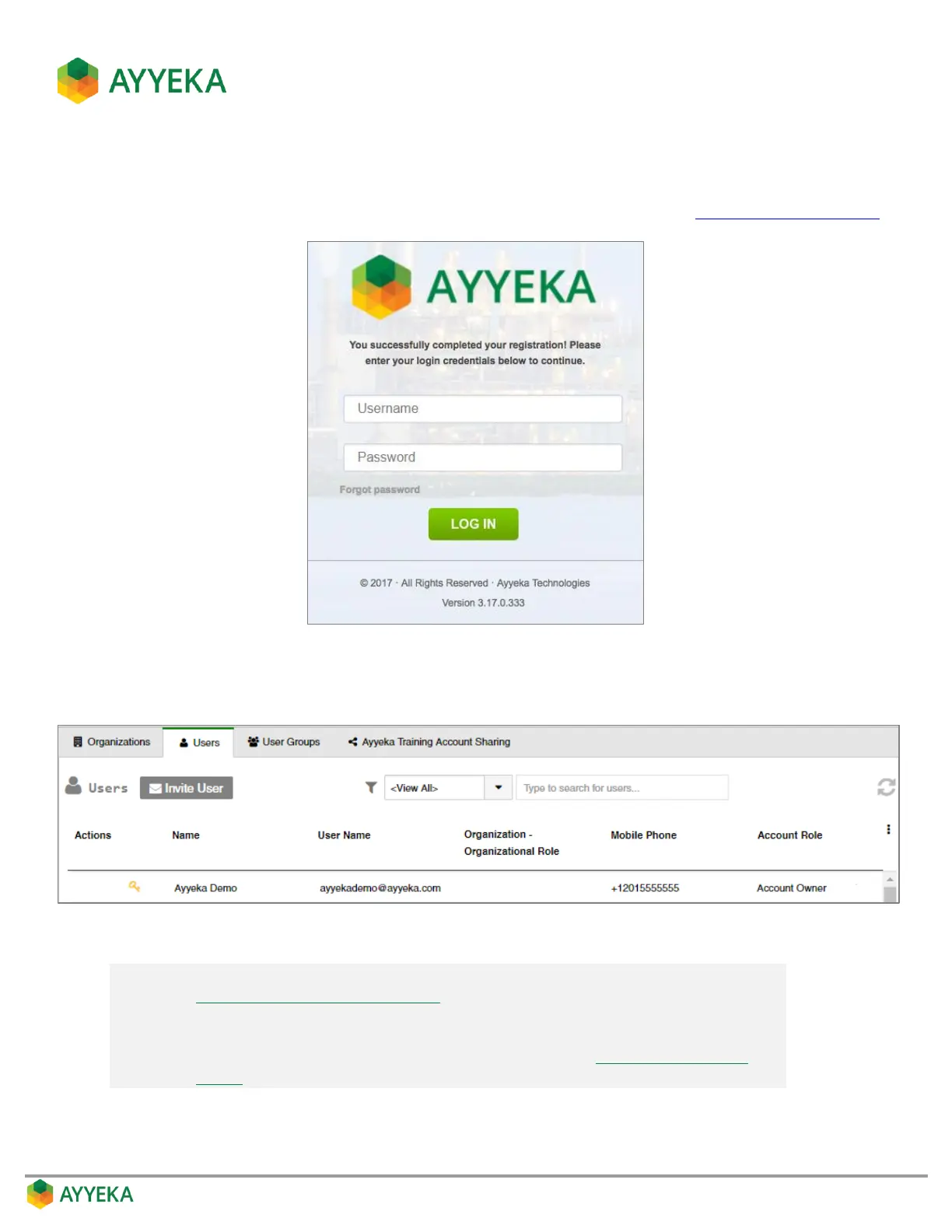
7. Upon a successful submission, a login window with a successful registration message appears. The new
user can enter his username and password to log into the Ayyeka Management Console.
To access the Ayyeka Management Console anytime, the user can browse to https://home.ayyeka.com.
Figure 81: Login window following successful new user registration
The new user is added to the users table, as shown below.
Figure 82: User successfully added to account
Note: The user details can be changed and managed by an owner, as described in
Editing, Disabling or Deleting a User.
Note also that any logged-in user can change most of his own user details, such
as email, mobile phone, and password, as described in Setting Your Own User
Details.



 To Next Page