XY Cutting (BBP
®
37 ONLY)
BBP
®
35/37 User’s Manual 98 Rev A
Using the XY Cutter
With the label to cut out in the Editor:
1. On the Control Panel, in More Options, touch Left .
2. Under Print/Cut, touch Cut Shape option box to select.
3. Touch Print .
4. Touch Advanced Settings .
5. Touch XY Cut Settings .
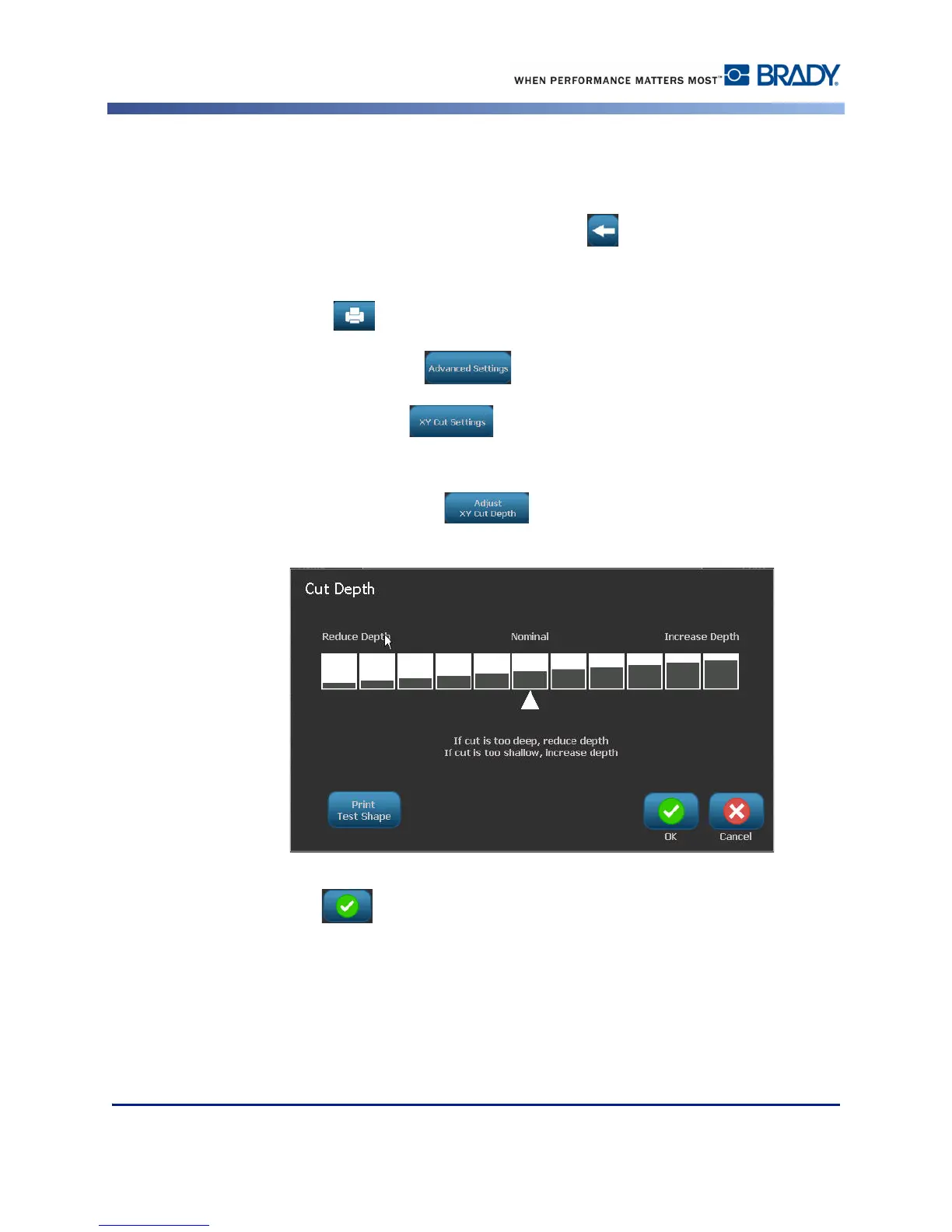
To increase or decrease the depth of the cut line:
6. Touch Adjust XY Cut Depth .
7. Touch the gradient box that represents the desired increase or reduction in depth, then
touch OK .



 To Next Page