Printer Maintenance
Rev A 179 BBP
®
35/37 User’s Manual
Cleaning the Sensors
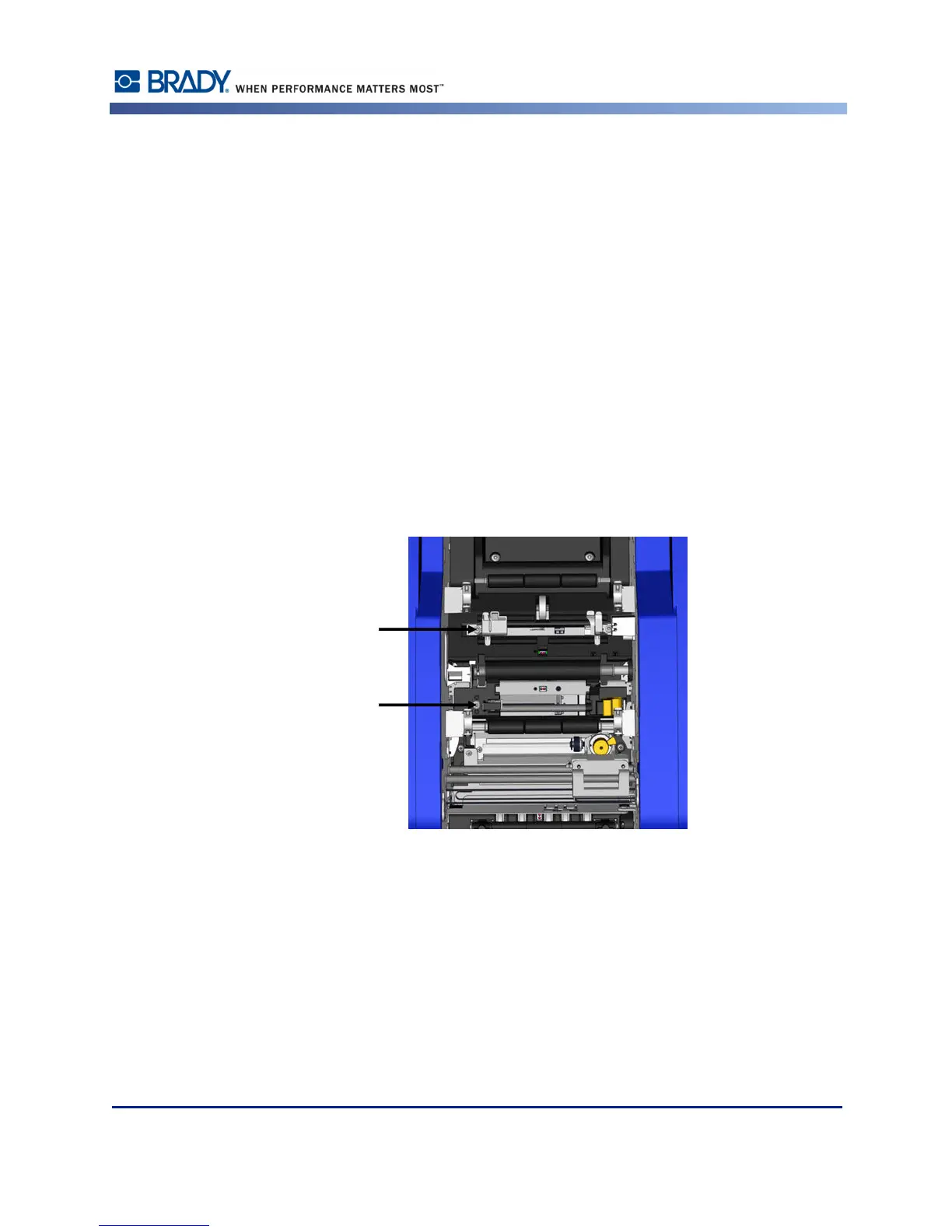
Some sensors on the printer are susceptible to dust that results from cutting or printing. These
sensors located under two media guides. The media guides can be removed to display the
sensors.
Materials Required
•BBP
®
35/37 Cleaning Kit
• Isopropyl Alcohol
• Screwdriver
To clean the sensors:
1. First, remove the media from the printer. (See page 10.)
2. Loosen the screw on the two left media guides, then carefully lift the media guide up to
expose the sensors underneath.
3. Using a pre-moistened foam swab, gently insert the swab under the media guides and wipe
the surface of the sensors. Do not allow the alcohol to drip from the swab.



 To Next Page