Formatting a Label
Rev A 47 BBP
®
35/37 User’s Manual
Frames
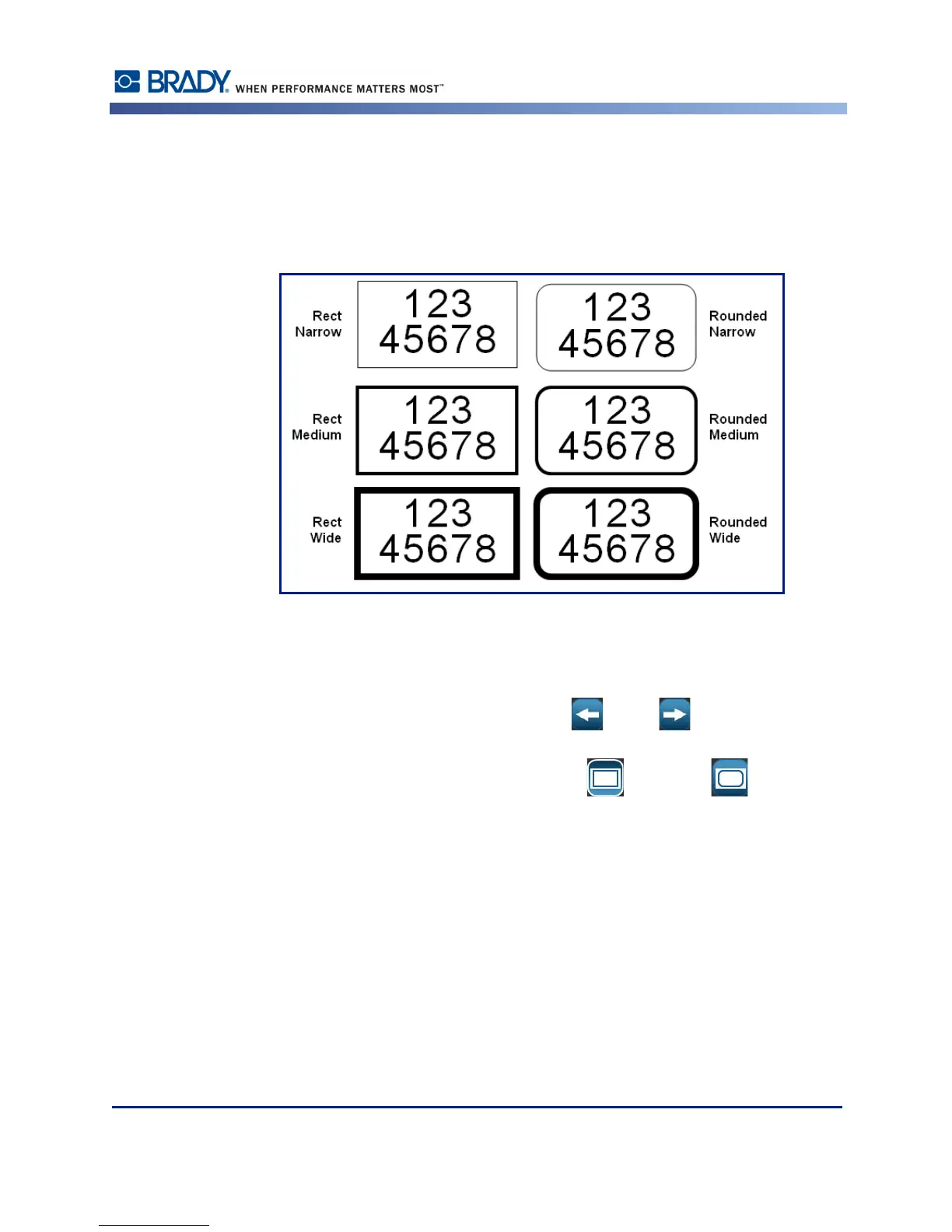
A printable frame (border) can be added to an individual text element or graphic element. You
can have a different frame, or no frame, on individual elements in a multi-element label. You
can also place a frame around all elements on the entire label. (See page 105 for information
on framing an entire label.)
Figure 5 • Available frame options
To add a frame to a text or graphic element:|
1. In the Editor, touch the text element you want to frame.
2. In the Control Panel, in More Options, touch left or right enough times to reach
the Object Frame screen.
3. Under Shape, touch the desired frame shape, Rect. or Rounded .



 To Next Page