System Defaults
BBP
®
35/37 User’s Manual 18 Rev A
System Defaults
System defaults are set to provide a consistent operating environment for the work you do with
your printer. Once the defaults are set, they remain in effect until you change them. The
following system default settings can be found using the Menu key .
• Clock Settings
• Localization (Language)
•Text Defaults
• Barcode Defaults
• Printing Defaults
Clock Settings
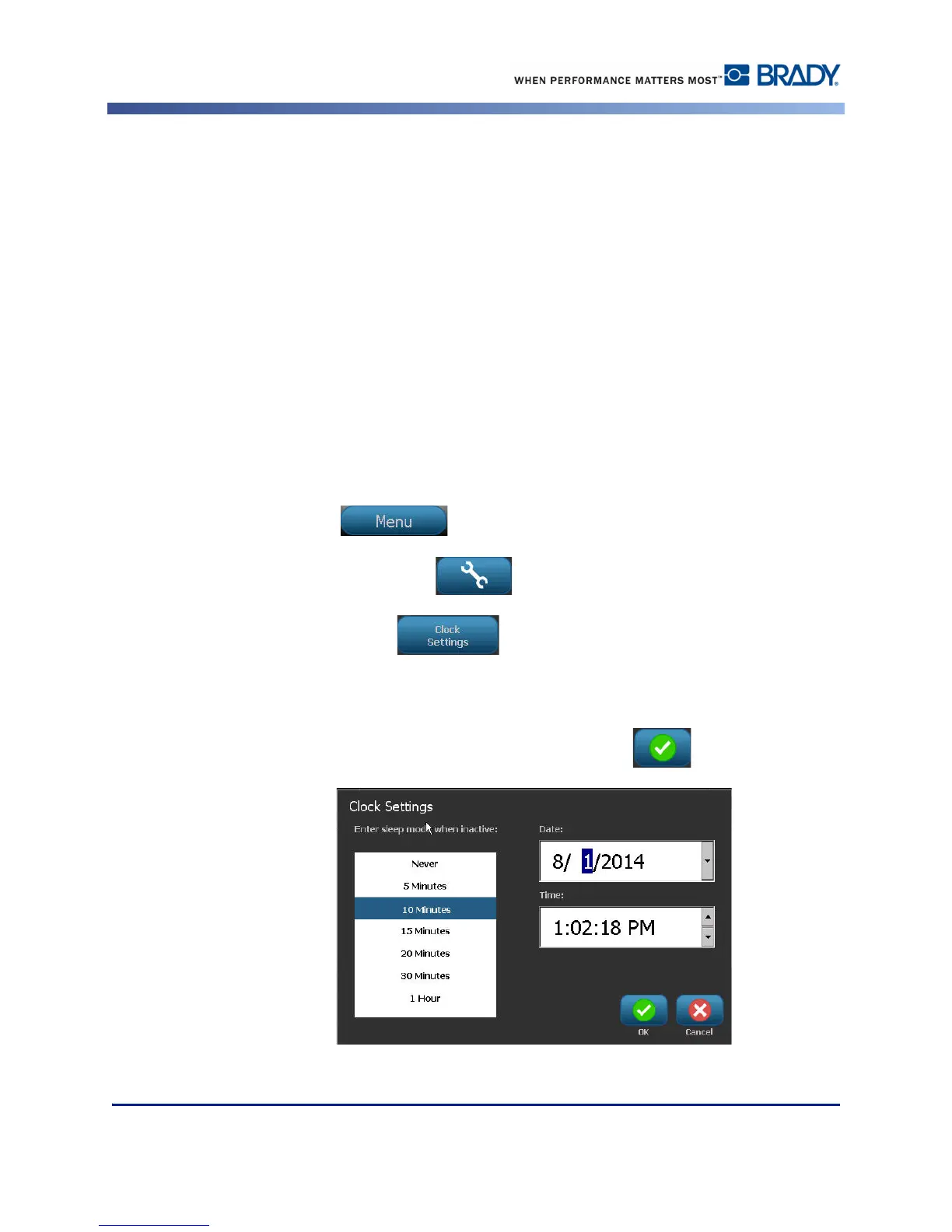
The following settings can be found under the Clock Settings menu option. Set the Date and
Time options upon initial start-up of the printer. To access Clock Settings:
1. Touch Menu .
2. Under System, touch Setup .
3. Touch Clock Settings .
4. Touch the option(s) desired. (You can configure all three options - Sleep Mode, Date, and
Time at one time.)
5. When finished with the Clock Settings options, touch OK .
Figure 2 • Time/Date settings in Clock Setting option



 To Next Page