Labels
BBP
®
35/37 User’s Manual 100 Rev A
Labels
The following features apply to the overall label in general, not object elements.
Label Fixed Length
If using continuous media, the label length adjusts to fit the data that you add to the label
(variable label length). This is known as autosizing and is the system default when using
continuous media. However, to control the label length of the media, you can set fixed length.
Note: The label size for die-cut media is already set and cannot be adjusted.
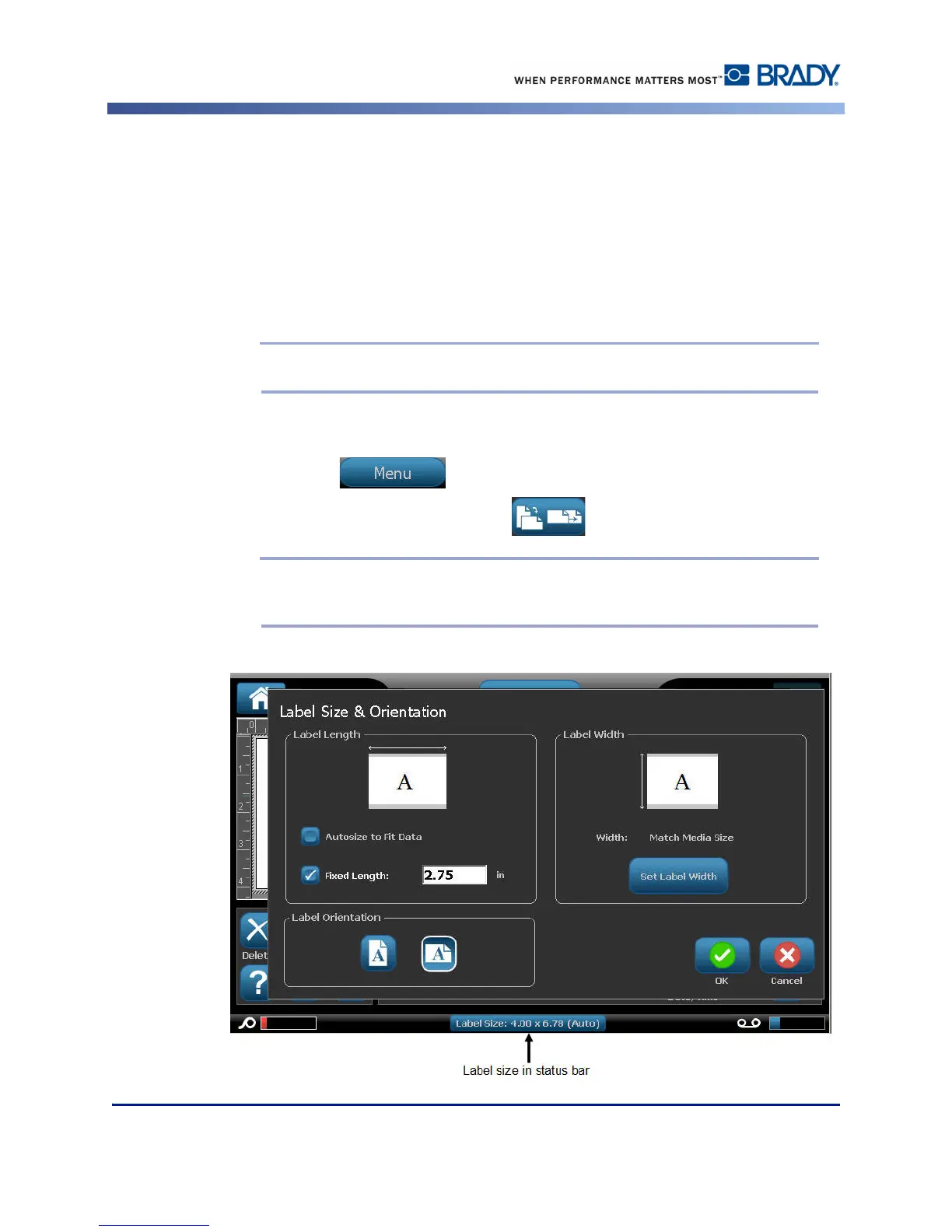
To create a fixed-length label:
1. Touch Menu .
2. Under Label, touch Size & Orientation .
Note: You can also access the Label Size & Orientation dialog box by touching
the Label Size in the text in the Status bar at the bottom of the screen.



 To Next Page