Application Label Types
Rev A 147 BBP
®
35/37 User’s Manual
Symbol or Arrow Tape Pipe Marker
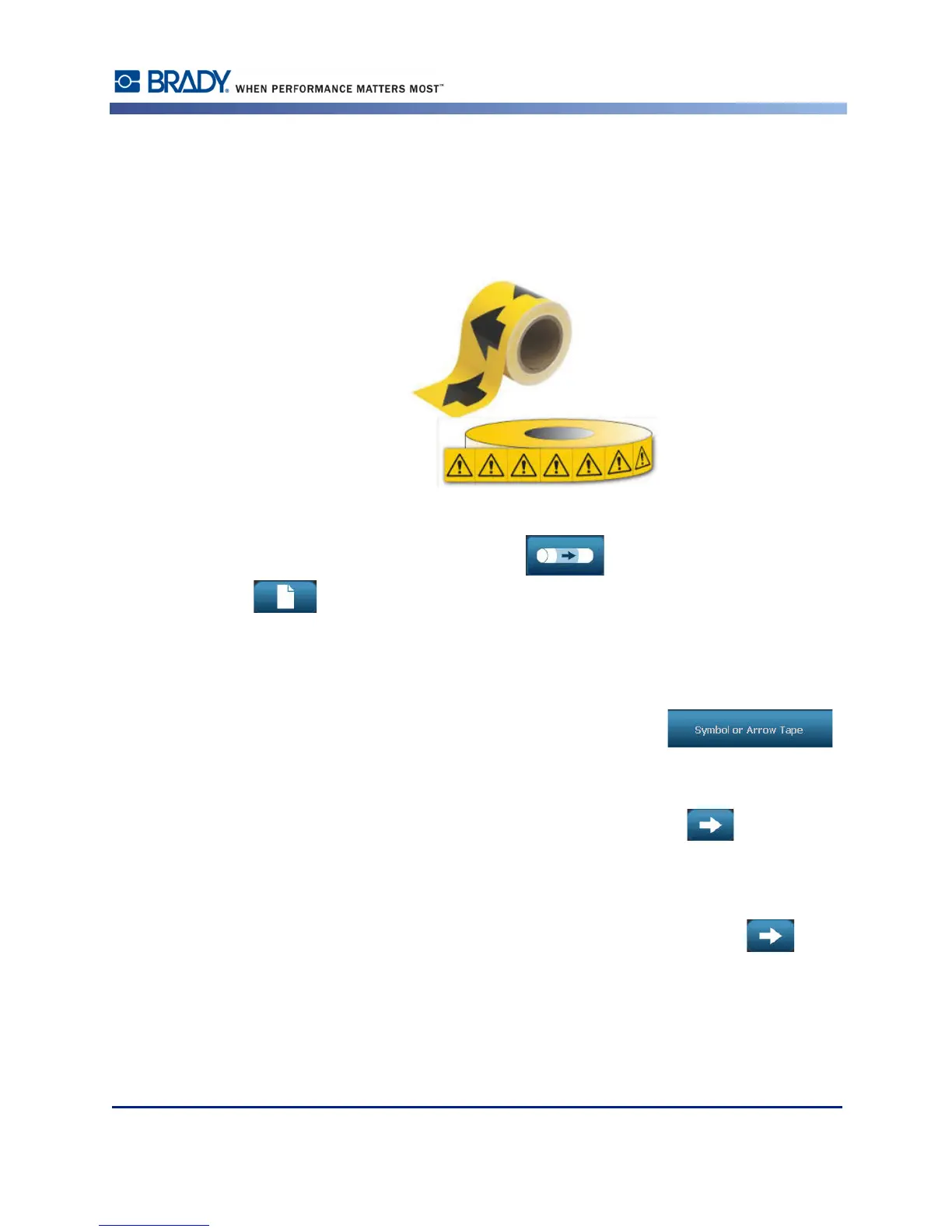
The ArrowTape Pipe Marker application uses continuous media only. The Arrow Tape
application includes a single graphic (or arrow), rotated 90 degrees, repeated the length of the
label.
To create a symbol or arrow pipe marker:
1. From the Home Page, touch Pipe Marker , then touch Create New File
.
OR
Access Pipe Marker label type according to previous procedures (page 111).
2. On the Pipe Marker Style screen, touch Symbol or Arrow Tape .
3. In the Dimensions dialog, touch the Pipe diameter: data field and enter the diameter of the
pipe to which the label will be afixed.
4. Under Tape width: touch the desired Tape Width, then touch Next .
In the Pipe contents dialog box, choose the type of material that flows through the pipe
5. Touch the up/down arrows to view more options in the list.
6. When found, touch the desired contents option to select it, then touch Next .



 To Next Page